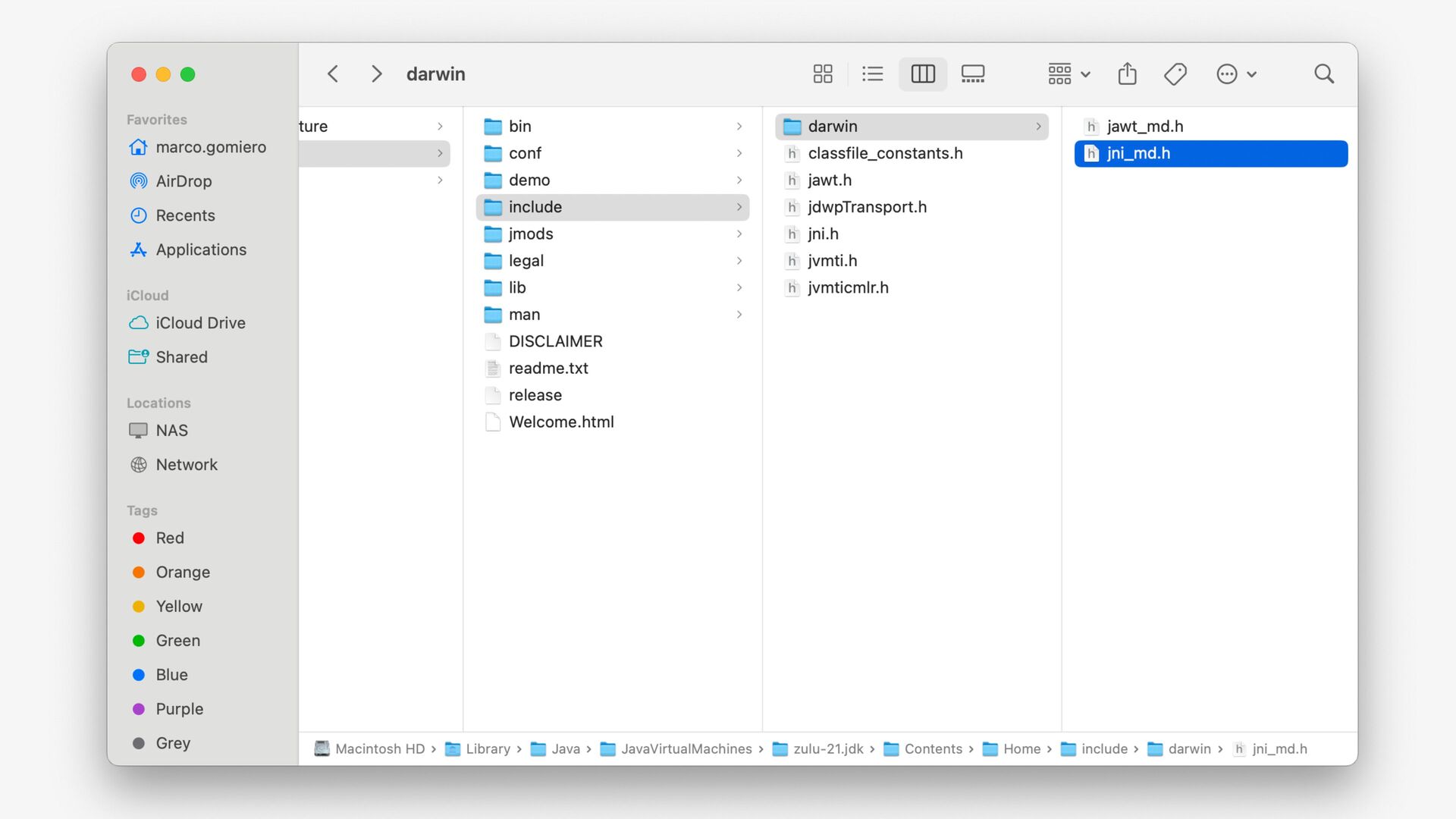
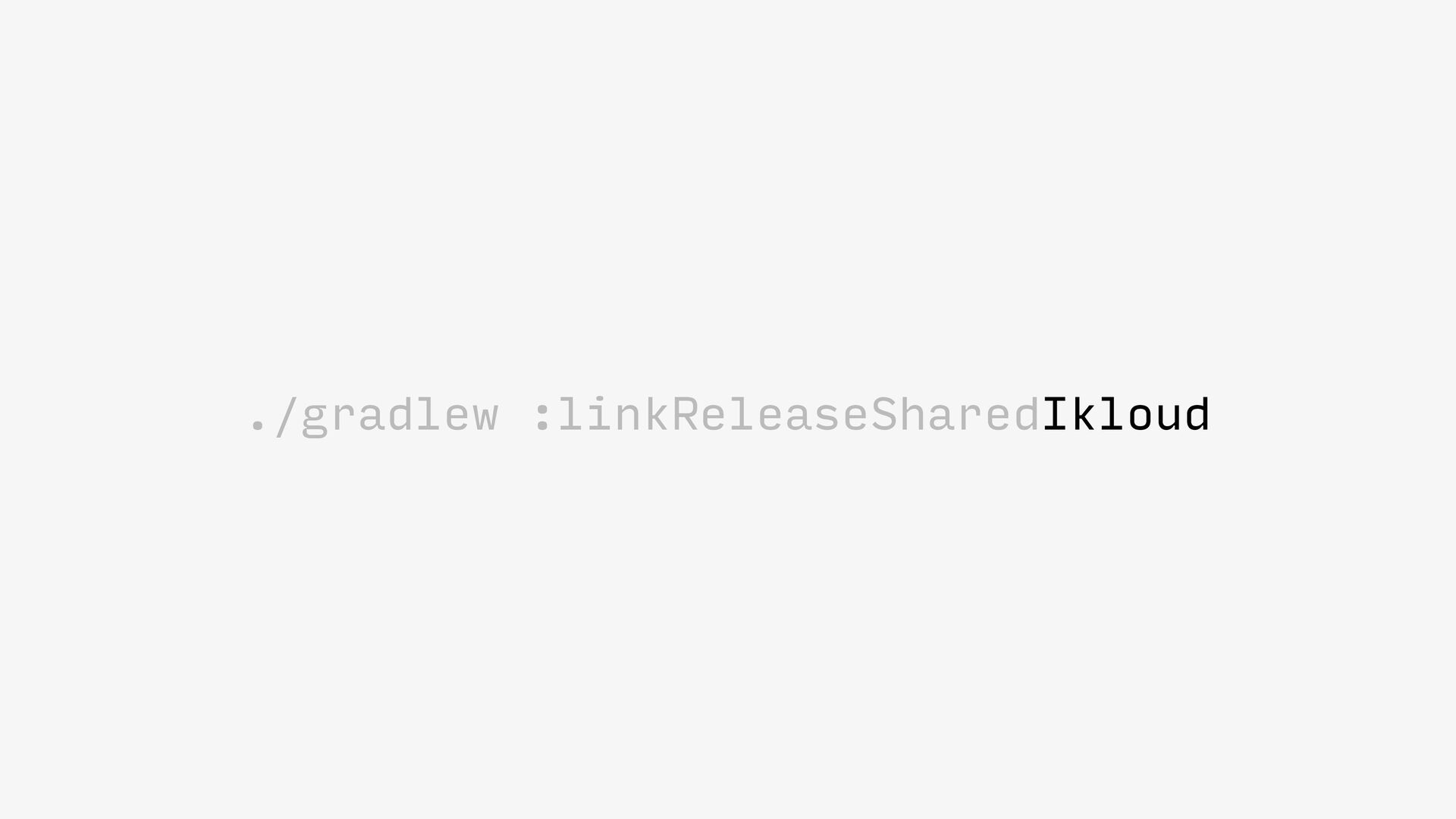
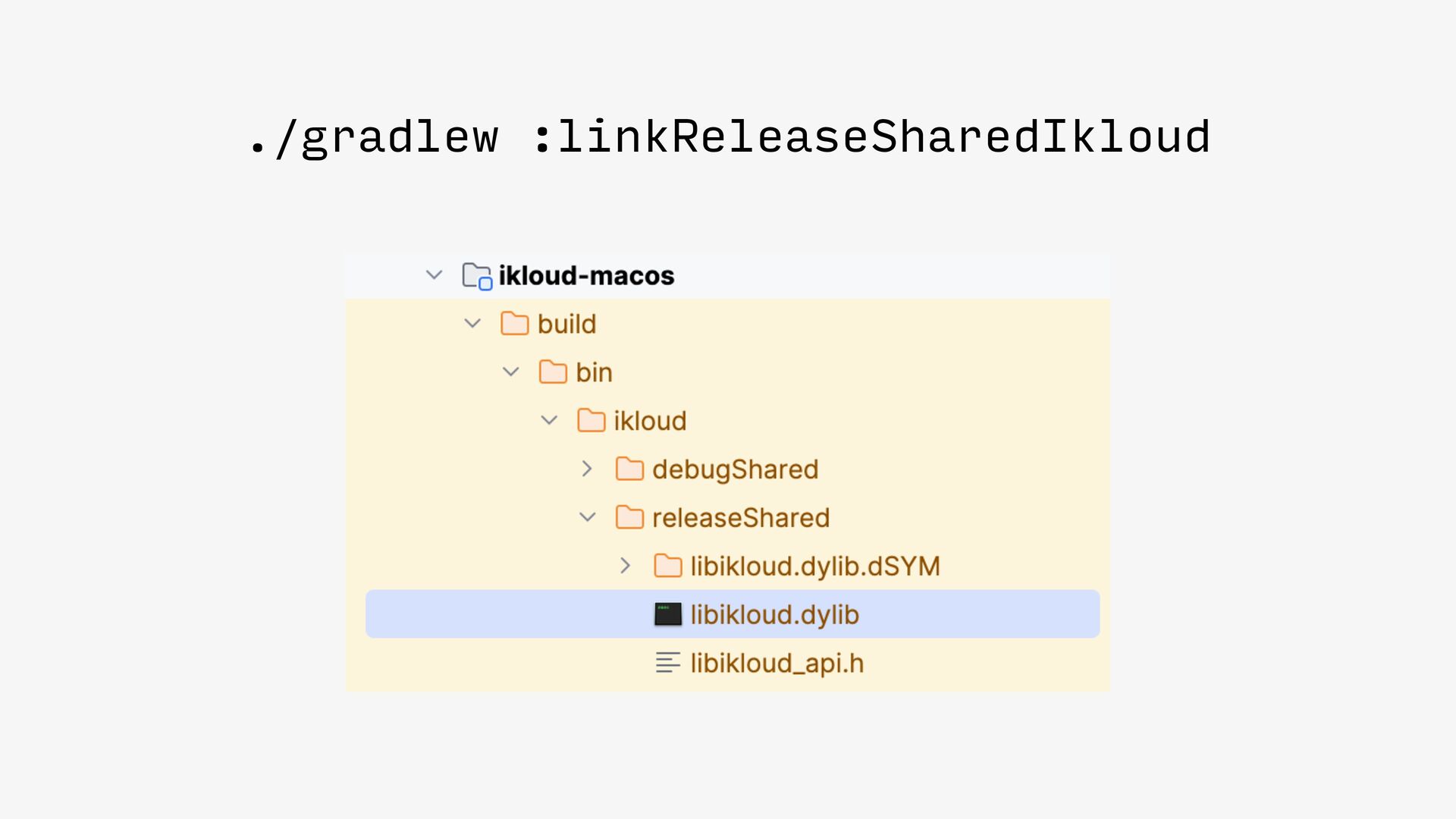
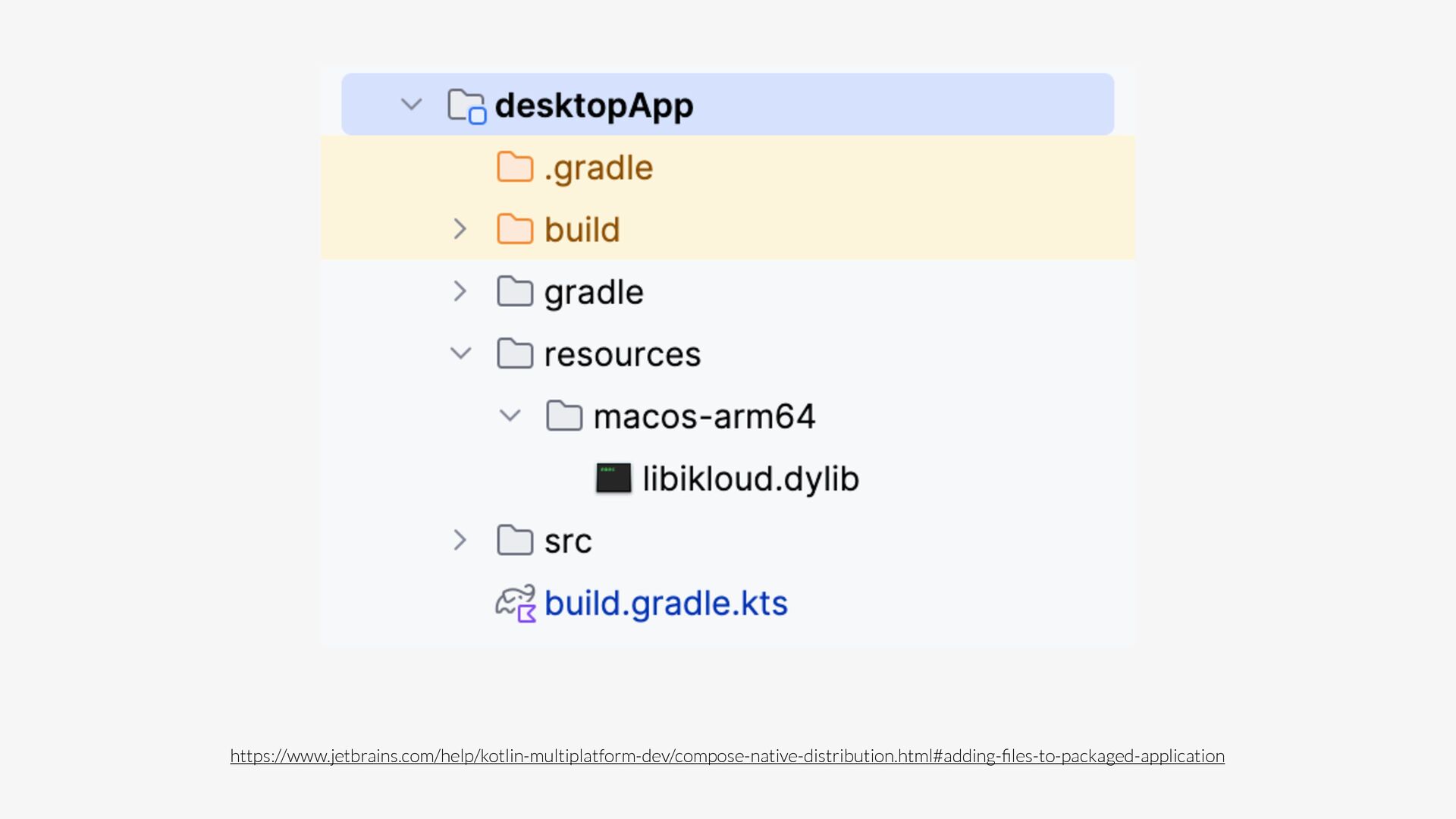
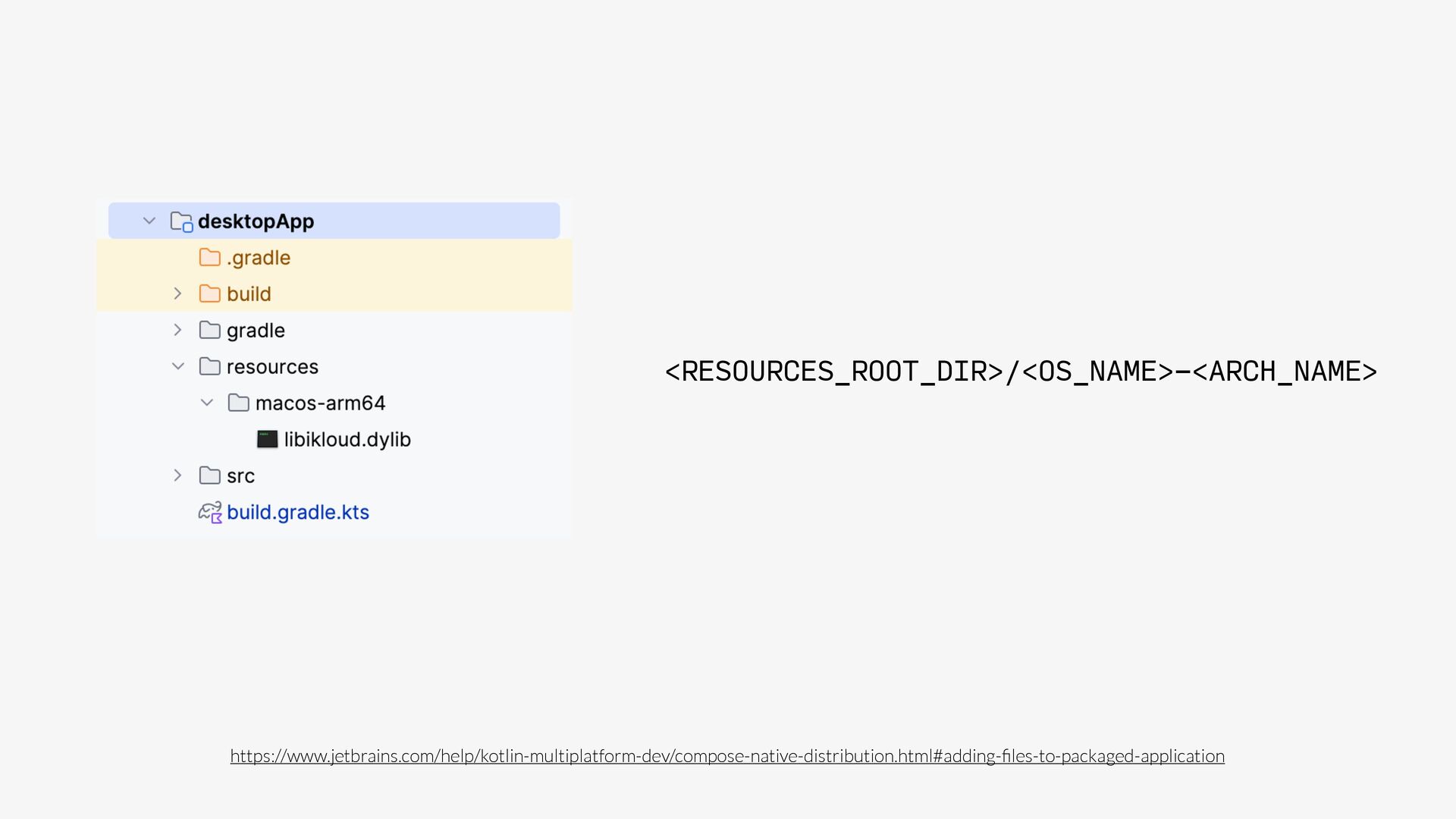
From Kotlin to Native and back: accessing nativ...

Sponsored · SiteGround - Reliable hosting with speed, security, and support you can count on. →
Marco Gomiero
September 25, 2025

From Kotlin to Native and back: accessing native macOS API in Compose Multiplatform

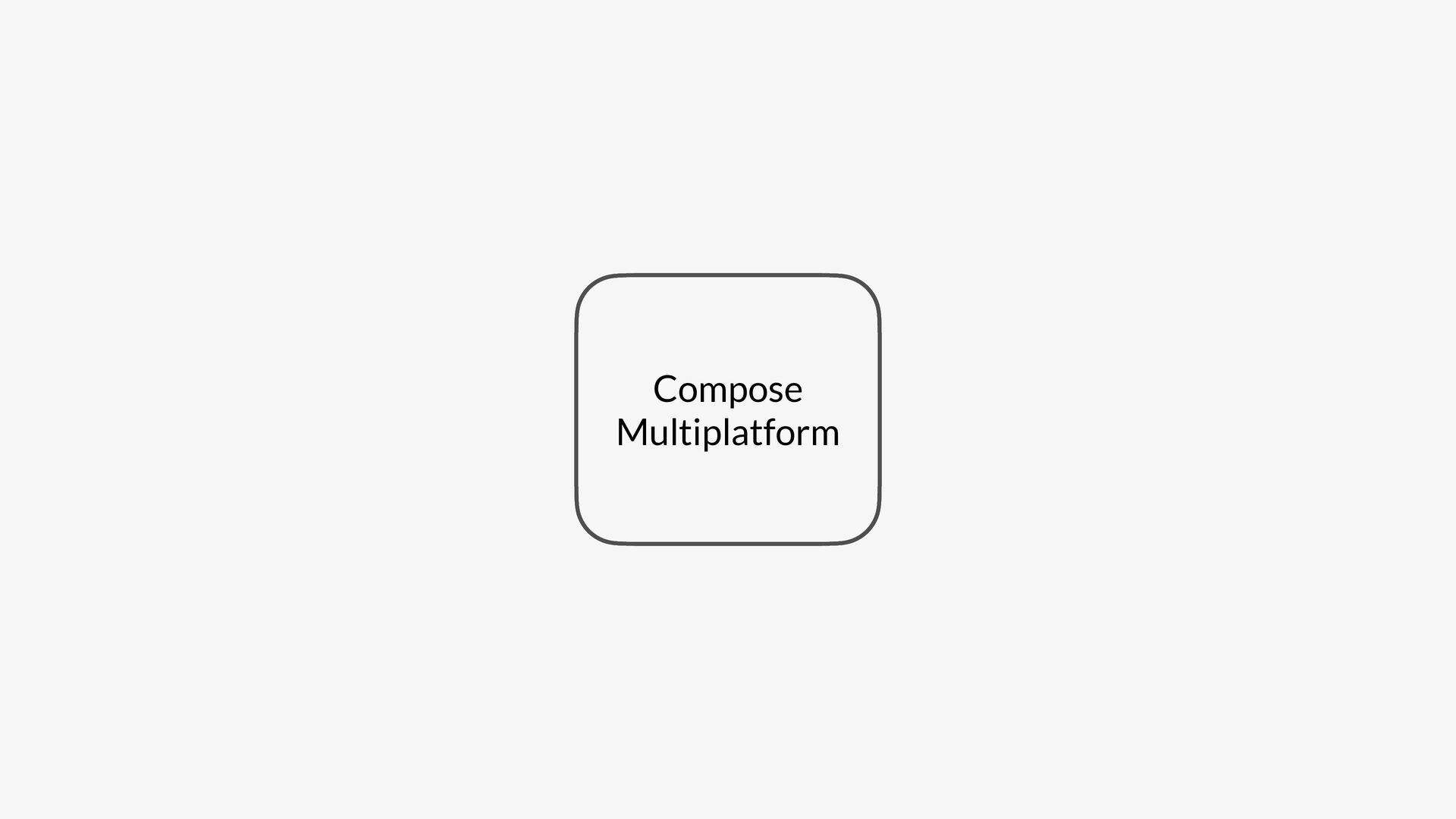
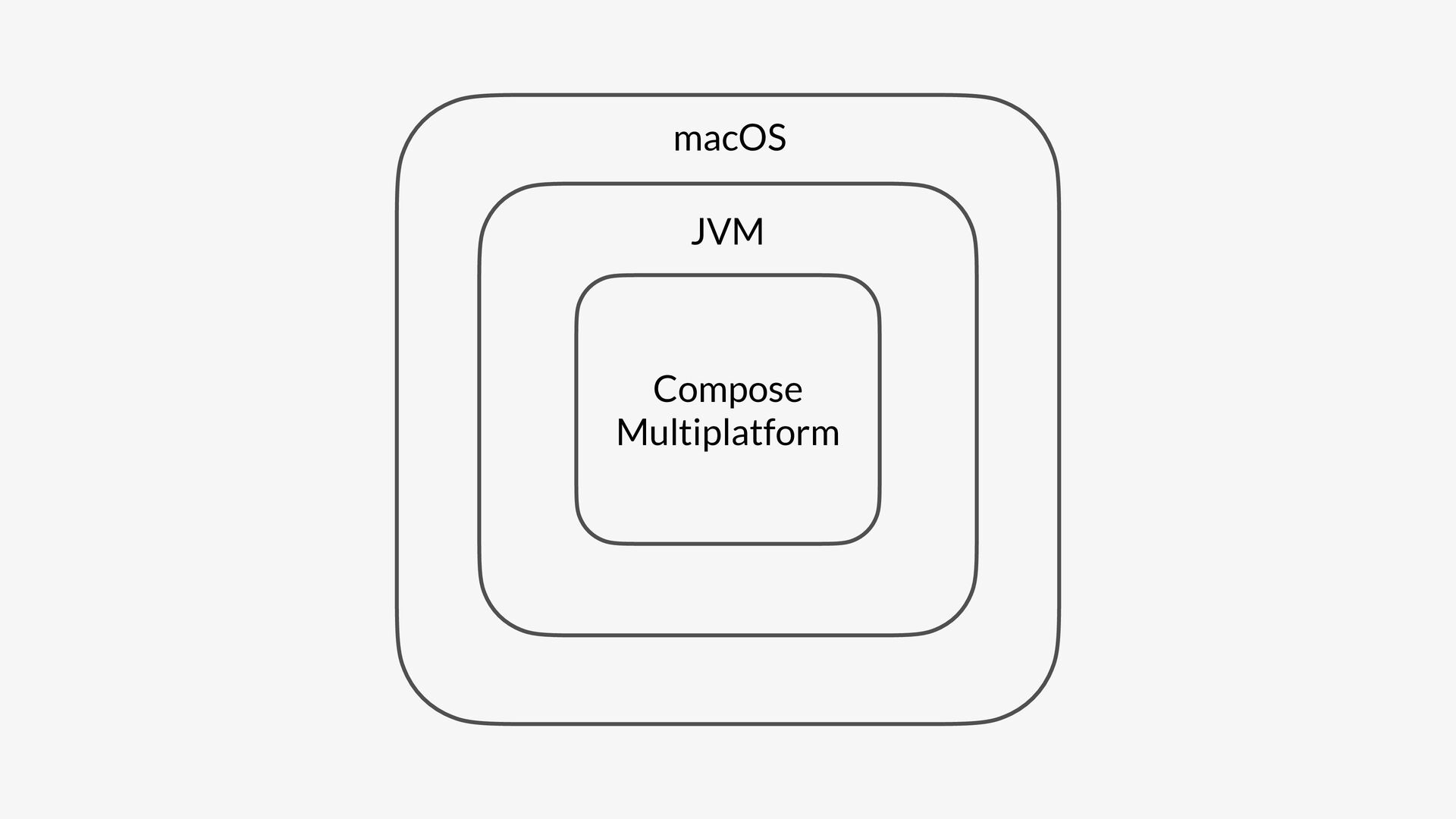
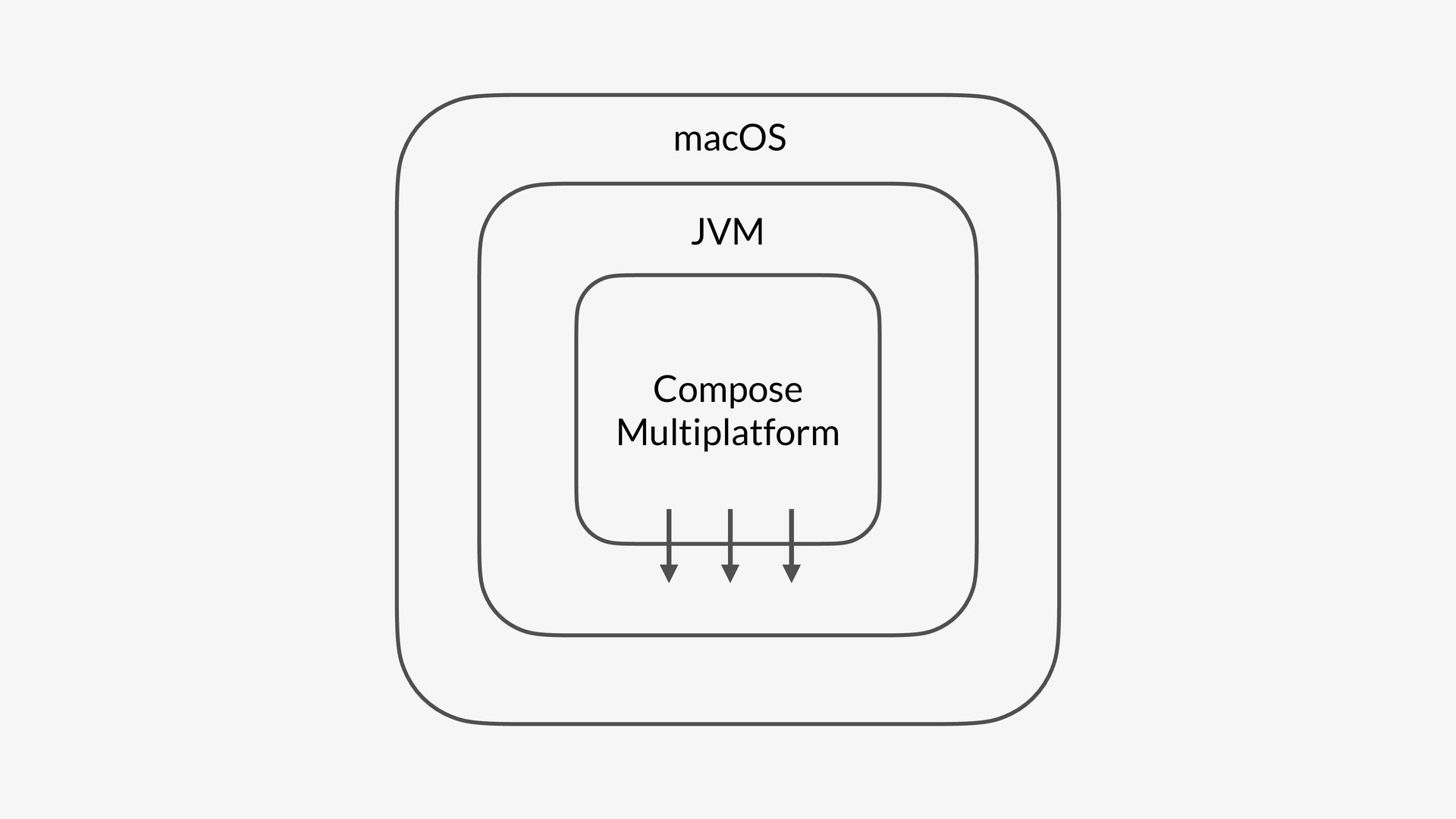
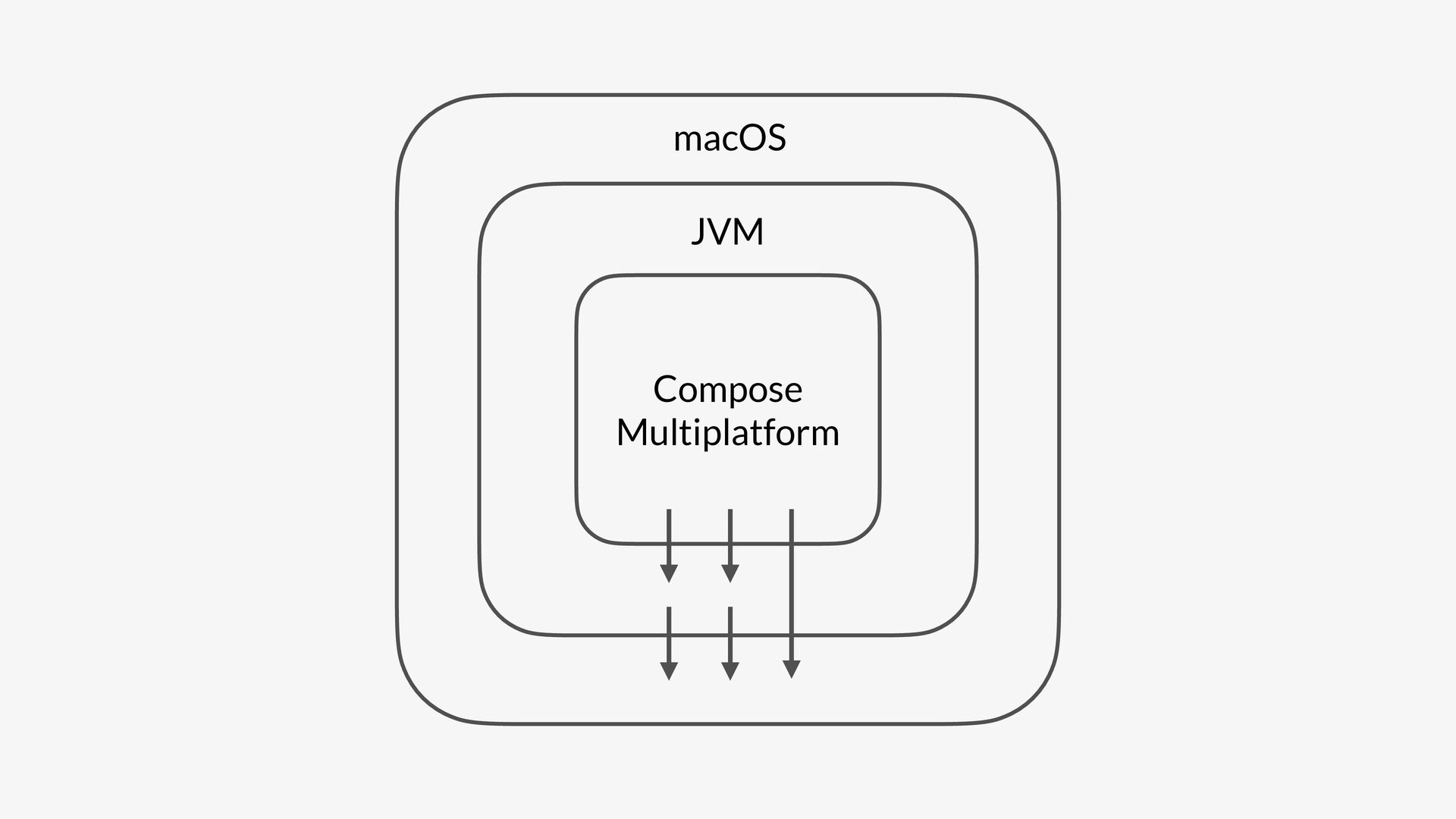
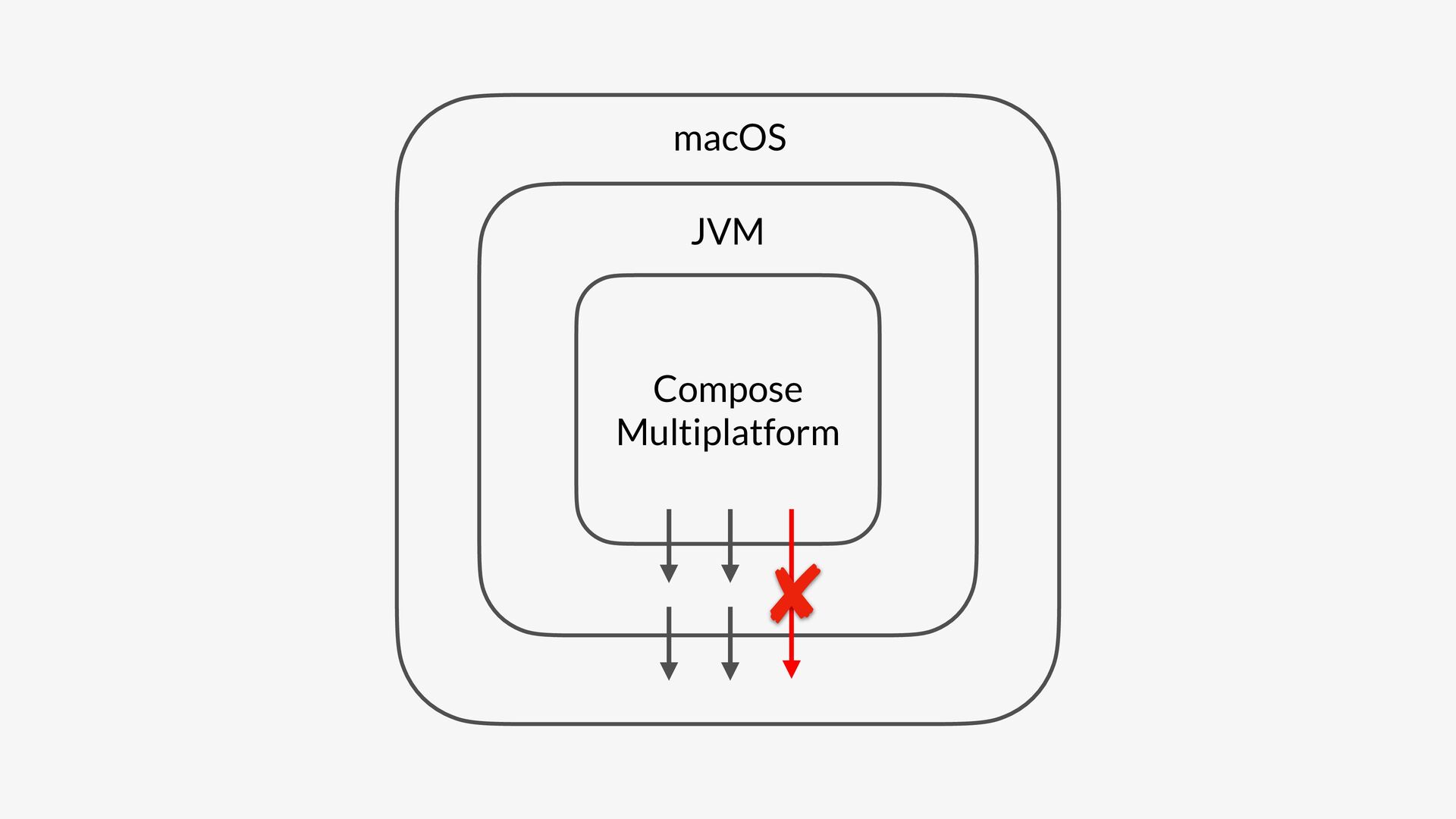
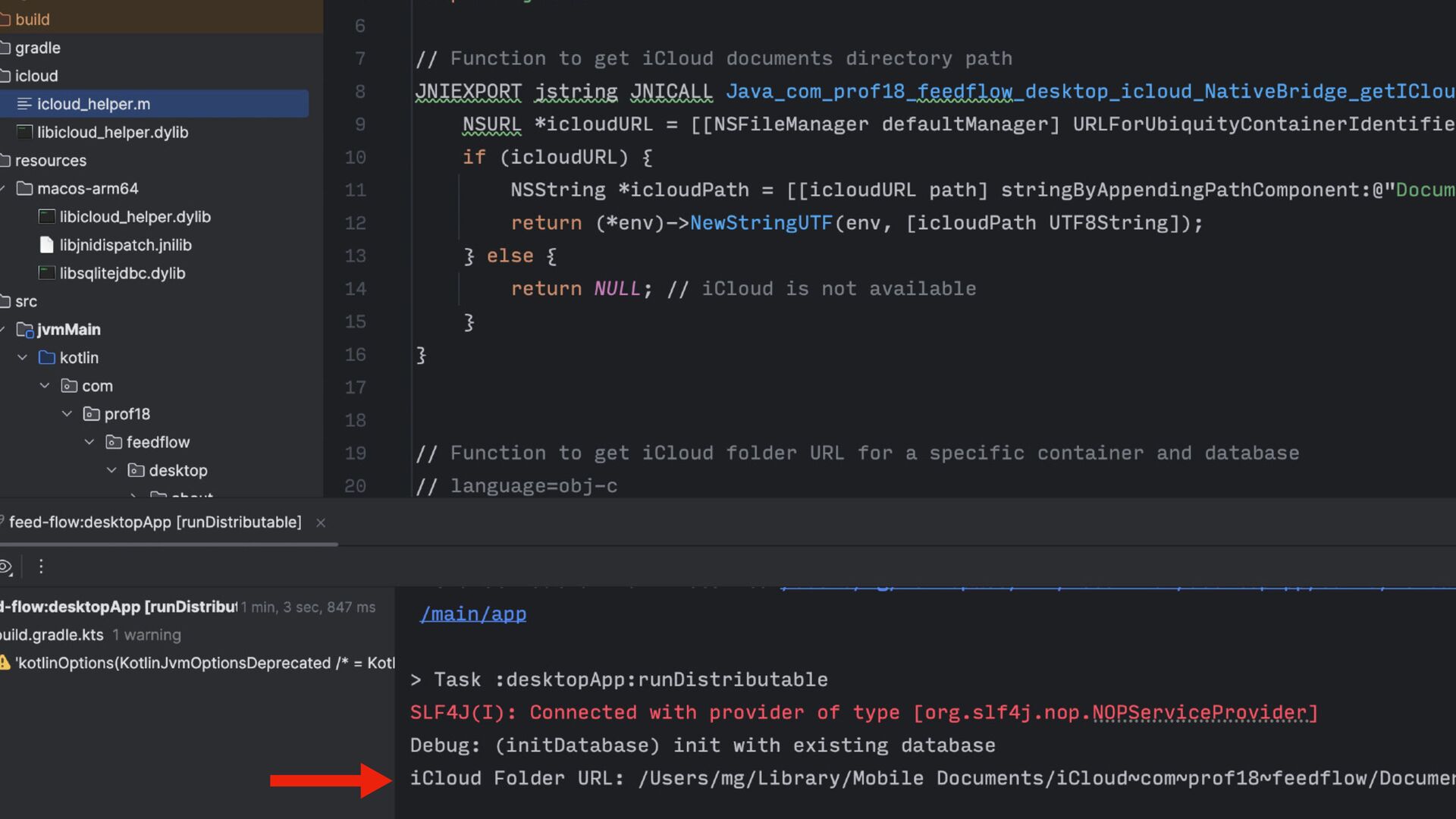
Compose Multiplatform makes it easy to build cross-platform desktop apps with Kotlin and Compose, but what about native APIs, like iCloud on macOS? Accessing such APIs isn't possible through the regular Compose Multiplatform toolchain. However, with a bit of “magic,” we can turn dreams (or feature requests) into reality.

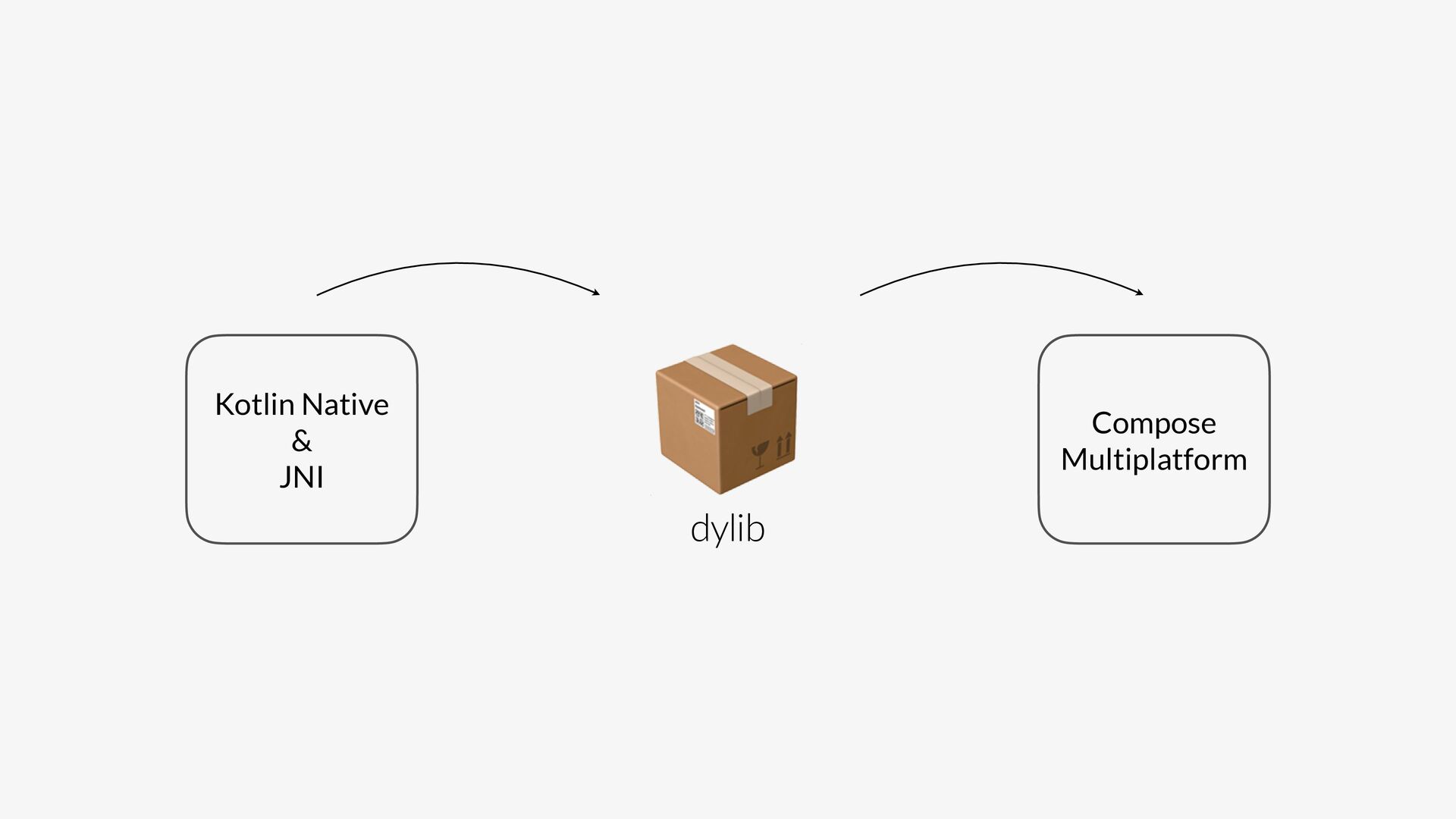
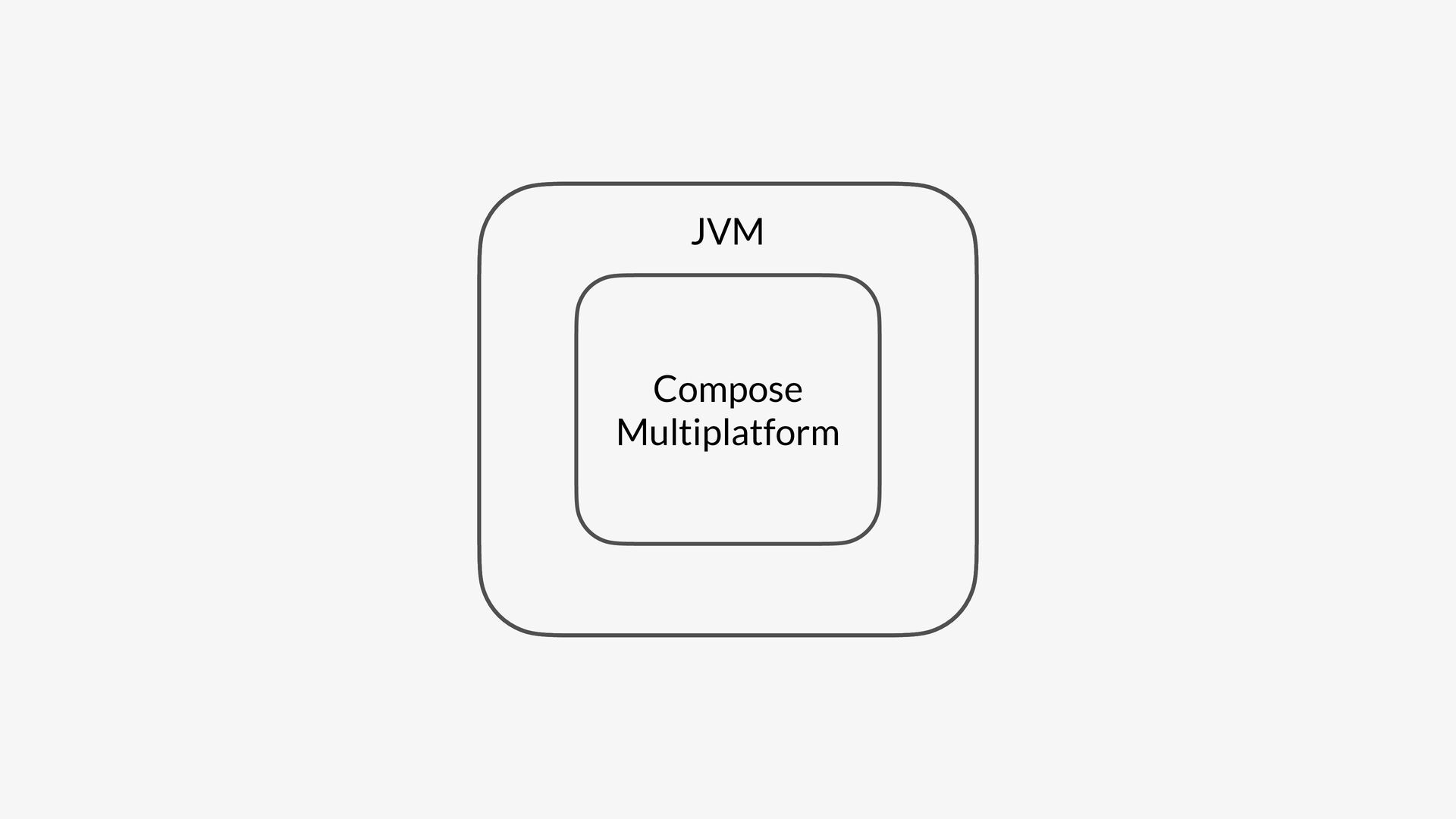
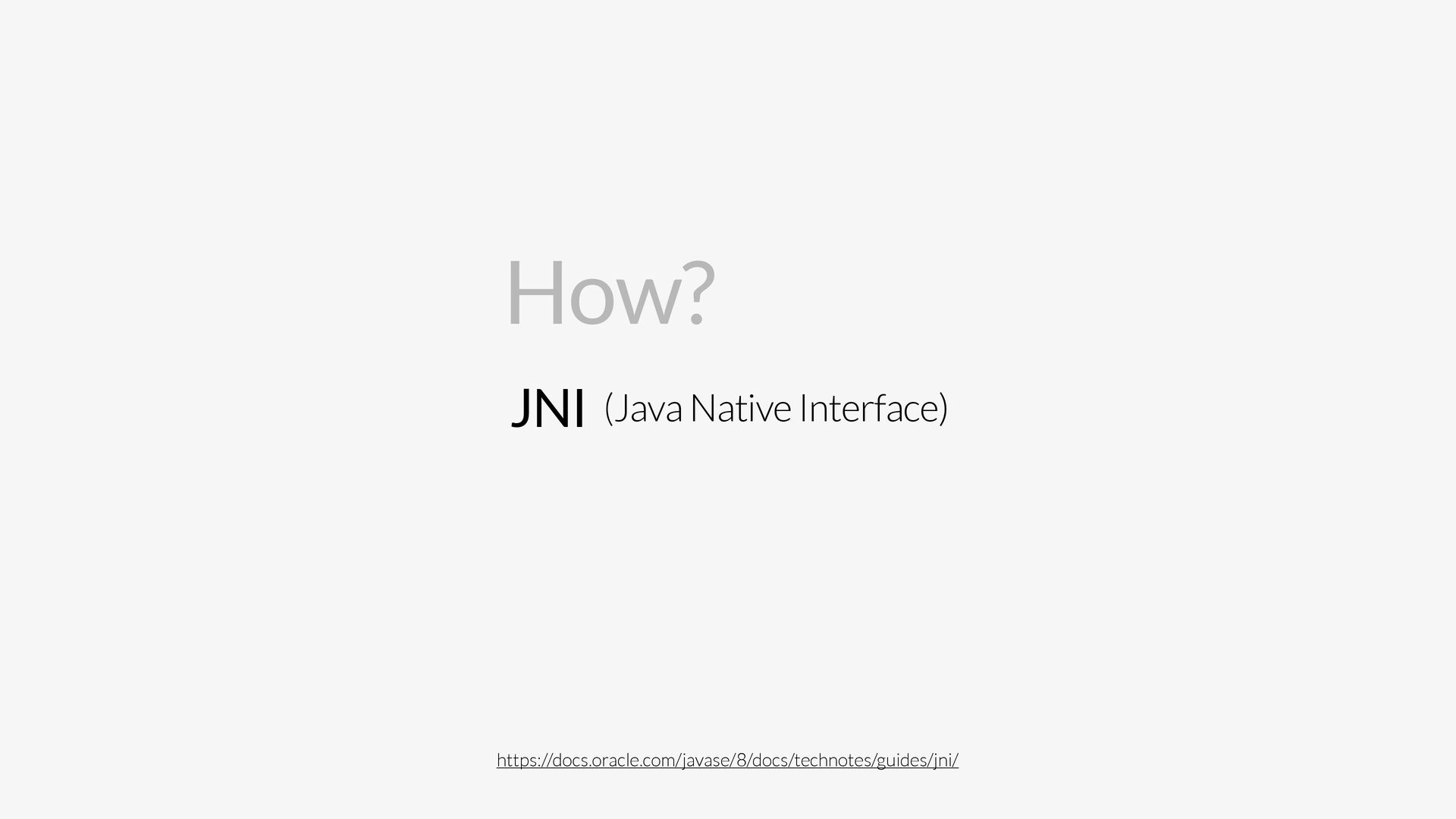
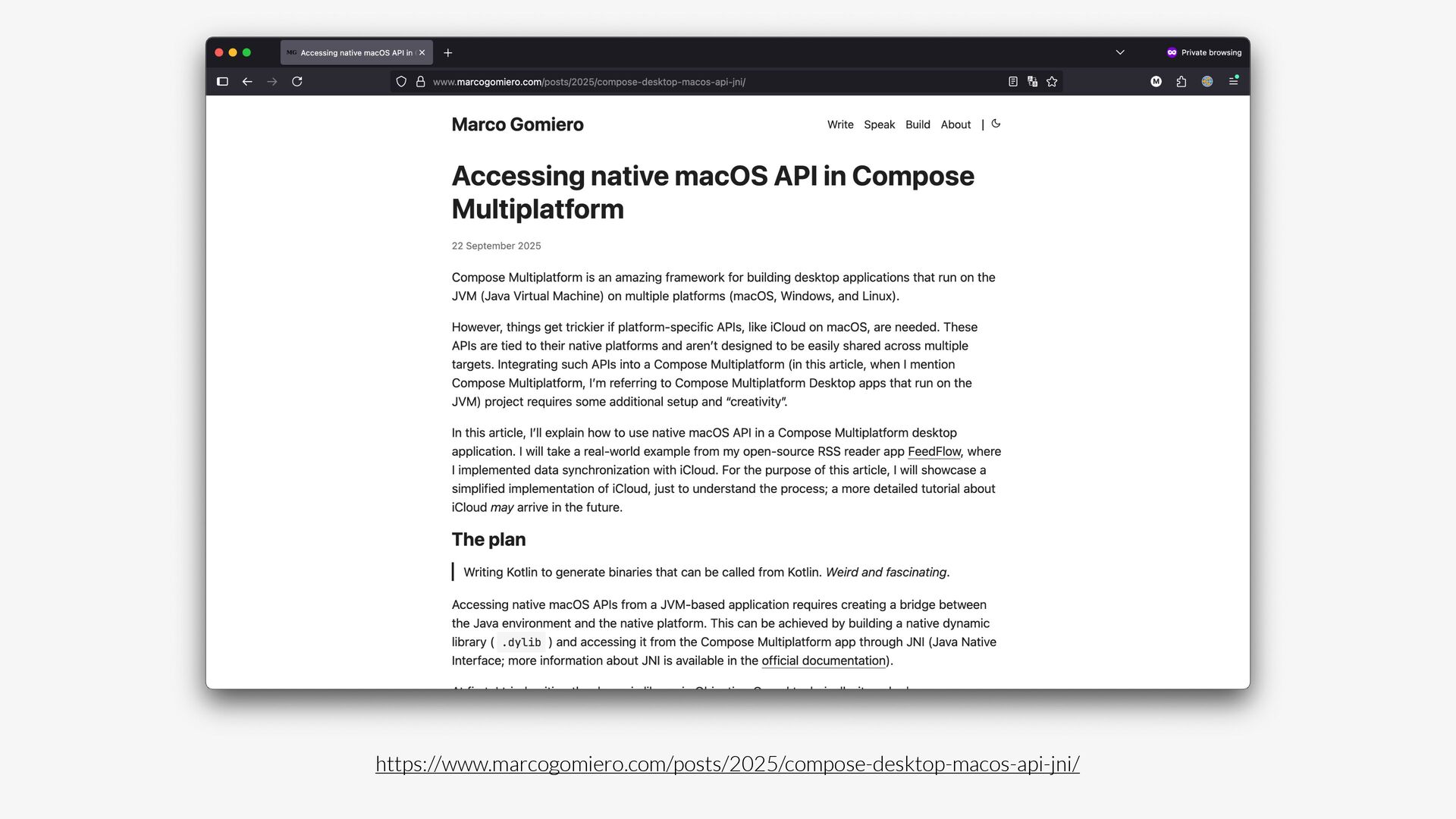
In this talk, we'll explore how to combine Kotlin/Native and the JNI (Java Native Interface) to bridge the gap between a JVM-based UI and native system features. We'll write Kotlin code, compile it into a native library, and call it back from Kotlin.

You'll learn how to build Kotlin/Native code into a native macOS dynamic library and integrate it into a Compose Multiplatform desktop app, unlocking access to iCloud and enabling features like backup and restore for your app’s data.

Marco Gomiero

September 25, 2025

Annual Pro sale · Save $30

Have presentations of your own?

Share with private links, password protection, and more control over your work.

Transcript

98 slides
  1. FROM KOTLIN TO NATIVE AND BACK: accessing native macOS API

    in Compose Multiplatform. MARCO GOMIERO Senior Android Engineer @ Airalo Android GDE
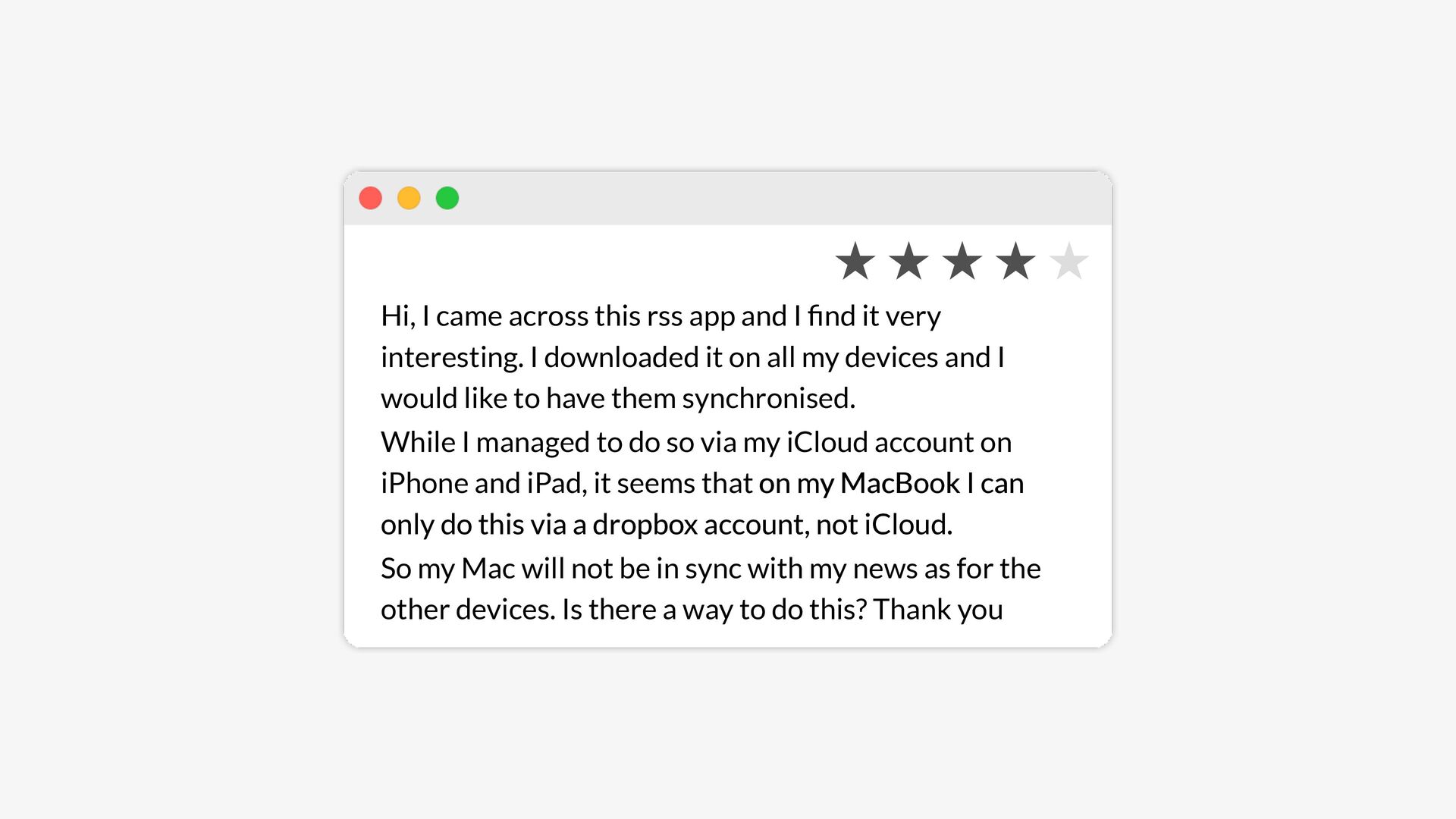
  2. Hi, I came across this rss app and I fi

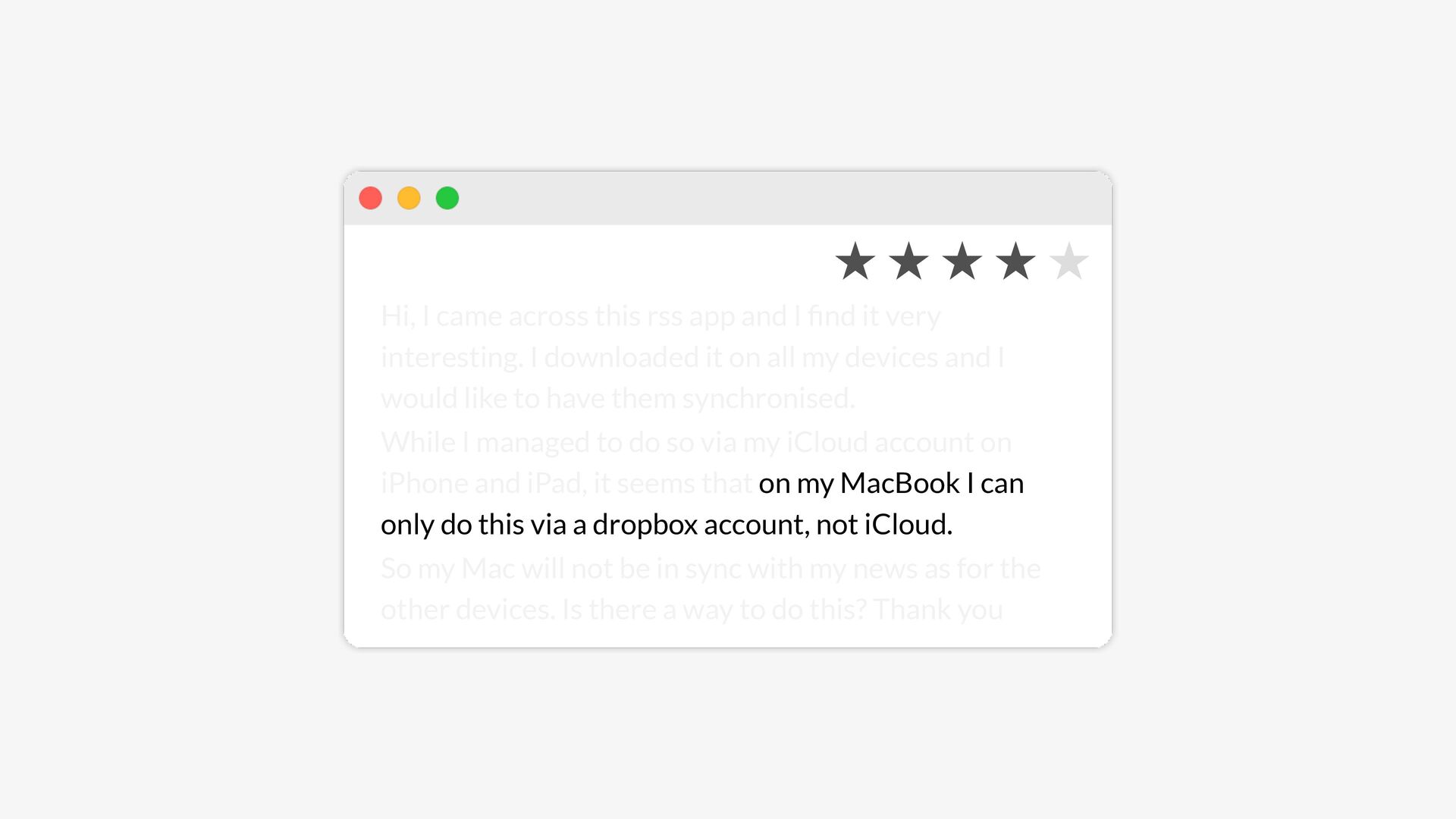
    nd it very interesting. I downloaded it on all my devices and I would like to have them synchronised. While I managed to do so via my iCloud account on iPhone and iPad, it seems that on my MacBook I can only do this via a dropbox account, not iCloud. So my Mac will not be in sync with my news as for the other devices. Is there a way to do this? Thank you on my MacBook I can only do this via a dropbox account, not iCloud.
  3. Hi, I came across this rss app and I fi

    nd it very interesting. I downloaded it on all my devices and I would like to have them synchronised. While I managed to do so via my iCloud account on iPhone and iPad, it seems that on my MacBook I can only do this via a dropbox account, not iCloud. So my Mac will not be in sync with my news as for the other devices. Is there a way to do this? Thank you on my MacBook I can only do this via a dropbox account, not iCloud.
  4. How? JNI (Java Native Interface) JNA (Java Native Access) Project

    Panama https://openjdk.org/projects/panama/
  5. How? JNI (Java Native Interface) JNA (Java Native Access) Project

    Panama https://openjdk.org/projects/panama/ 🆕
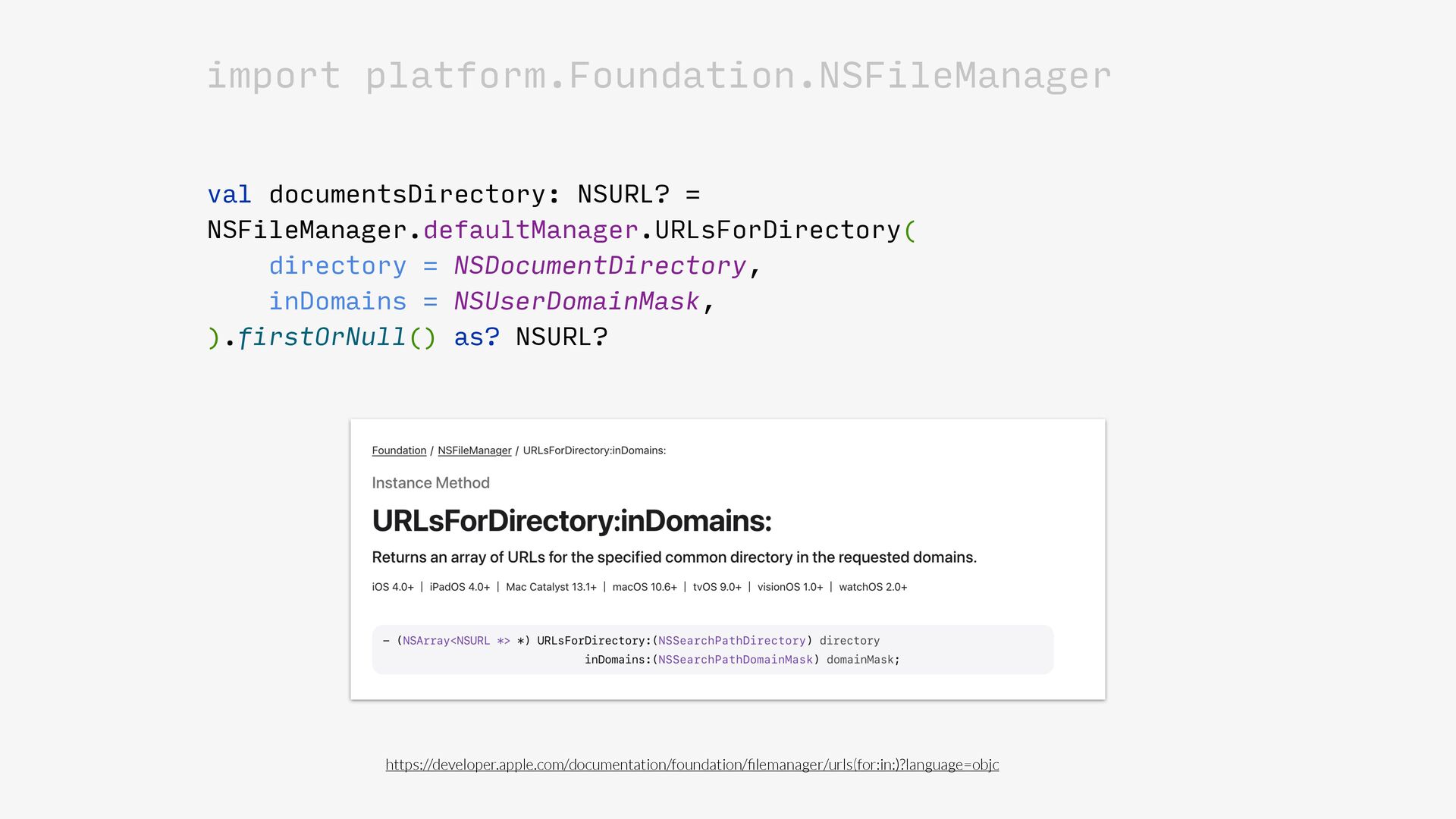
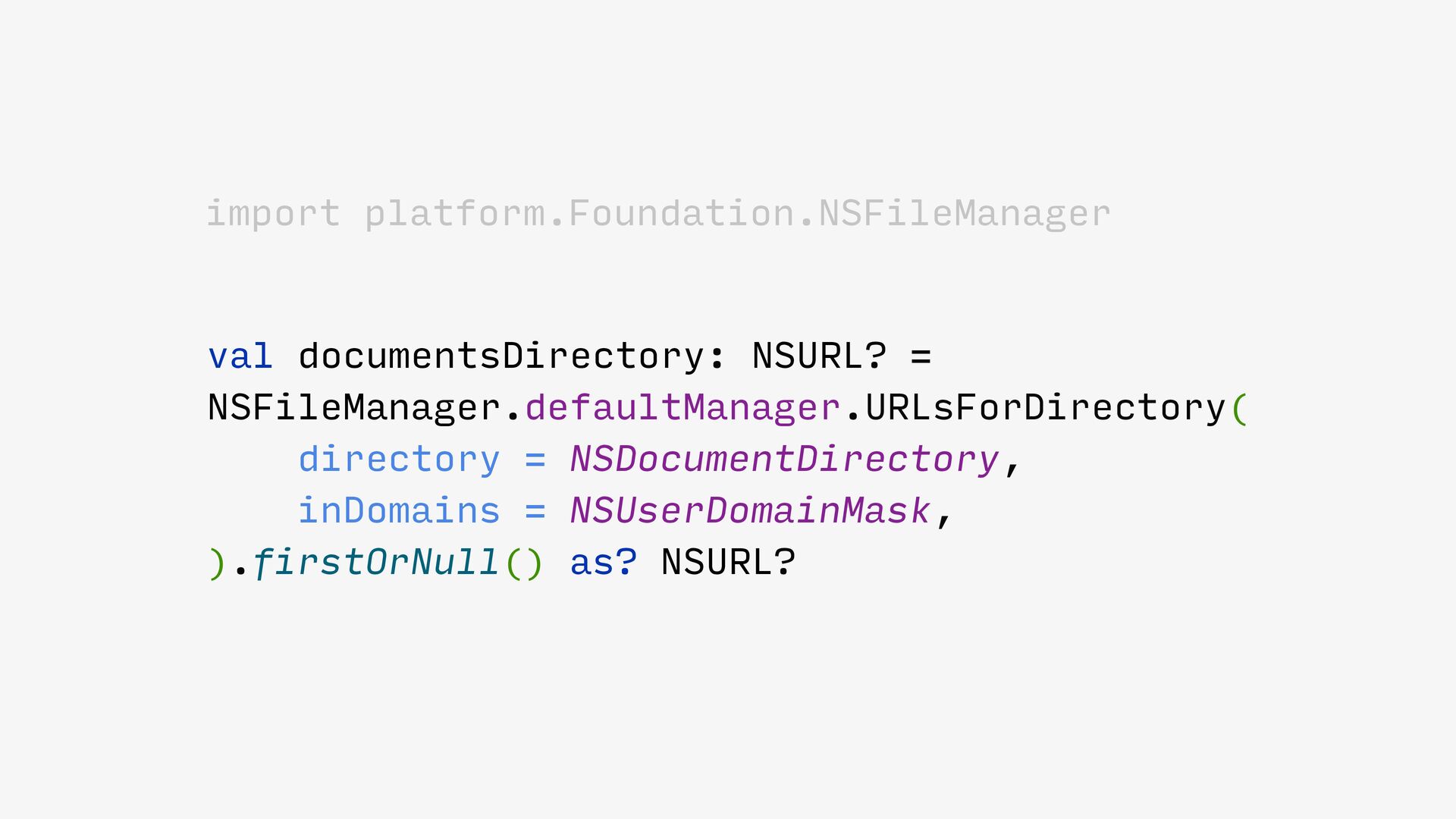
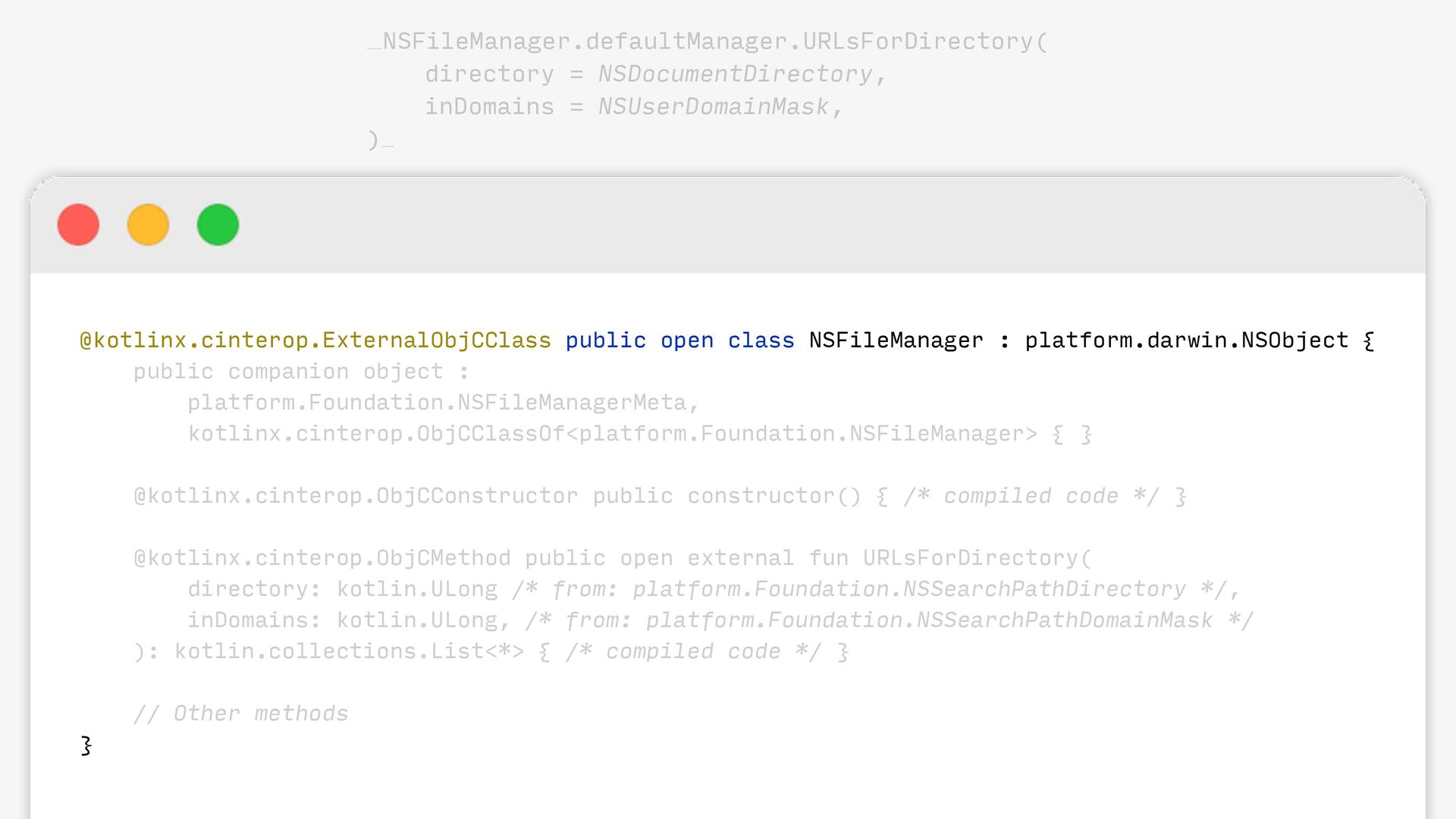
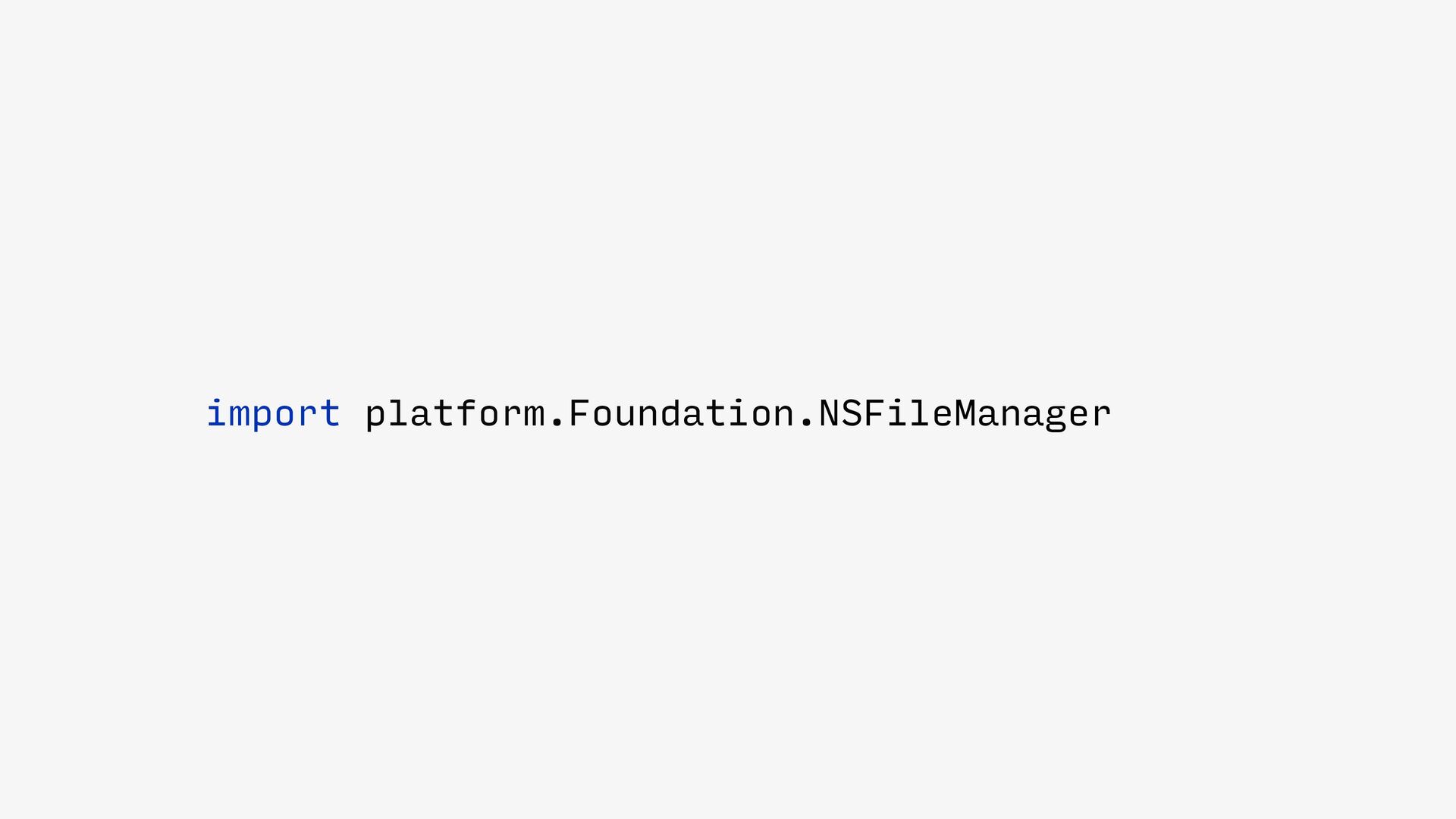
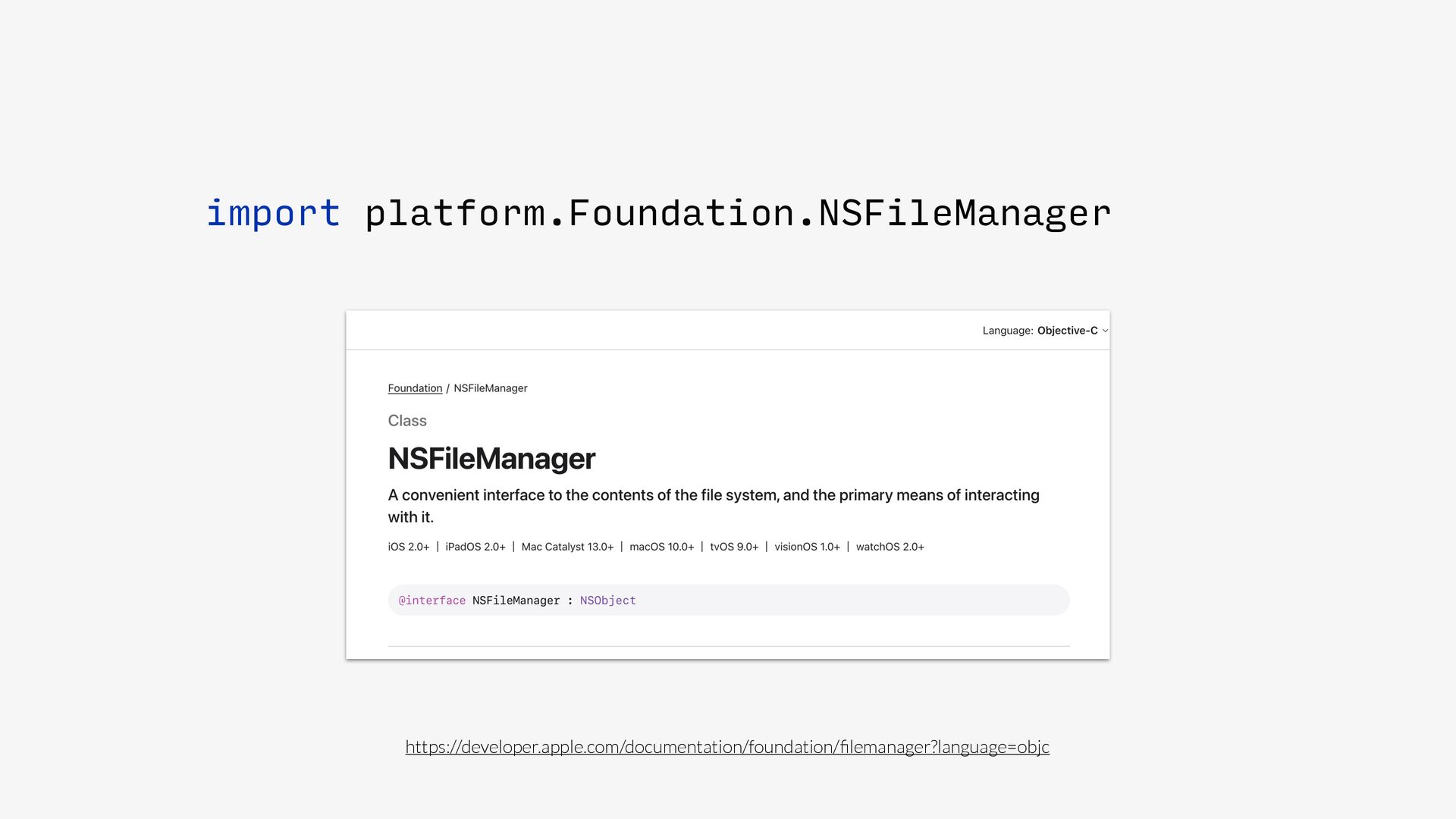
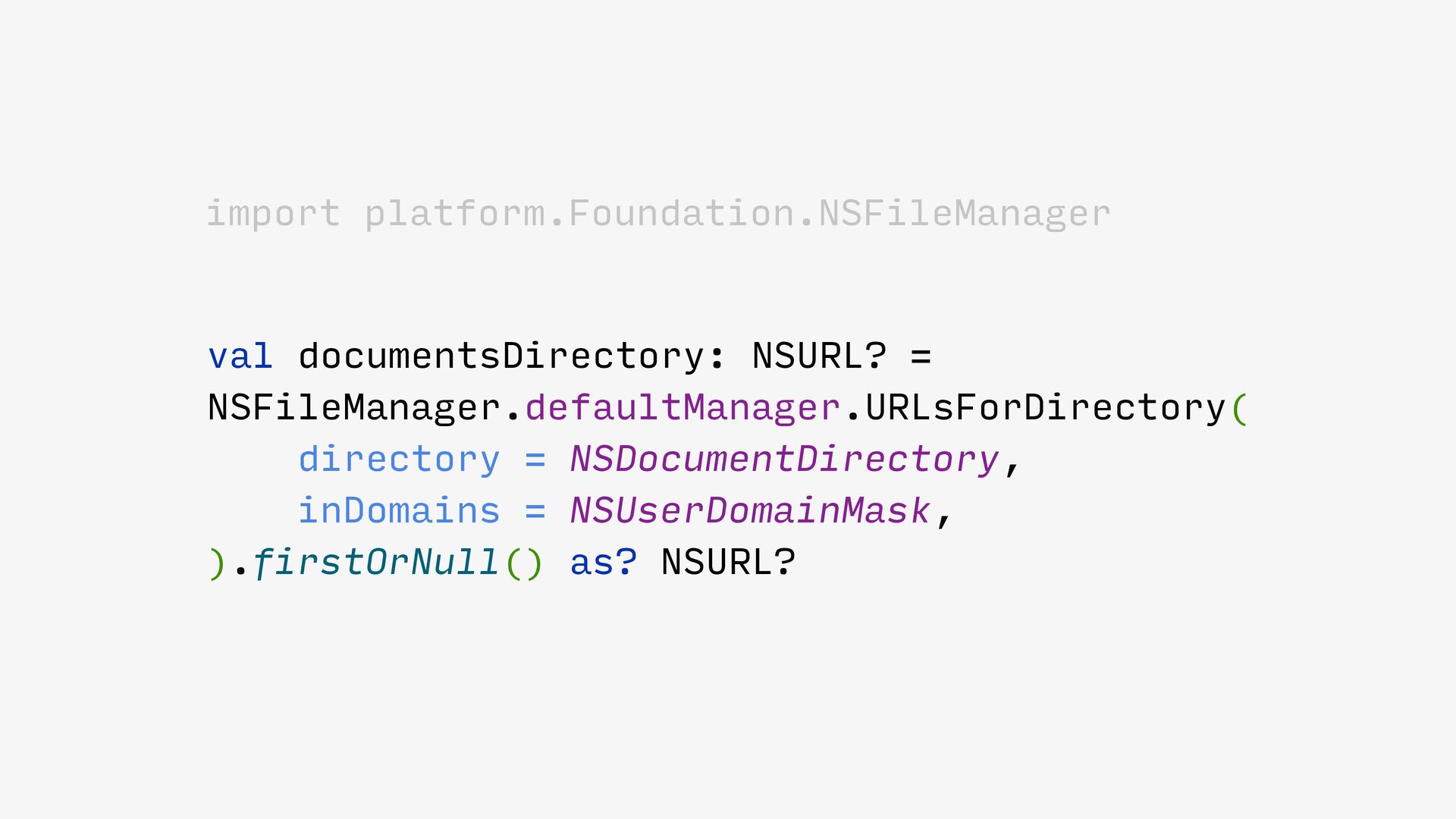
  6. import platform.Foundation.NSFileManager val documentsDirectory: NSURL? = NSFileManager.defaultManager.URLsForDirectory( directory = NSDocumentDirectory,

    inDomains = NSUserDomainMask, ).firstOrNull() as? NSURL? https://developer.apple.com/documentation/foundation/ fi lemanager/urls(for:in:)?language=objc
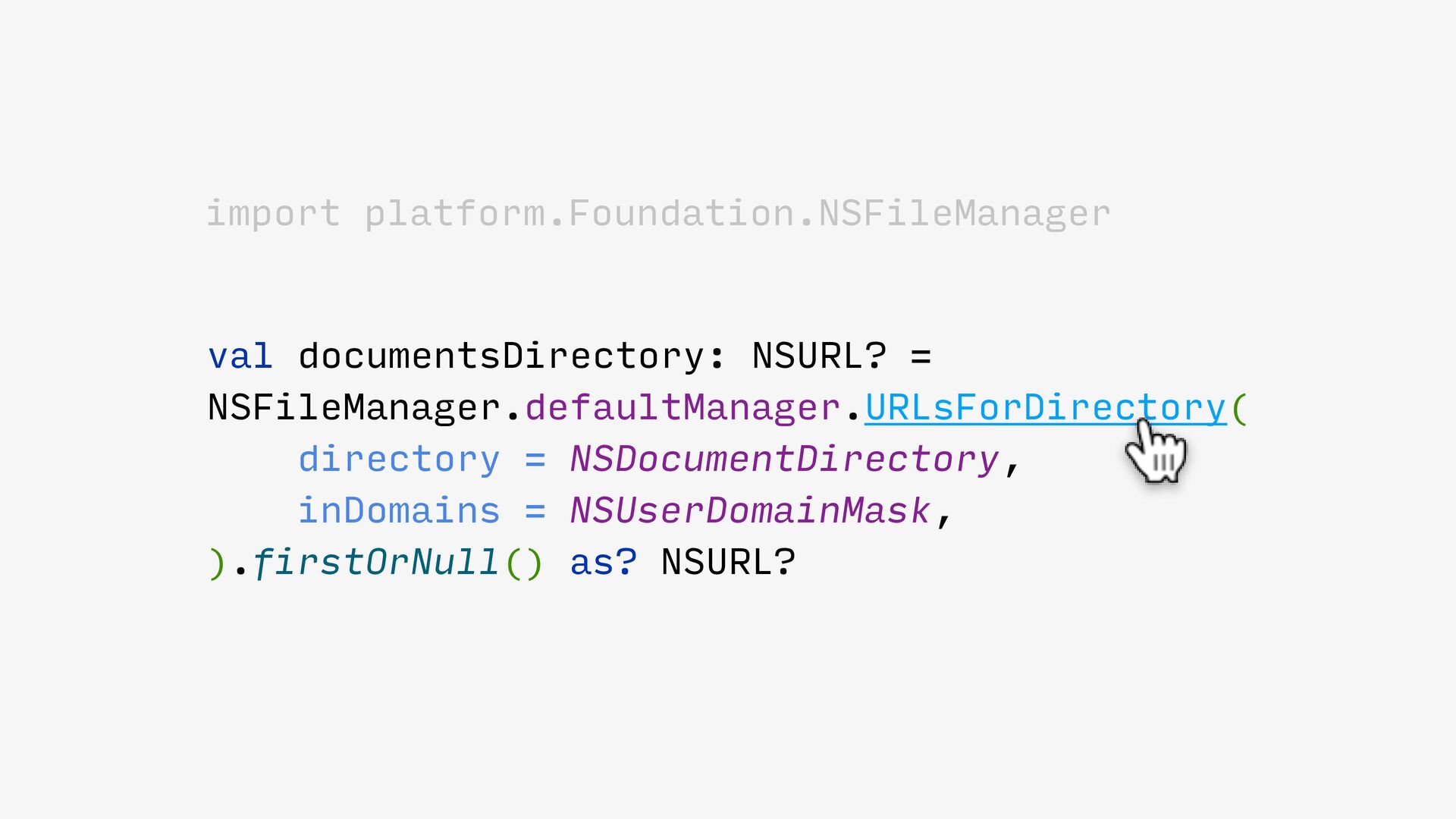
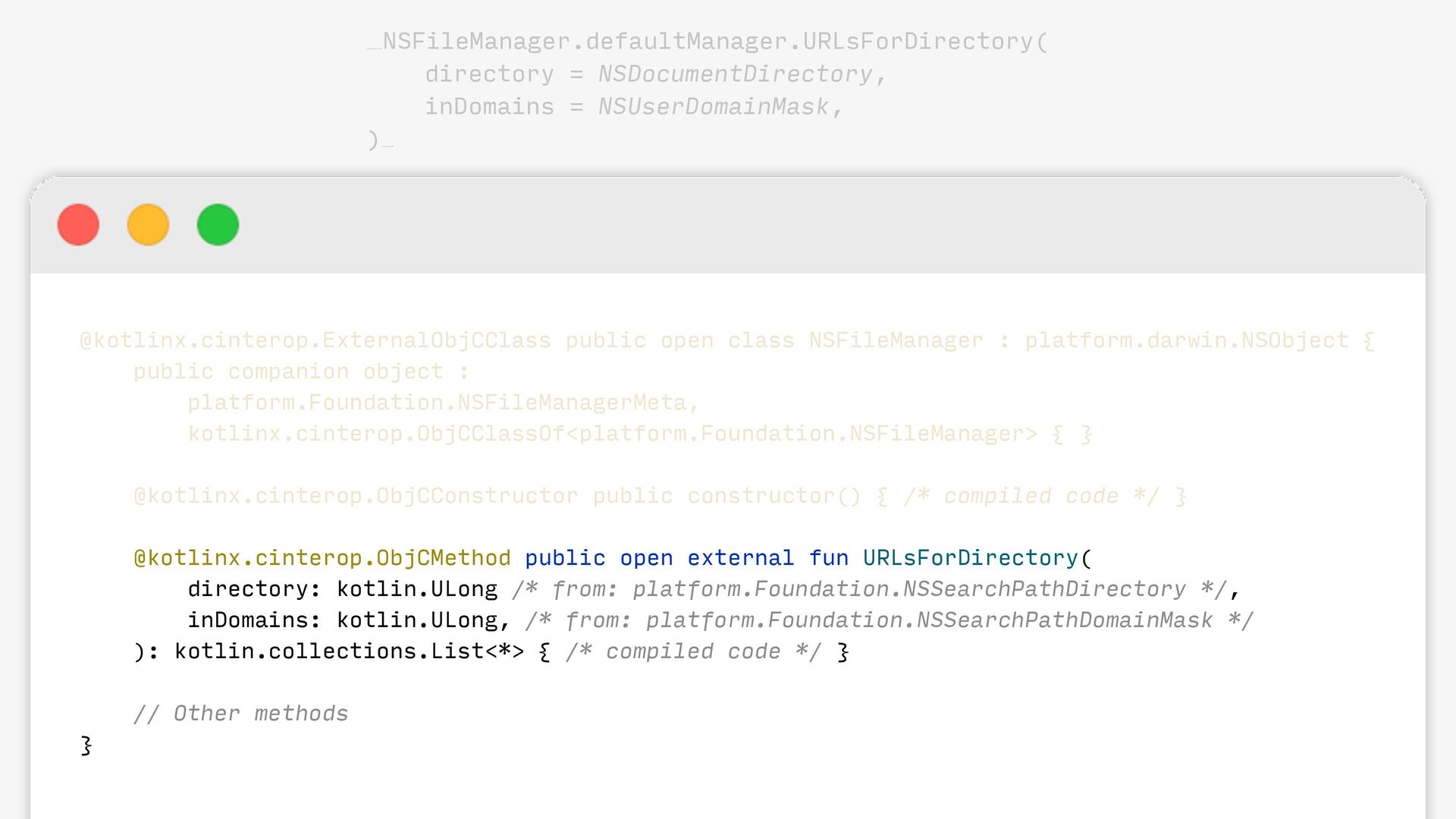
  7. val documentsDirectory: NSURL? = NSFileManager.defaultManager.URLsForDirectory( directory = NSDocumentDirectory, inDomains =

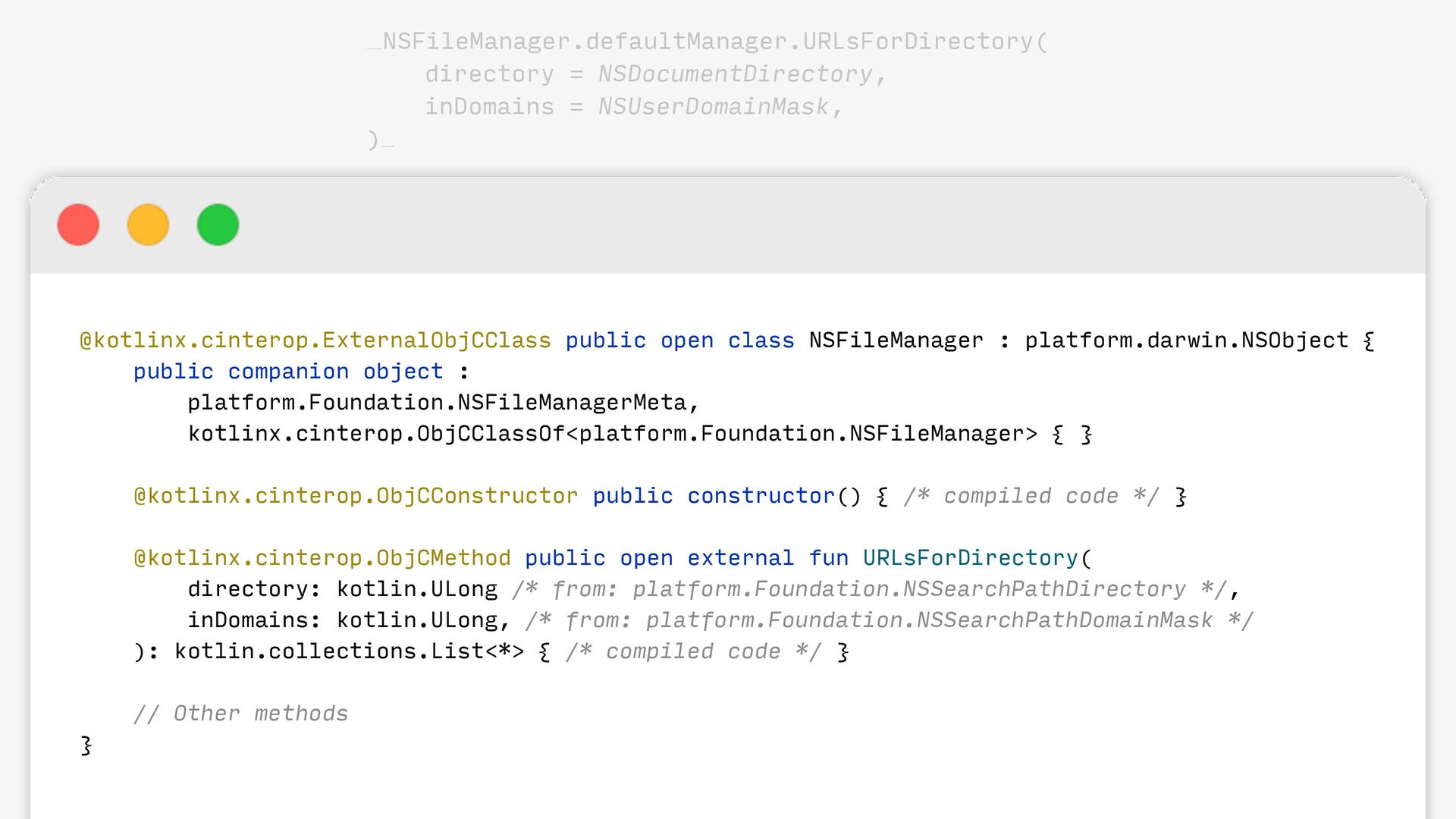
    NSUserDomainMask, ) .firstOrNull() as? NSURL? @kotlinx.cinterop.ExternalObjCClass public open class NSFileManager : platform.darwin.NSObject { public companion object : platform.Foundation.NSFileManagerMeta, kotlinx.cinterop.ObjCClassOf<platform.Foundation.NSFileManager> { } @kotlinx.cinterop.ObjCConstructor public constructor() { /* compiled code */ } @kotlinx.cinterop.ObjCMethod public open external fun URLsForDirectory( directory: kotlin.ULong /* from: platform.Foundation.NSSearchPathDirectory */, inDomains: kotlin.ULong, /* from: platform.Foundation.NSSearchPathDomainMask */ ): kotlin.collections.List<*> { /* compiled code */ } // Other methods }
  8. val documentsDirectory: NSURL? = NSFileManager.defaultManager.URLsForDirectory( directory = NSDocumentDirectory, inDomains =

    NSUserDomainMask, ) .firstOrNull() as? NSURL? @kotlinx.cinterop.ExternalObjCClass public open class NSFileManager : platform.darwin.NSObject { public companion object : platform.Foundation.NSFileManagerMeta, kotlinx.cinterop.ObjCClassOf<platform.Foundation.NSFileManager> { } @kotlinx.cinterop.ObjCConstructor public constructor() { /* compiled code */ } @kotlinx.cinterop.ObjCMethod public open external fun URLsForDirectory( directory: kotlin.ULong /* from: platform.Foundation.NSSearchPathDirectory */, inDomains: kotlin.ULong, /* from: platform.Foundation.NSSearchPathDomainMask */ ): kotlin.collections.List<*> { /* compiled code */ } // Other methods }
  9. val documentsDirectory: NSURL? = NSFileManager.defaultManager.URLsForDirectory( directory = NSDocumentDirectory, inDomains =

    NSUserDomainMask, ) .firstOrNull() as? NSURL? @kotlinx.cinterop.ExternalObjCClass public open class NSFileManager : platform.darwin.NSObject { public companion object : platform.Foundation.NSFileManagerMeta, kotlinx.cinterop.ObjCClassOf<platform.Foundation.NSFileManager> { } @kotlinx.cinterop.ObjCConstructor public constructor() { /* compiled code */ } @kotlinx.cinterop.ObjCMethod public open external fun URLsForDirectory( directory: kotlin.ULong /* from: platform.Foundation.NSSearchPathDirectory */, inDomains: kotlin.ULong, /* from: platform.Foundation.NSSearchPathDomainMask */ ): kotlin.collections.List<*> { /* compiled code */ } // Other methods }
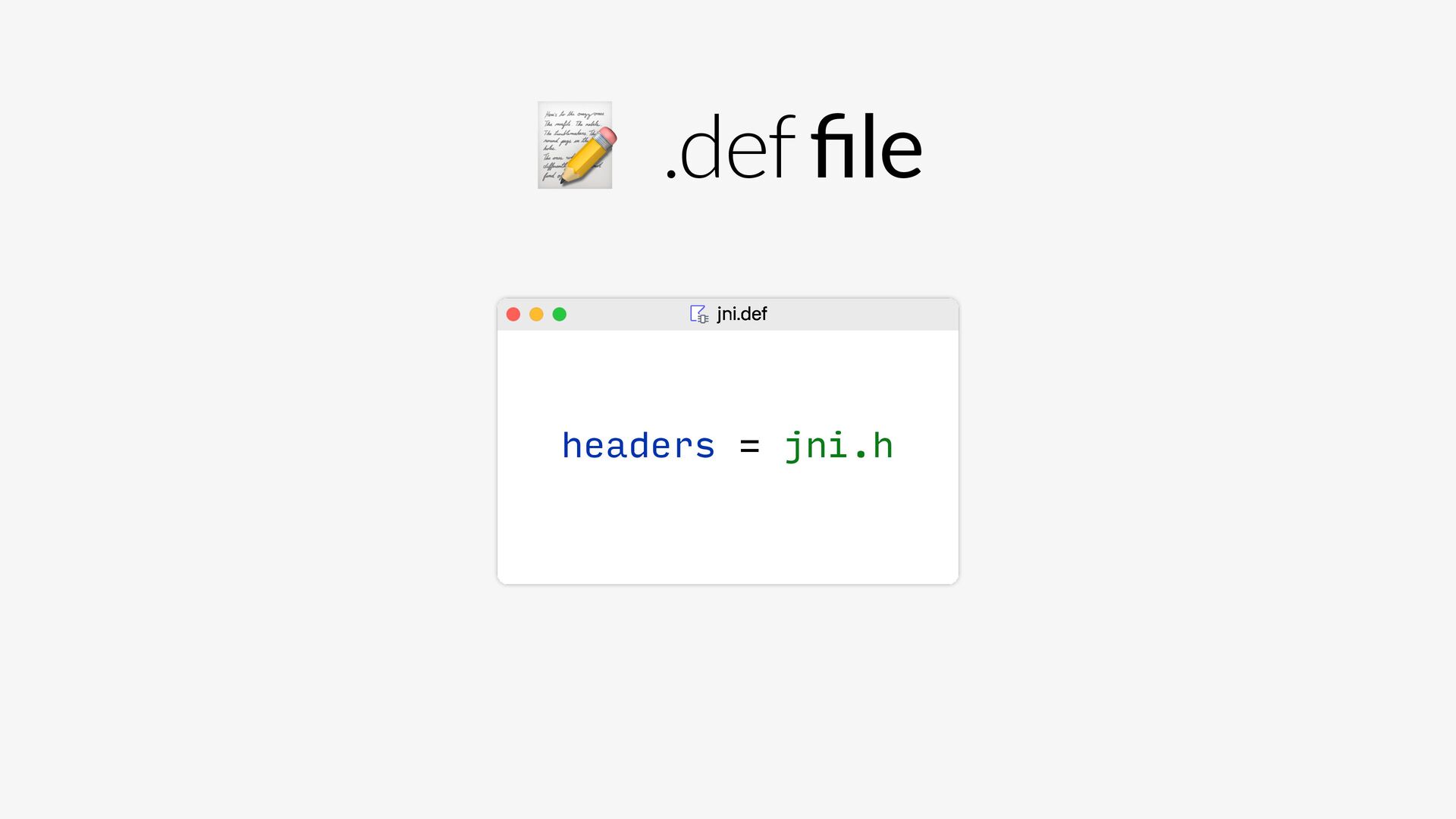
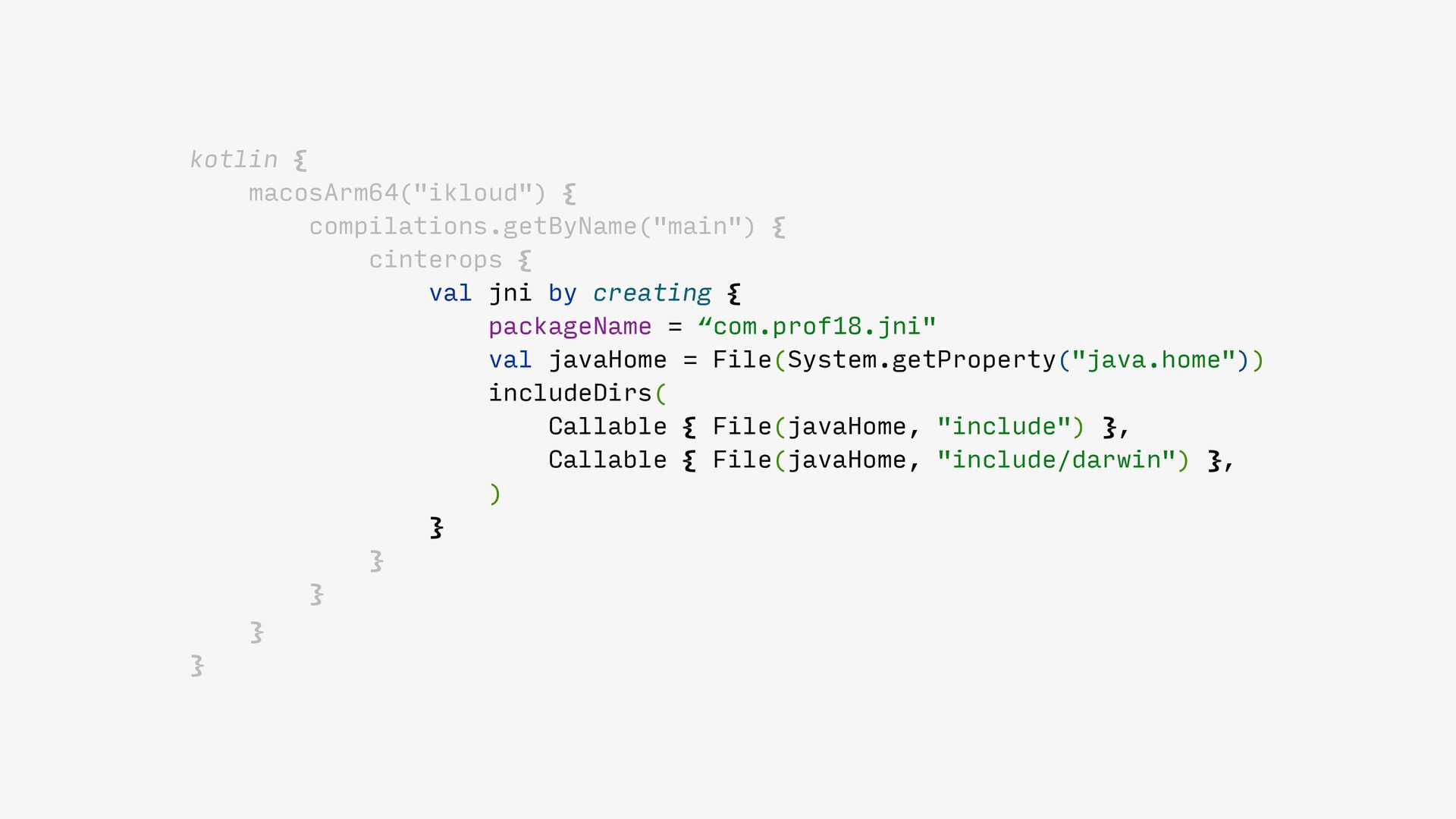
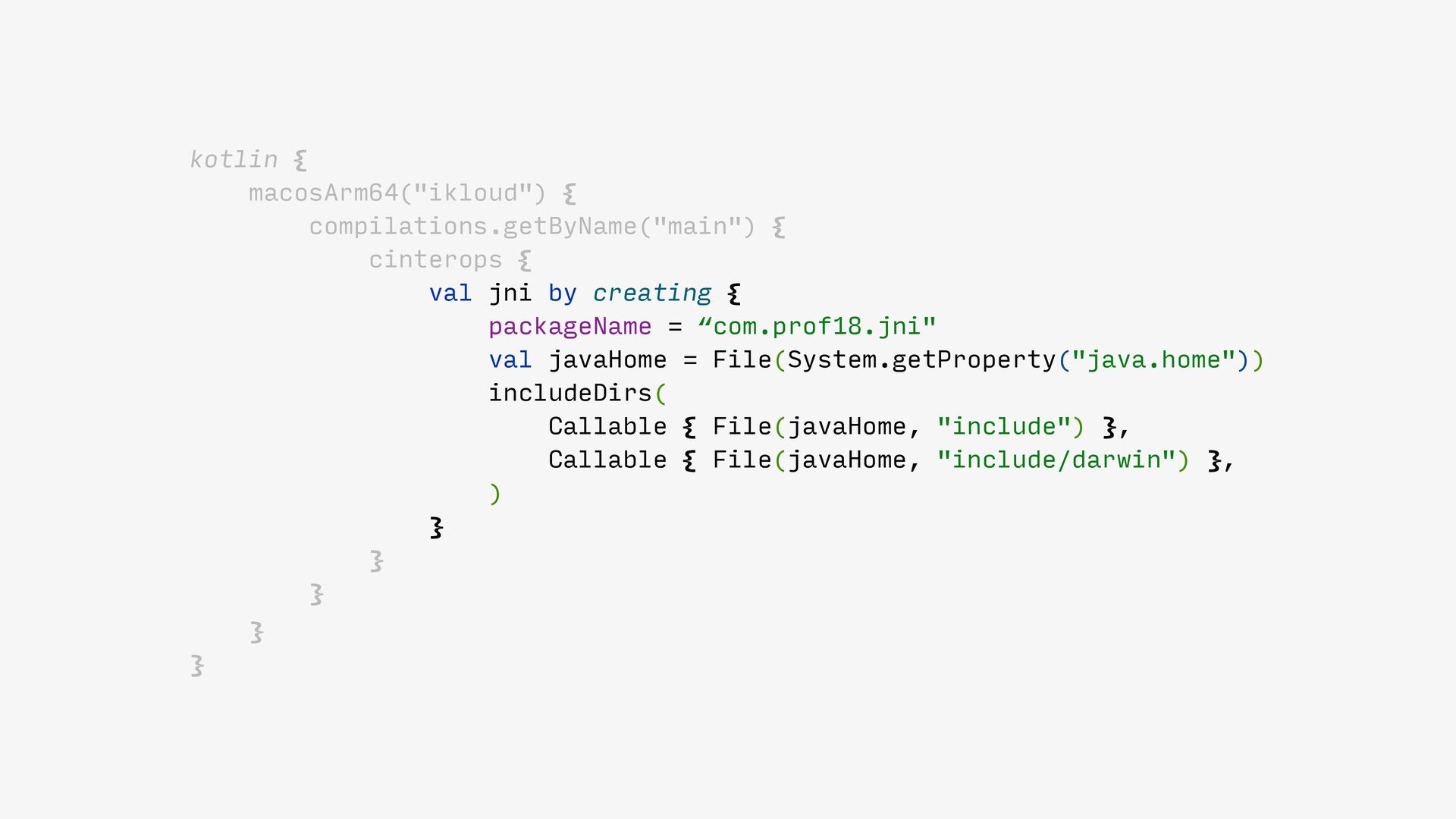
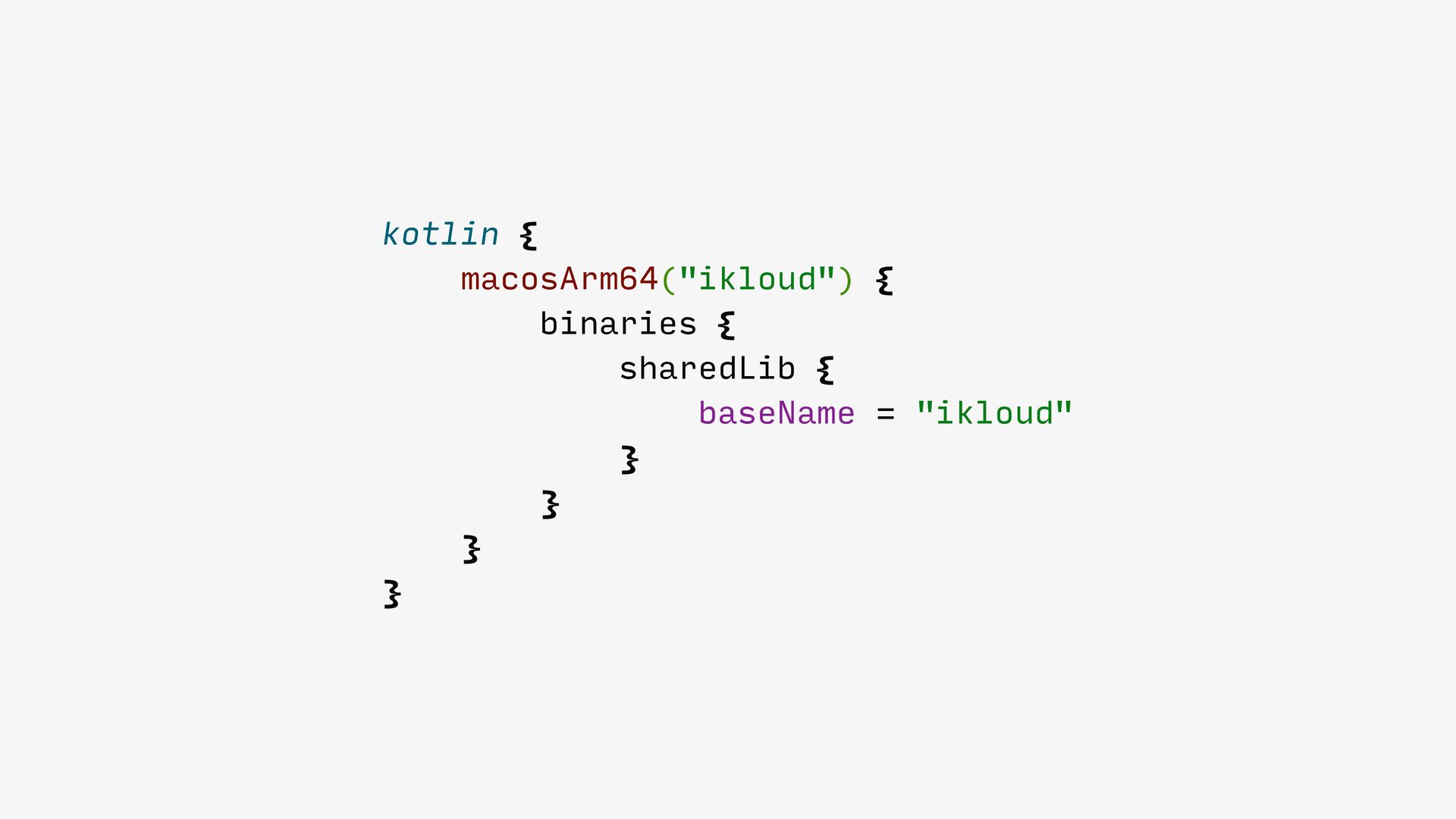
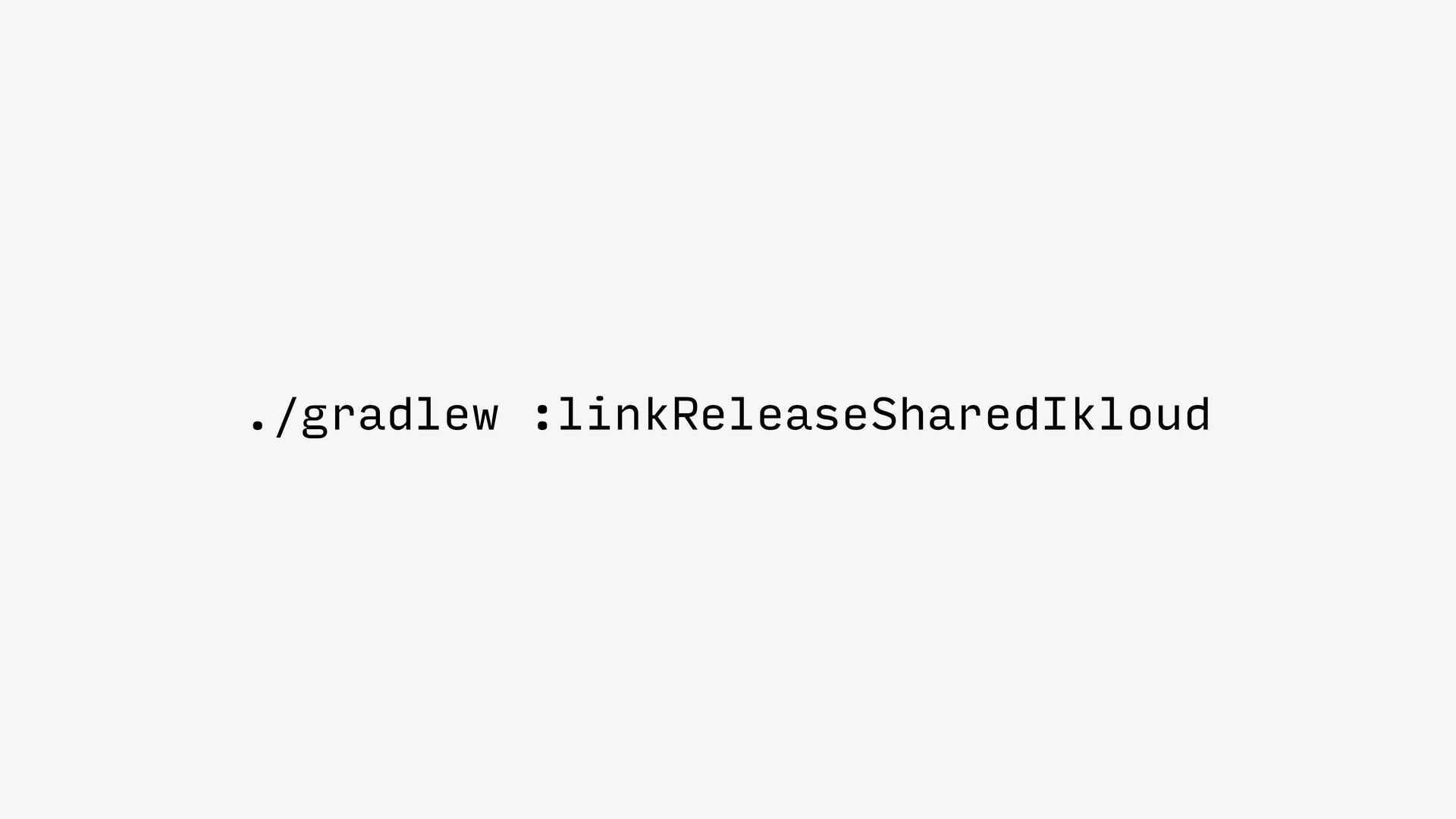
  10. kotlin { macosArm64("ikloud") { compilations.getByName("main") { cinterops { val jni

    by creating { packageName = “com.prof18.jni" val javaHome = File(System.getProperty("java.home")) includeDirs( Callable { File(javaHome, "include") }, Callable { File(javaHome, "include/darwin") }, ) } } } binaries { sharedLib { baseName = "ikloud" } } } }
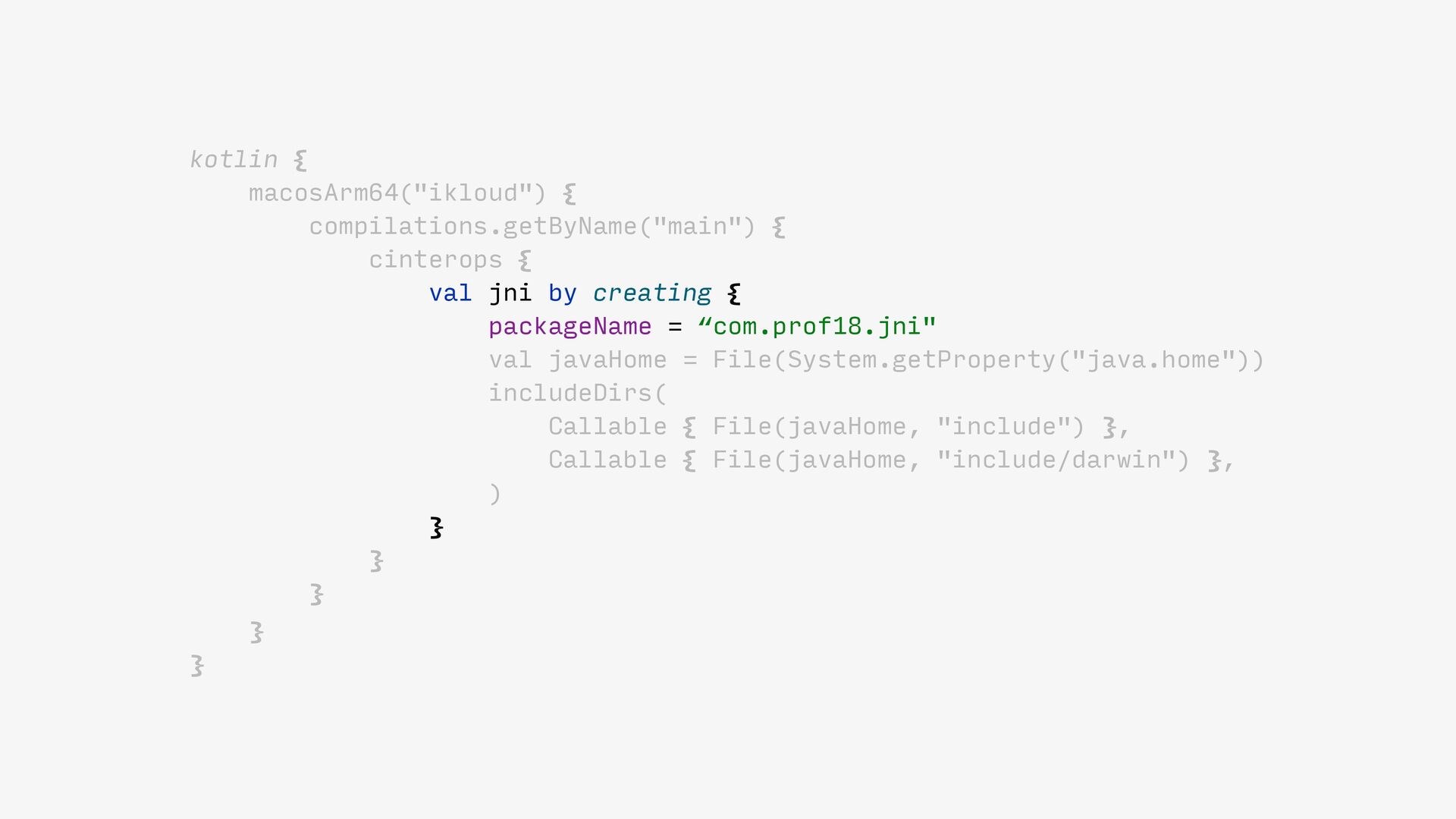
  11. kotlin { macosArm64("ikloud") { compilations.getByName("main") { cinterops { val jni

    by creating { packageName = “com.prof18.jni" val javaHome = File(System.getProperty("java.home")) includeDirs( Callable { File(javaHome, "include") }, Callable { File(javaHome, "include/darwin") }, ) } } } } }
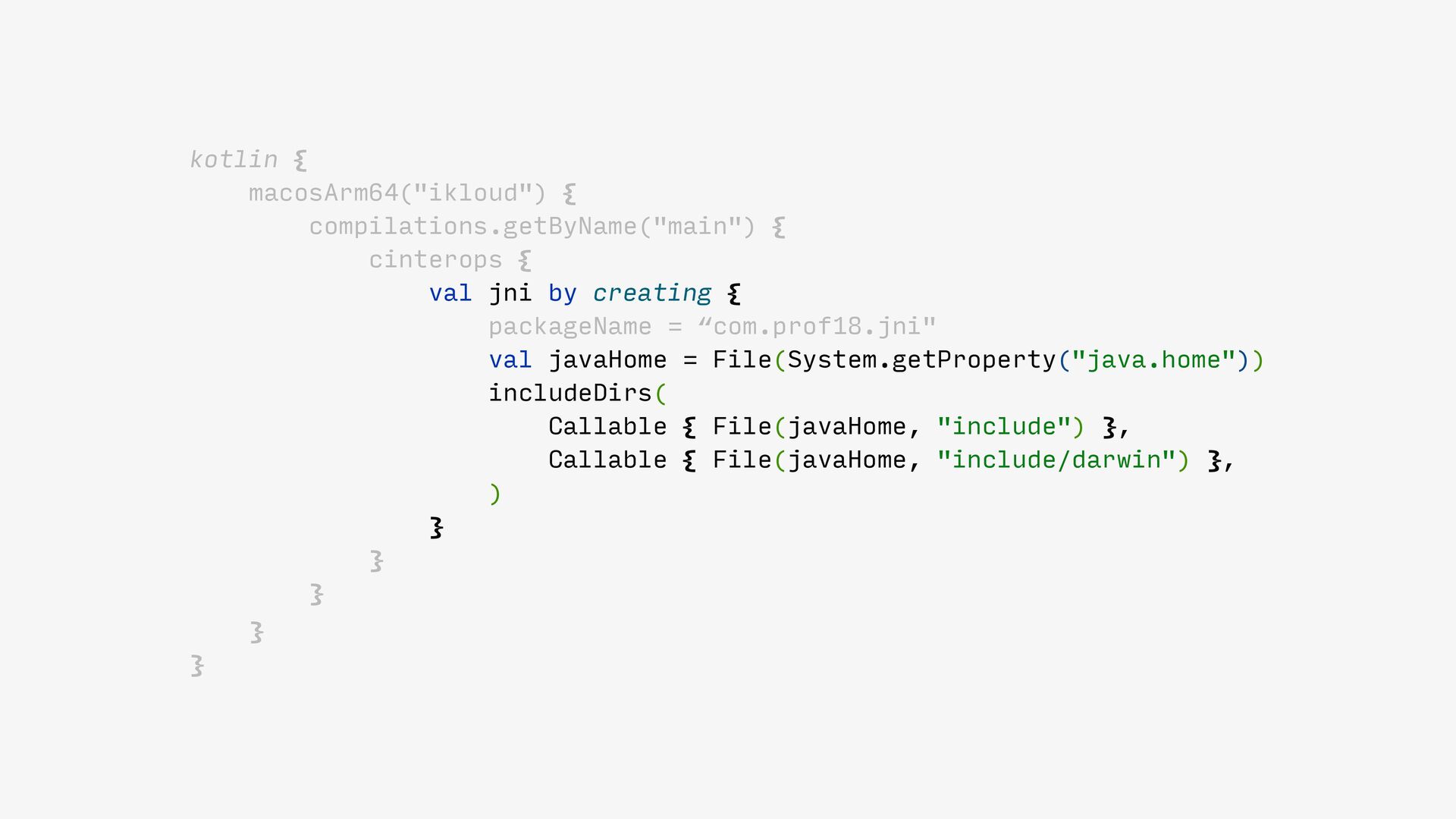
  12. kotlin { macosArm64("ikloud") { compilations.getByName("main") { cinterops { val jni

    by creating { packageName = “com.prof18.jni" val javaHome = File(System.getProperty("java.home")) includeDirs( Callable { File(javaHome, "include") }, Callable { File(javaHome, "include/darwin") }, ) } } } } }
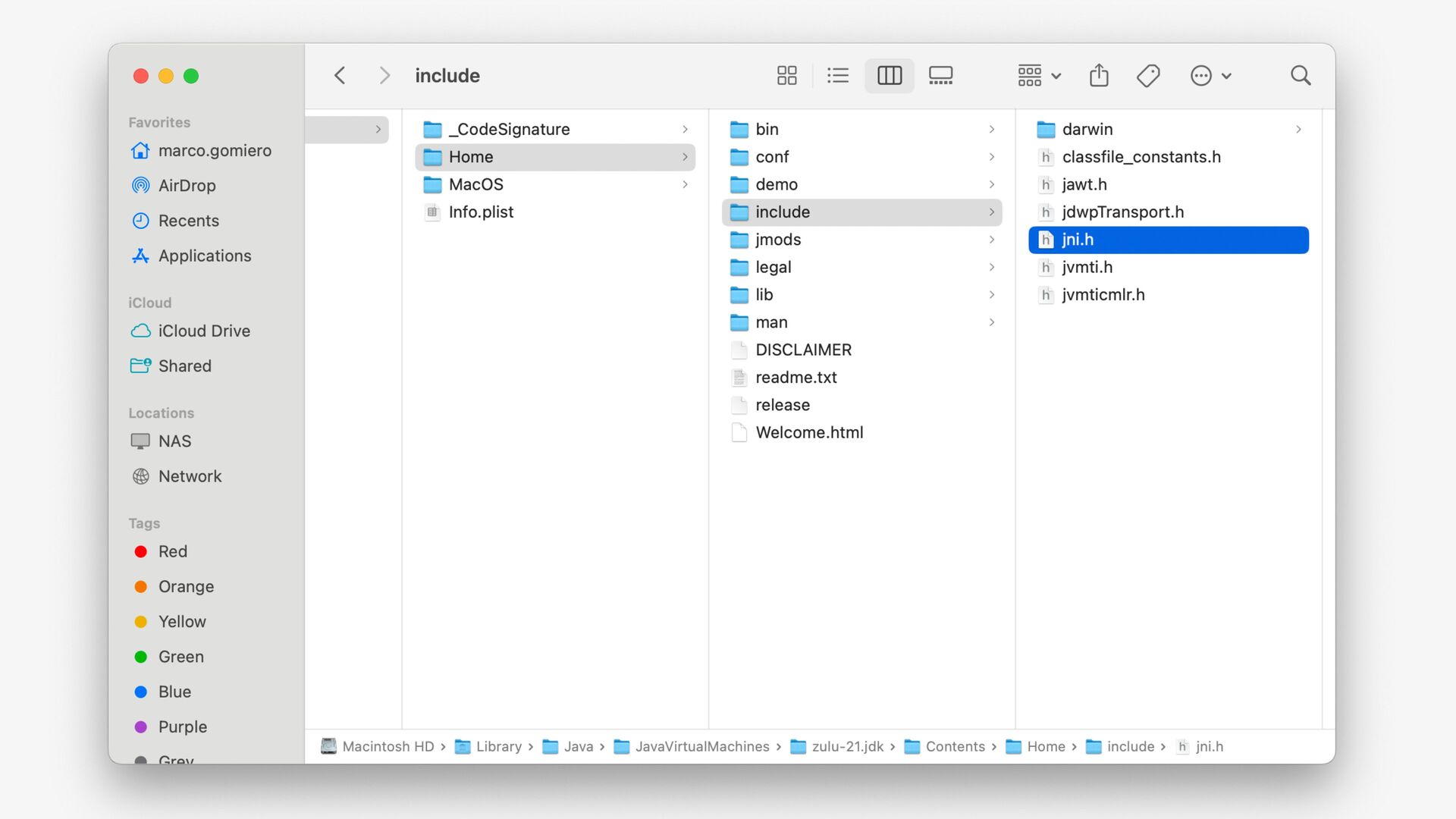
  13. kotlin { macosArm64("ikloud") { compilations.getByName("main") { cinterops { val jni

    by creating { packageName = “com.prof18.jni" val javaHome = File(System.getProperty("java.home")) includeDirs( Callable { File(javaHome, "include") }, Callable { File(javaHome, "include/darwin") }, ) } } } } }
  14. kotlin { macosArm64("ikloud") { compilations.getByName("main") { cinterops { val jni

    by creating { packageName = “com.prof18.jni" val javaHome = File(System.getProperty("java.home")) includeDirs( Callable { File(javaHome, "include") }, Callable { File(javaHome, "include/darwin") }, ) } } } } }
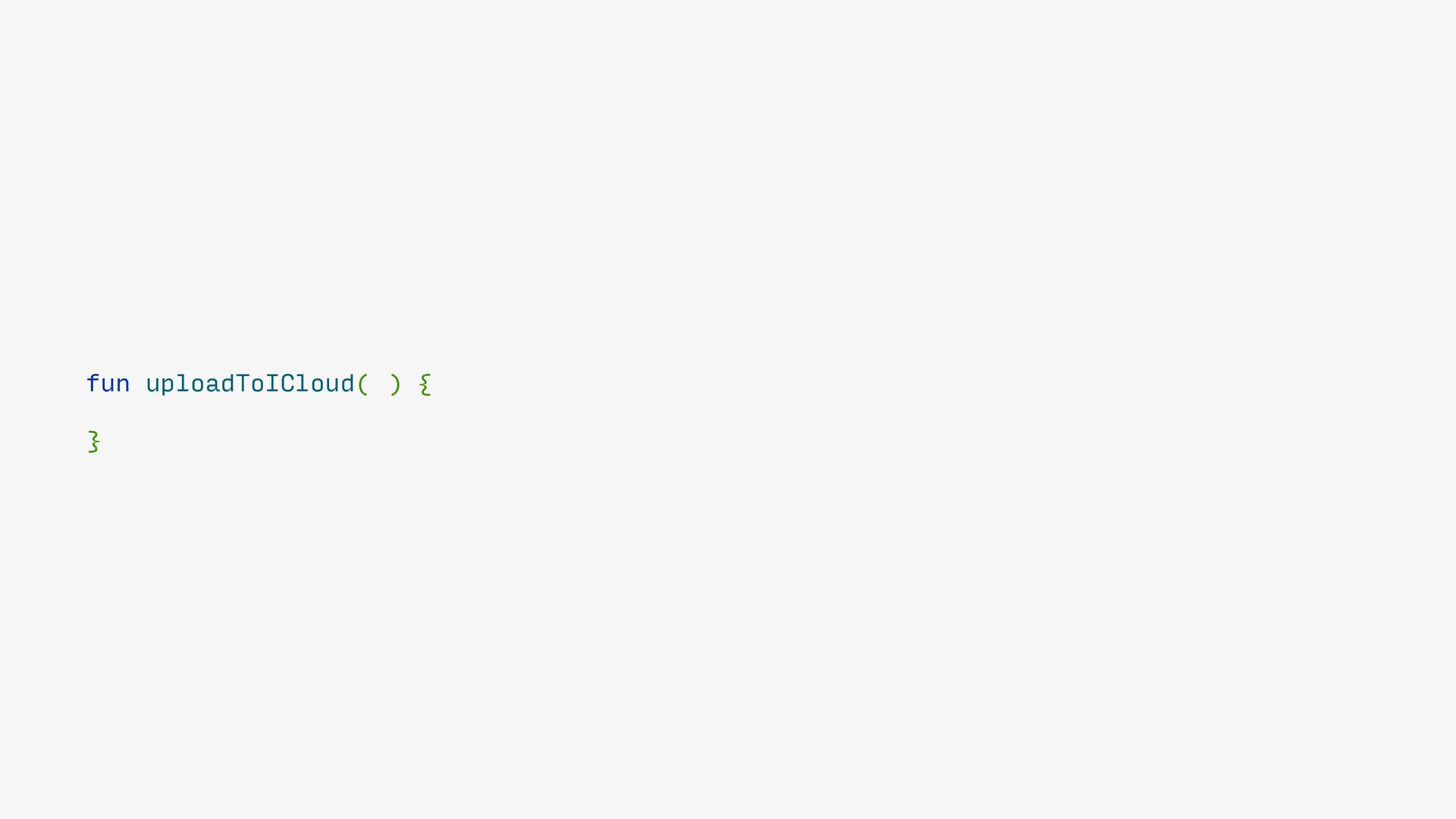
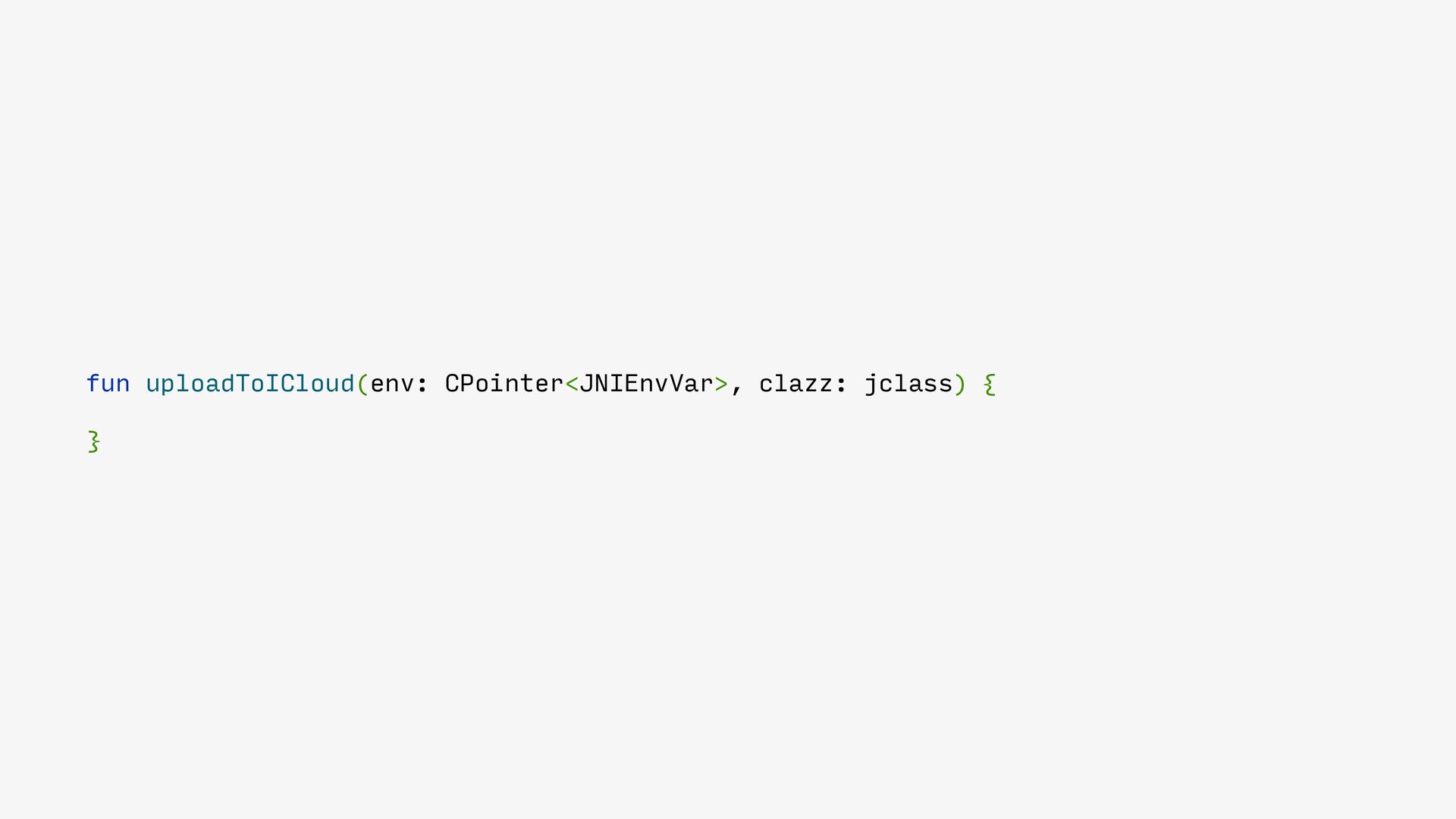
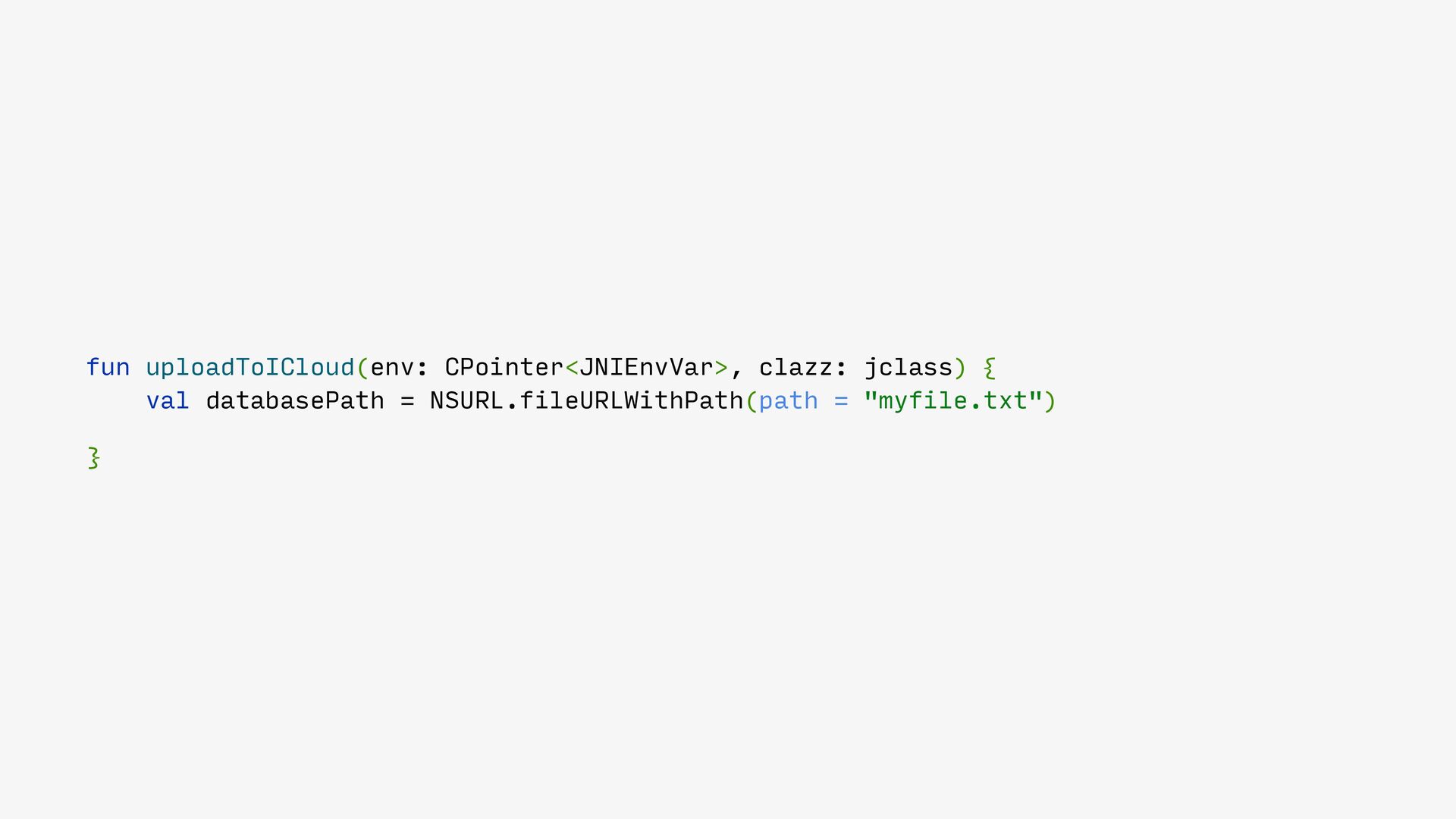
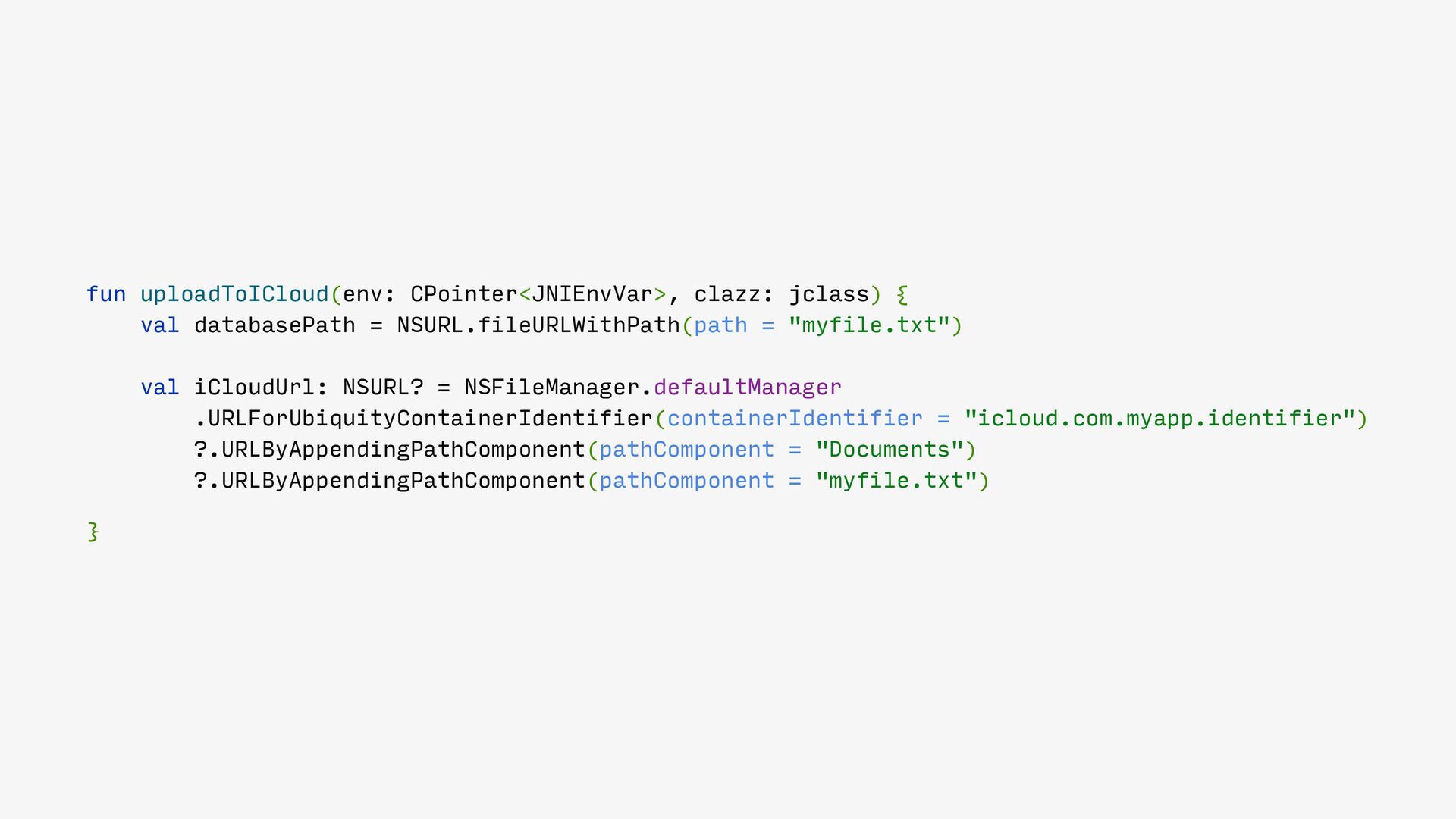
  15. fun uploadToICloud(env: CPointer<JNIEnvVar>, clazz: jclass) { val databasePath = NSURL.fileURLWithPath(path
    = "myfile.txt") val iCloudUrl: NSURL? = NSFileManager.defaultManager .URLForUbiquityContainerIdentifier(containerIdentifier = "icloud.com.myapp.identifier") ?.URLByAppendingPathComponent(pathComponent = "Documents") ?.URLByAppendingPathComponent(pathComponent = "myfile.txt") }
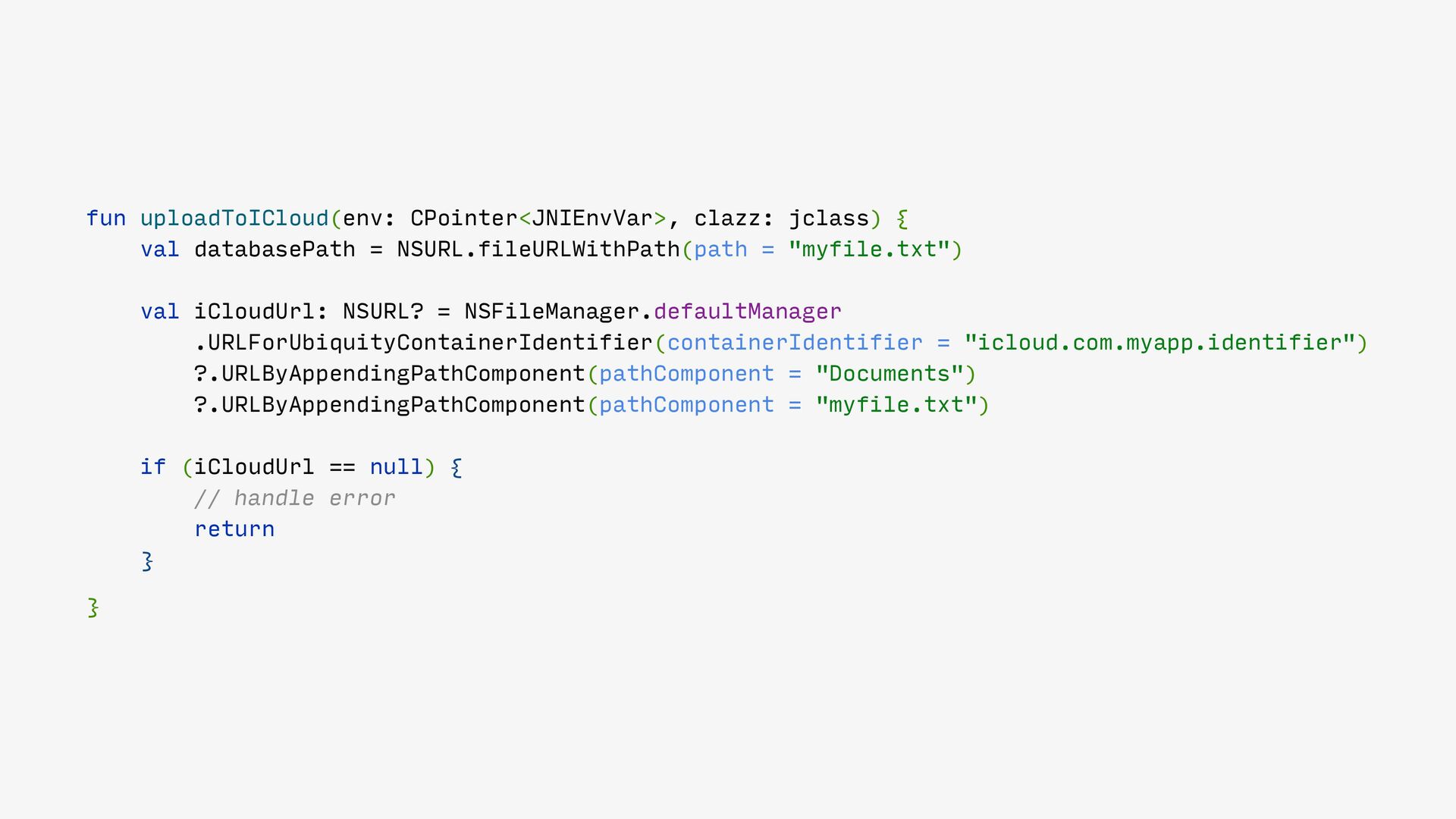
  16. fun uploadToICloud(env: CPointer<JNIEnvVar>, clazz: jclass) { val databasePath = NSURL.fileURLWithPath(path
    = "myfile.txt") val iCloudUrl: NSURL? = NSFileManager.defaultManager .URLForUbiquityContainerIdentifier(containerIdentifier = "icloud.com.myapp.identifier") ?.URLByAppendingPathComponent(pathComponent = "Documents") ?.URLByAppendingPathComponent(pathComponent = "myfile.txt") if (iCloudUrl == null) { // handle error return } }
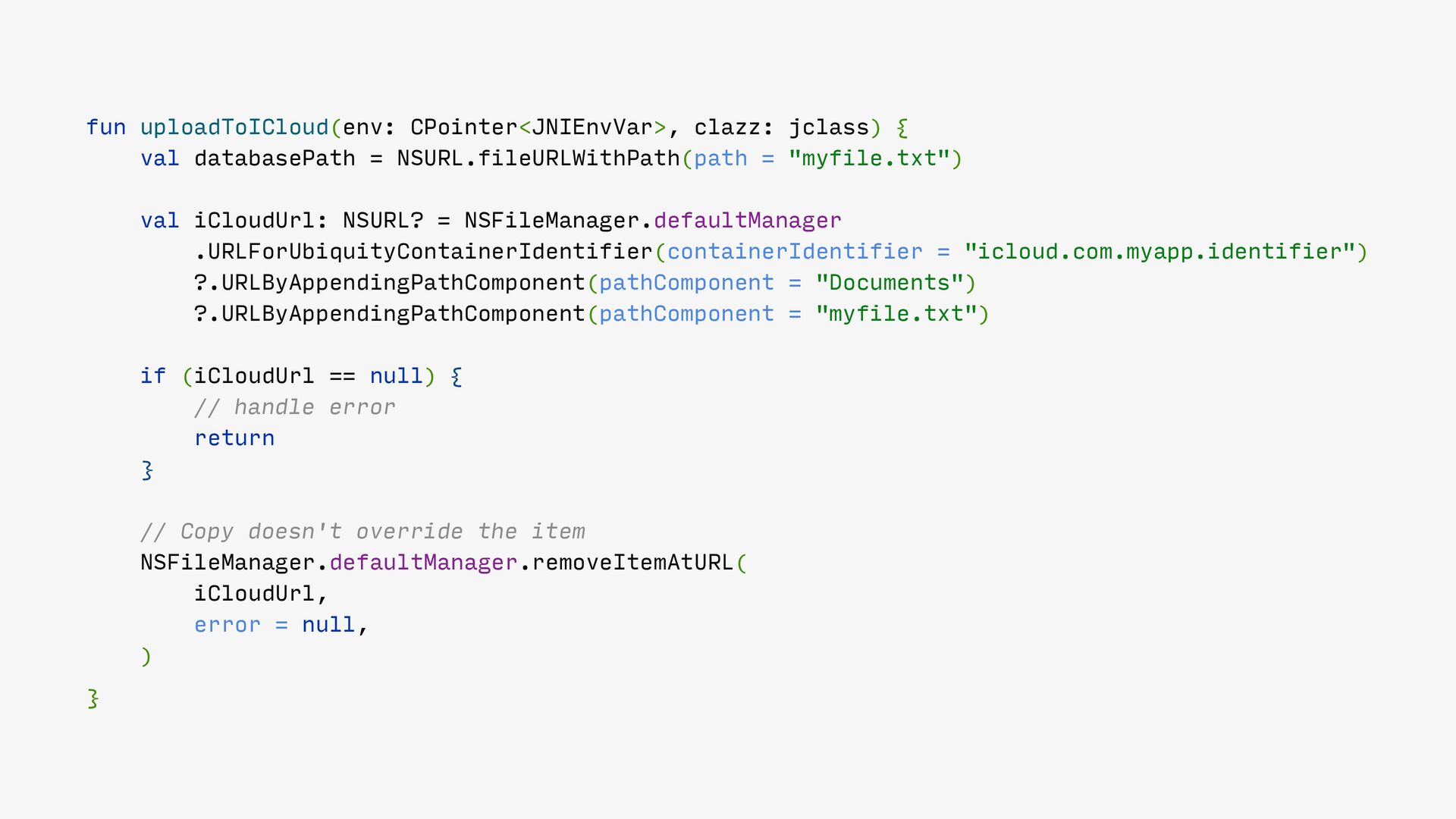
  17. fun uploadToICloud(env: CPointer<JNIEnvVar>, clazz: jclass) { val databasePath = NSURL.fileURLWithPath(path

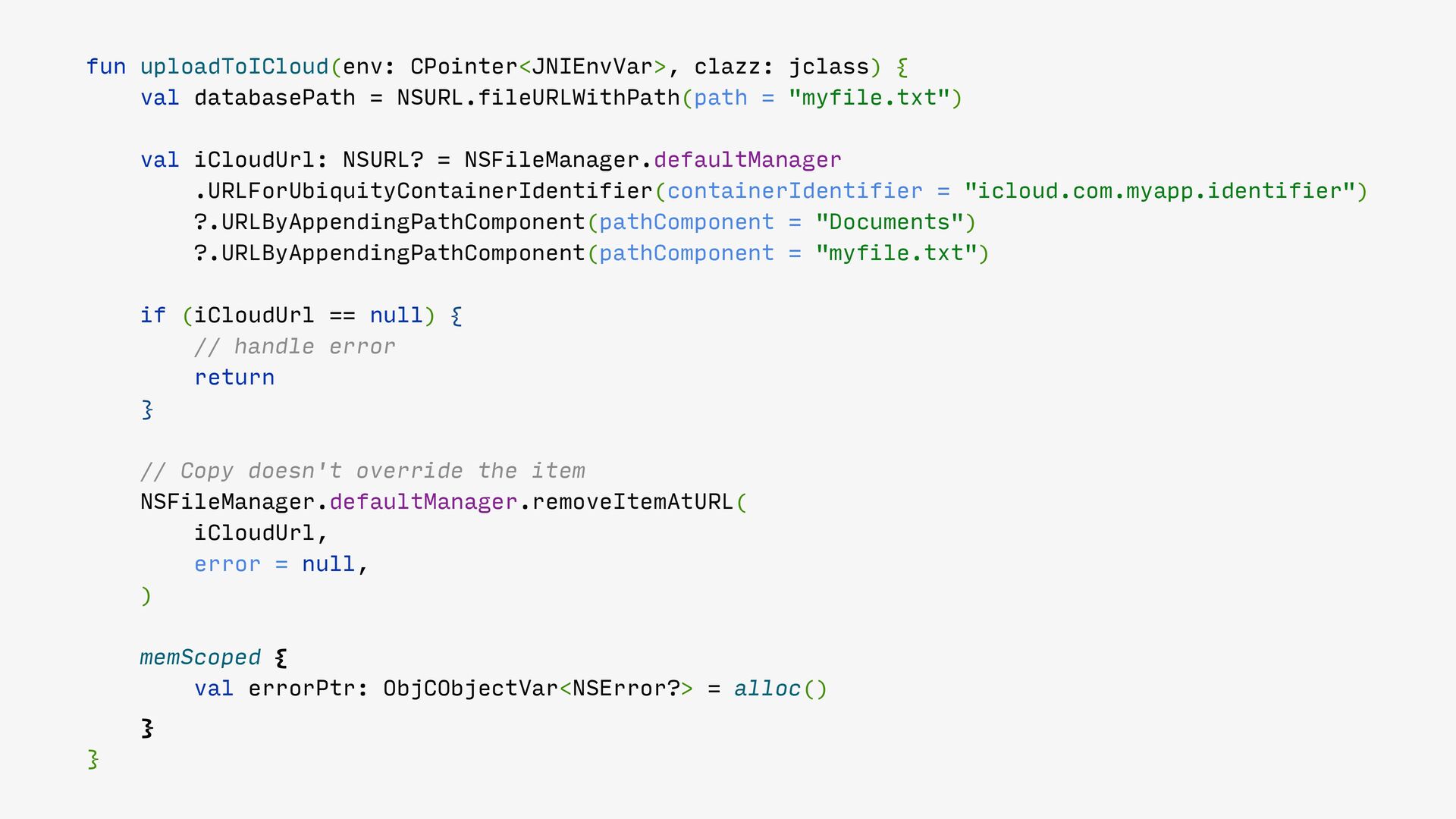
    = "myfile.txt") val iCloudUrl: NSURL? = NSFileManager.defaultManager .URLForUbiquityContainerIdentifier(containerIdentifier = "icloud.com.myapp.identifier") ?.URLByAppendingPathComponent(pathComponent = "Documents") ?.URLByAppendingPathComponent(pathComponent = "myfile.txt") if (iCloudUrl == null) { // handle error return } // Copy doesn't override the item NSFileManager.defaultManager.removeItemAtURL( iCloudUrl, error = null, ) }
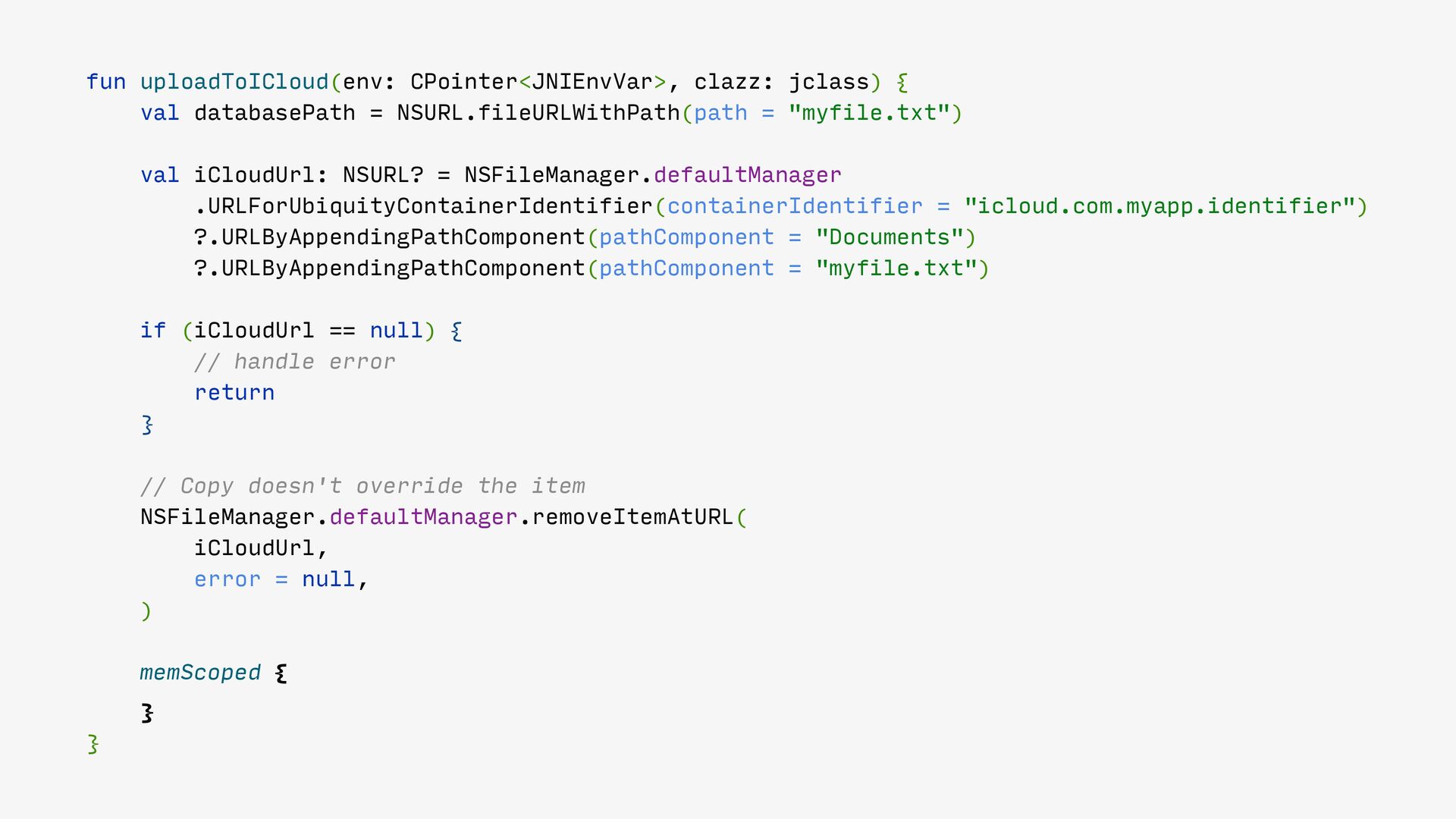
  18. fun uploadToICloud(env: CPointer<JNIEnvVar>, clazz: jclass) { val databasePath = NSURL.fileURLWithPath(path

    = "myfile.txt") val iCloudUrl: NSURL? = NSFileManager.defaultManager .URLForUbiquityContainerIdentifier(containerIdentifier = "icloud.com.myapp.identifier") ?.URLByAppendingPathComponent(pathComponent = "Documents") ?.URLByAppendingPathComponent(pathComponent = "myfile.txt") if (iCloudUrl == null) { // handle error return } // Copy doesn't override the item NSFileManager.defaultManager.removeItemAtURL( iCloudUrl, error = null, ) memScoped { } }
  19. fun uploadToICloud(env: CPointer<JNIEnvVar>, clazz: jclass) { val databasePath = NSURL.fileURLWithPath(path

    = "myfile.txt") val iCloudUrl: NSURL? = NSFileManager.defaultManager .URLForUbiquityContainerIdentifier(containerIdentifier = "icloud.com.myapp.identifier") ?.URLByAppendingPathComponent(pathComponent = "Documents") ?.URLByAppendingPathComponent(pathComponent = "myfile.txt") if (iCloudUrl == null) { // handle error return } // Copy doesn't override the item NSFileManager.defaultManager.removeItemAtURL( iCloudUrl, error = null, ) memScoped { val errorPtr: ObjCObjectVar<NSError?> = alloc() } }
  20. fun uploadToICloud(env: CPointer<JNIEnvVar>, clazz: jclass) { val databasePath = NSURL.fileURLWithPath(path

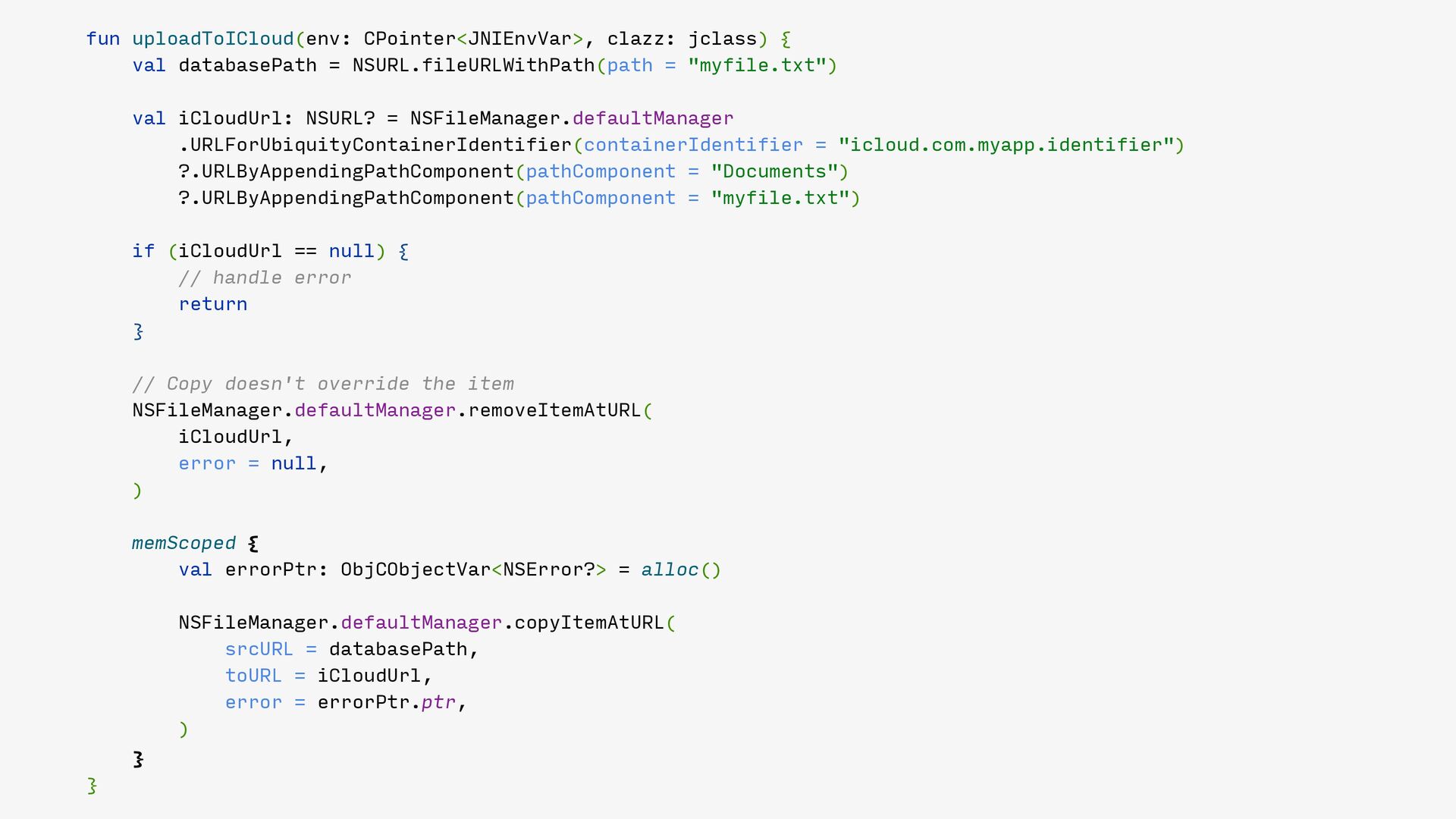
    = "myfile.txt") val iCloudUrl: NSURL? = NSFileManager.defaultManager .URLForUbiquityContainerIdentifier(containerIdentifier = "icloud.com.myapp.identifier") ?.URLByAppendingPathComponent(pathComponent = "Documents") ?.URLByAppendingPathComponent(pathComponent = "myfile.txt") if (iCloudUrl == null) { // handle error return } // Copy doesn't override the item NSFileManager.defaultManager.removeItemAtURL( iCloudUrl, error = null, ) memScoped { val errorPtr: ObjCObjectVar<NSError?> = alloc() NSFileManager.defaultManager.copyItemAtURL( srcURL = databasePath, toURL = iCloudUrl, error = errorPtr.ptr, ) } }
  21. fun uploadToICloud(env: CPointer<JNIEnvVar>, clazz: jclass) { val databasePath = NSURL.fileURLWithPath(path

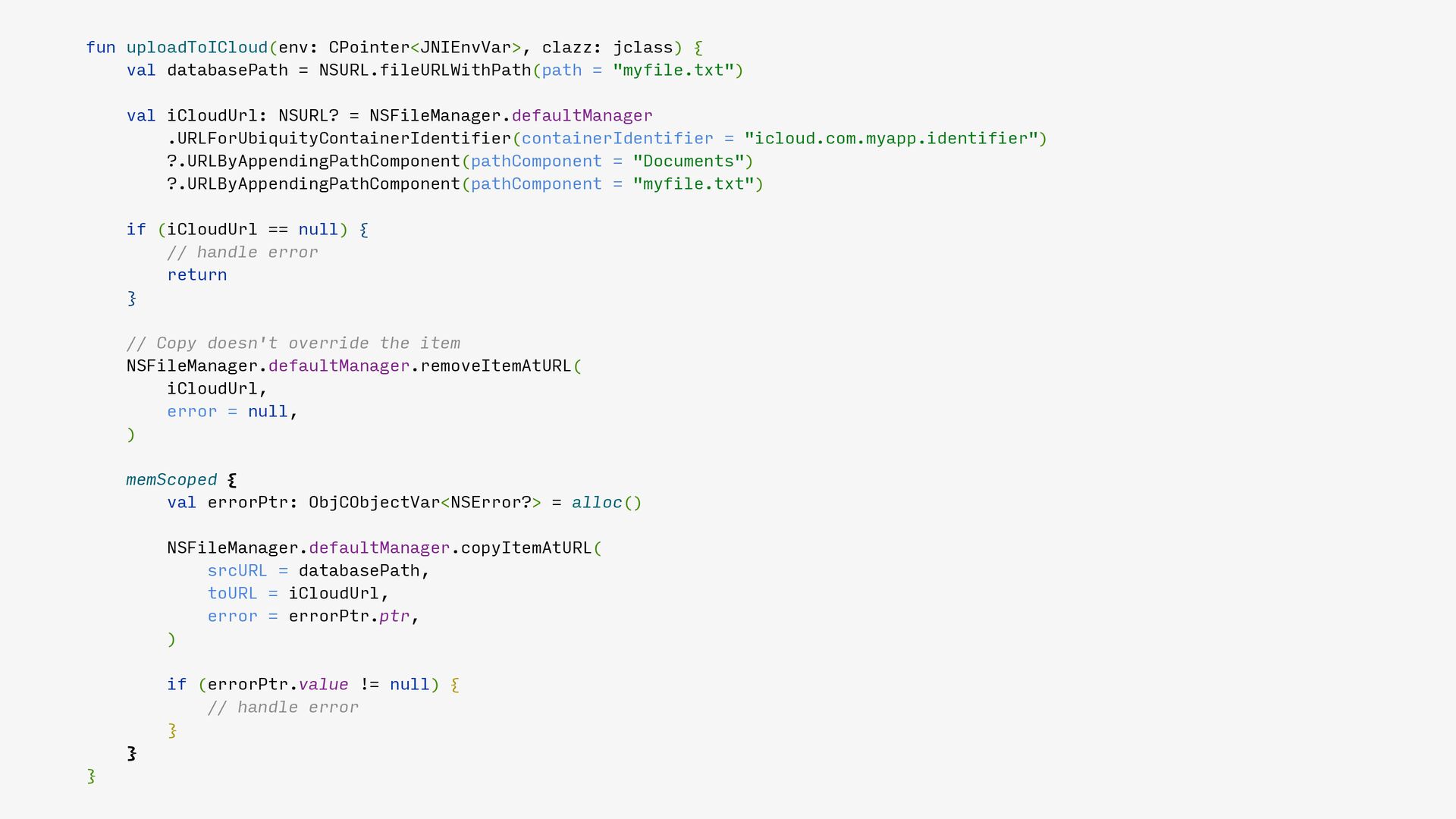
    = "myfile.txt") val iCloudUrl: NSURL? = NSFileManager.defaultManager .URLForUbiquityContainerIdentifier(containerIdentifier = "icloud.com.myapp.identifier") ?.URLByAppendingPathComponent(pathComponent = "Documents") ?.URLByAppendingPathComponent(pathComponent = "myfile.txt") if (iCloudUrl == null) { // handle error return } // Copy doesn't override the item NSFileManager.defaultManager.removeItemAtURL( iCloudUrl, error = null, ) memScoped { val errorPtr: ObjCObjectVar<NSError?> = alloc() NSFileManager.defaultManager.copyItemAtURL( srcURL = databasePath, toURL = iCloudUrl, error = errorPtr.ptr, ) if (errorPtr.value != null) { // handle error } } }
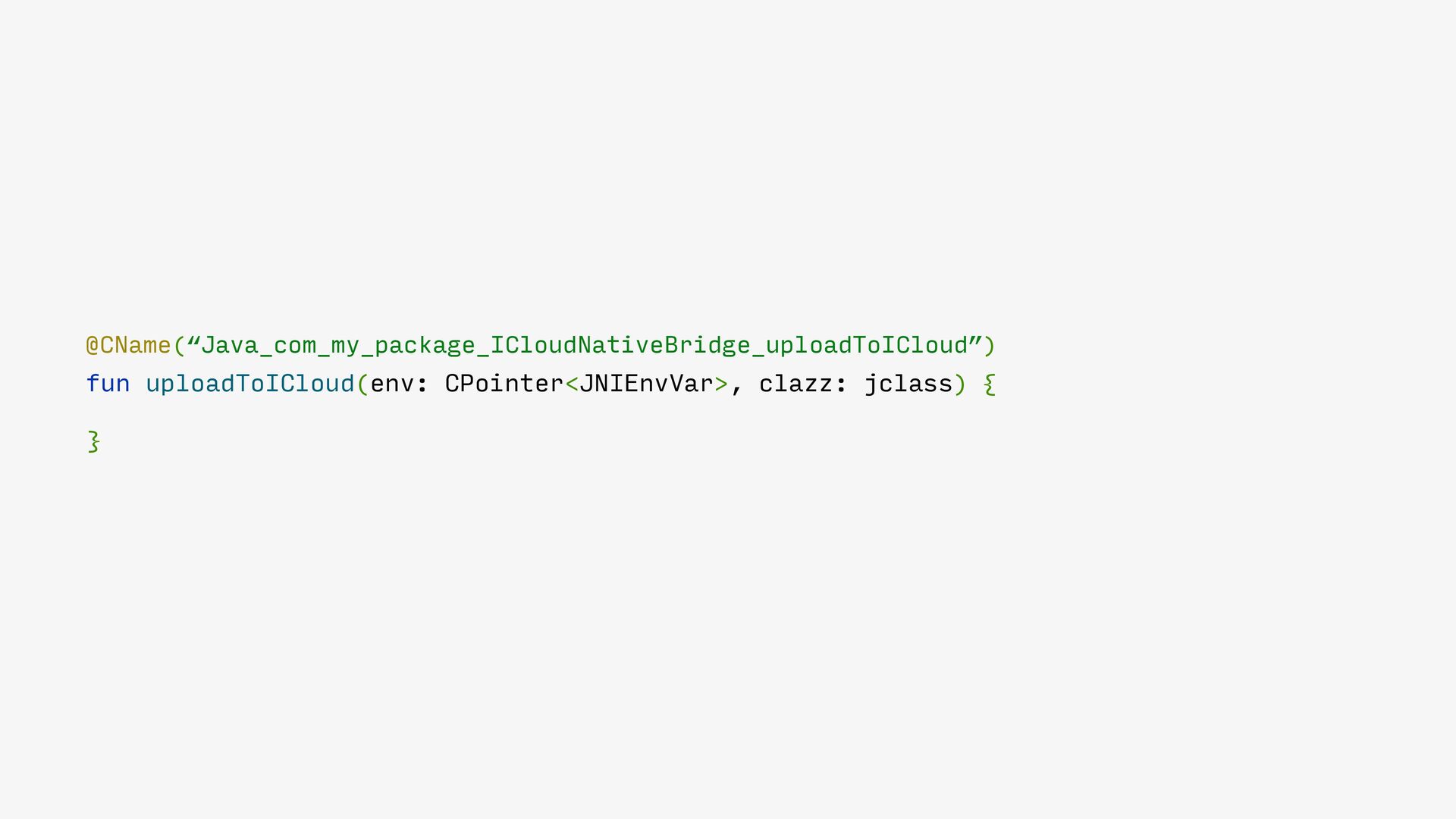
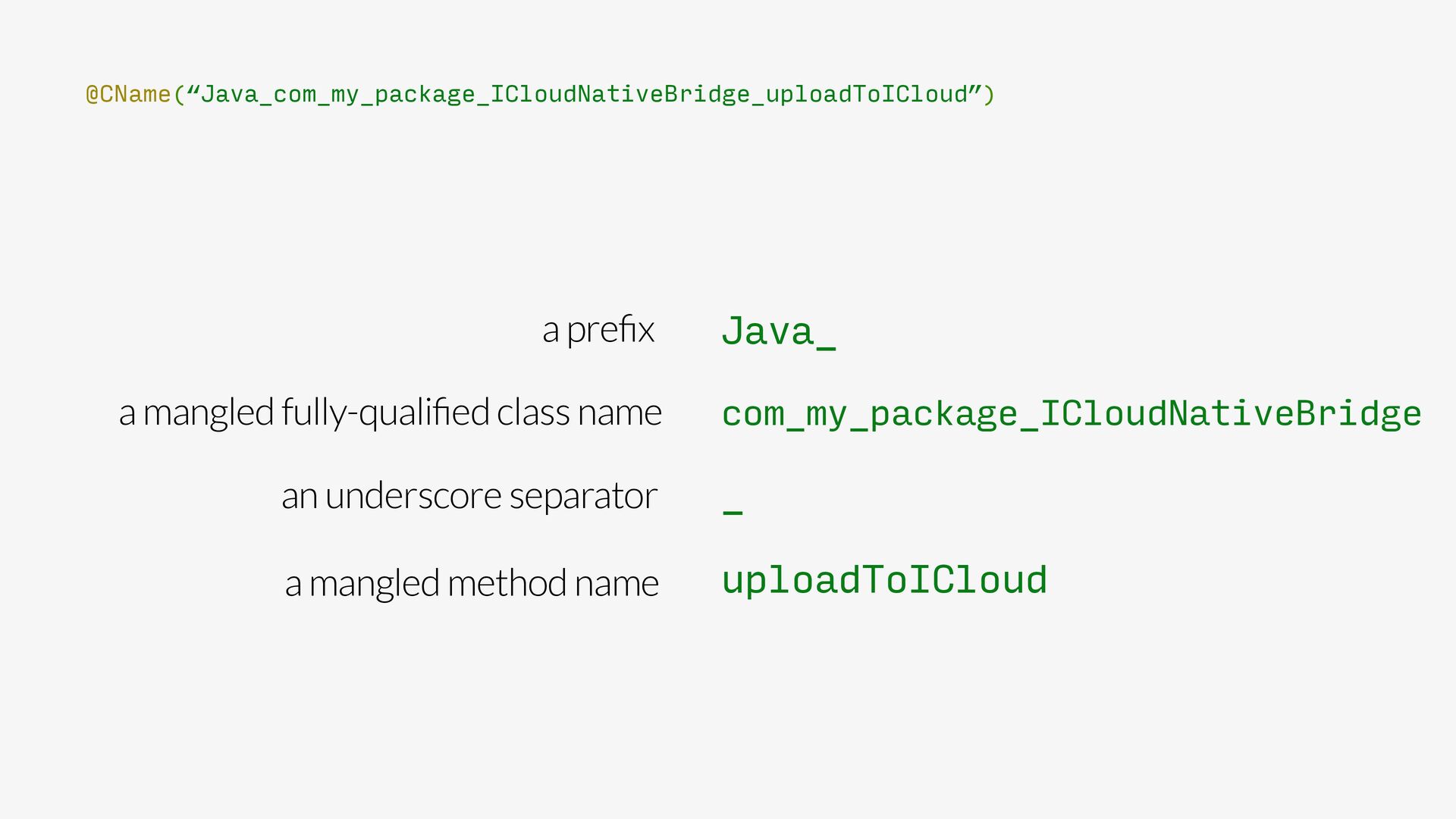
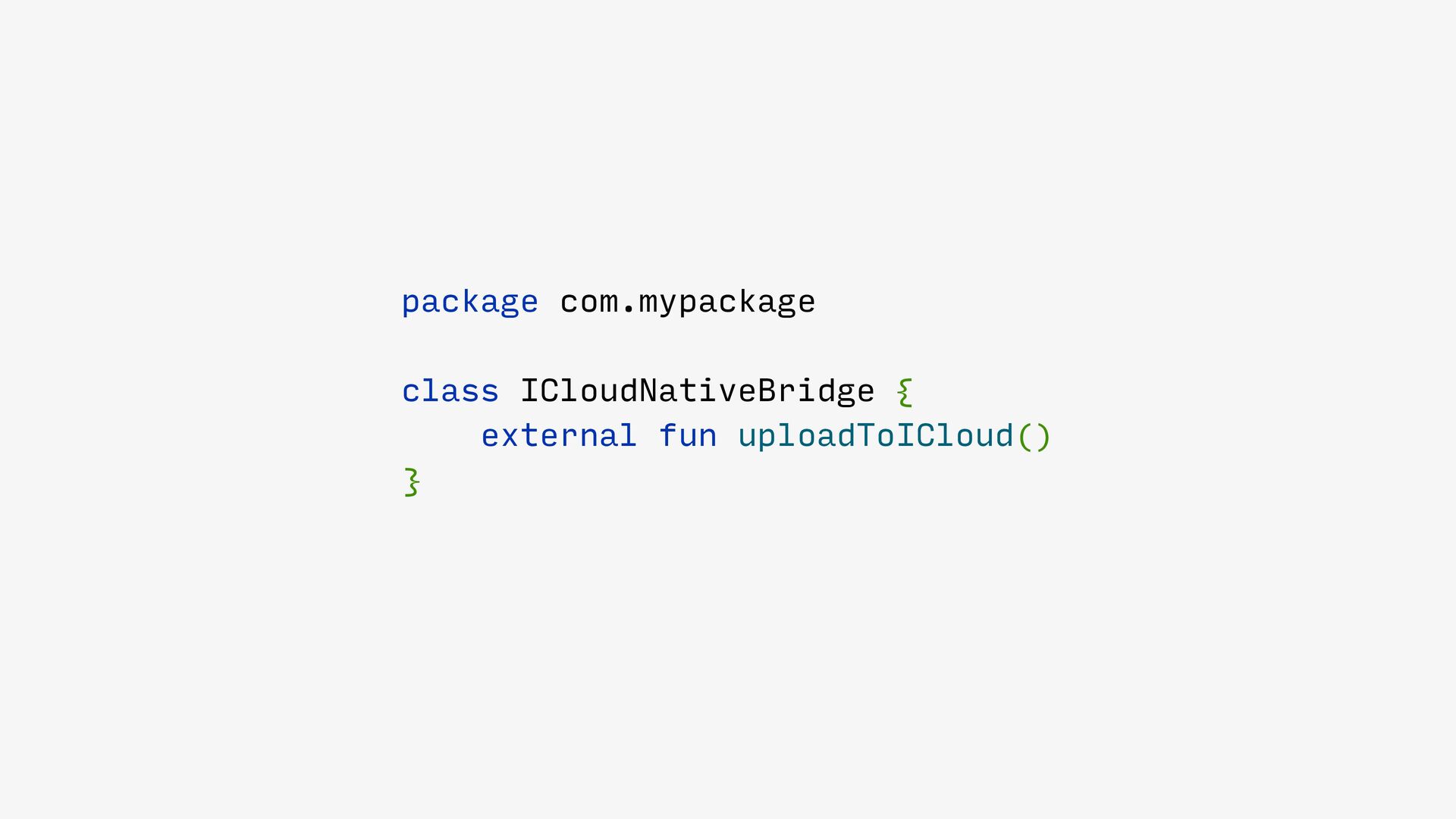
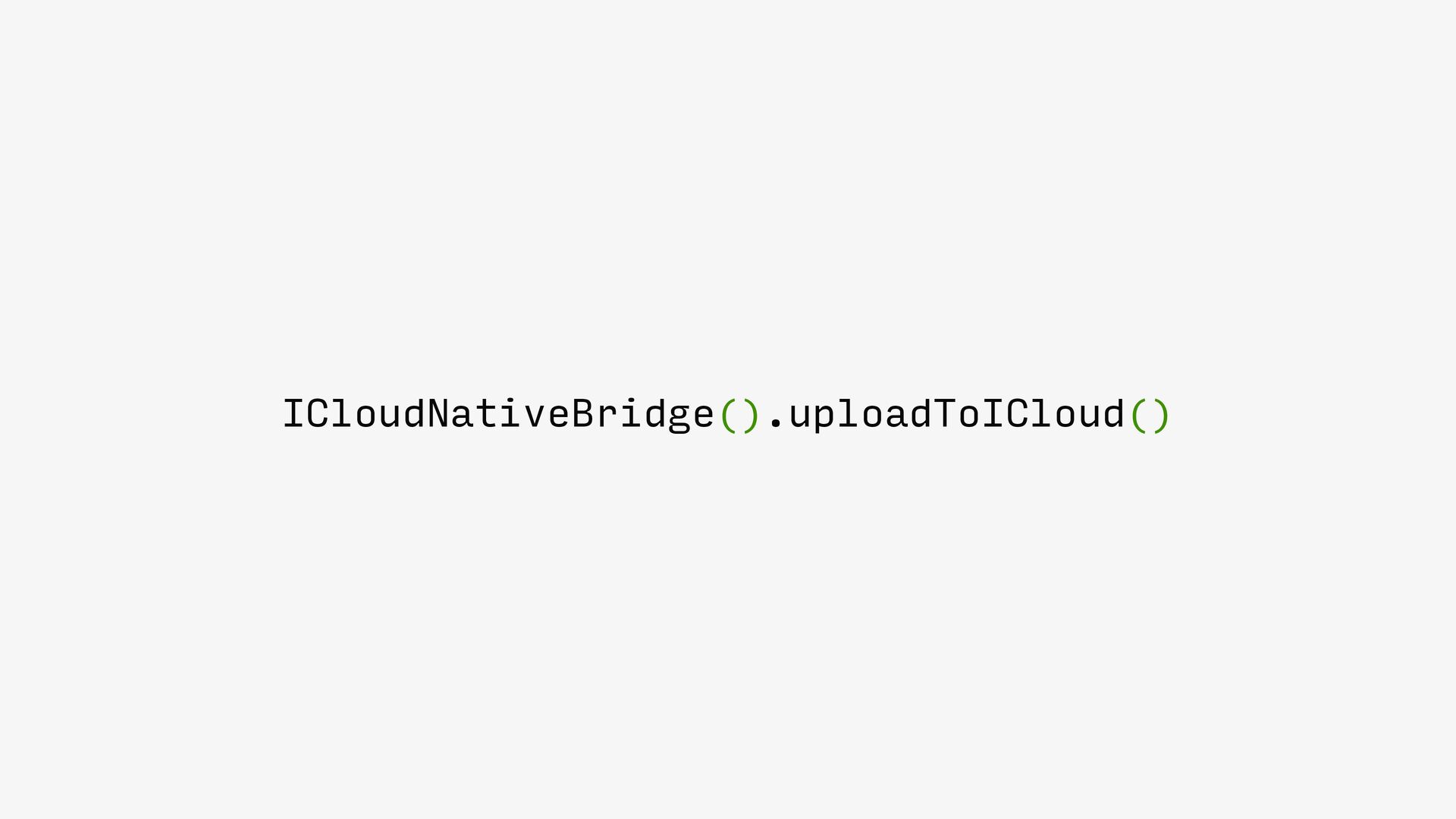
  22. @CName(“Java_com_my_package_ICloudNativeBridge_uploadToICloud”) a pre fi x Java_ a mangled fully-quali fi

    ed class name com_my_package_ICloudNativeBridge an underscore separator _ a mangled method name uploadToICloud
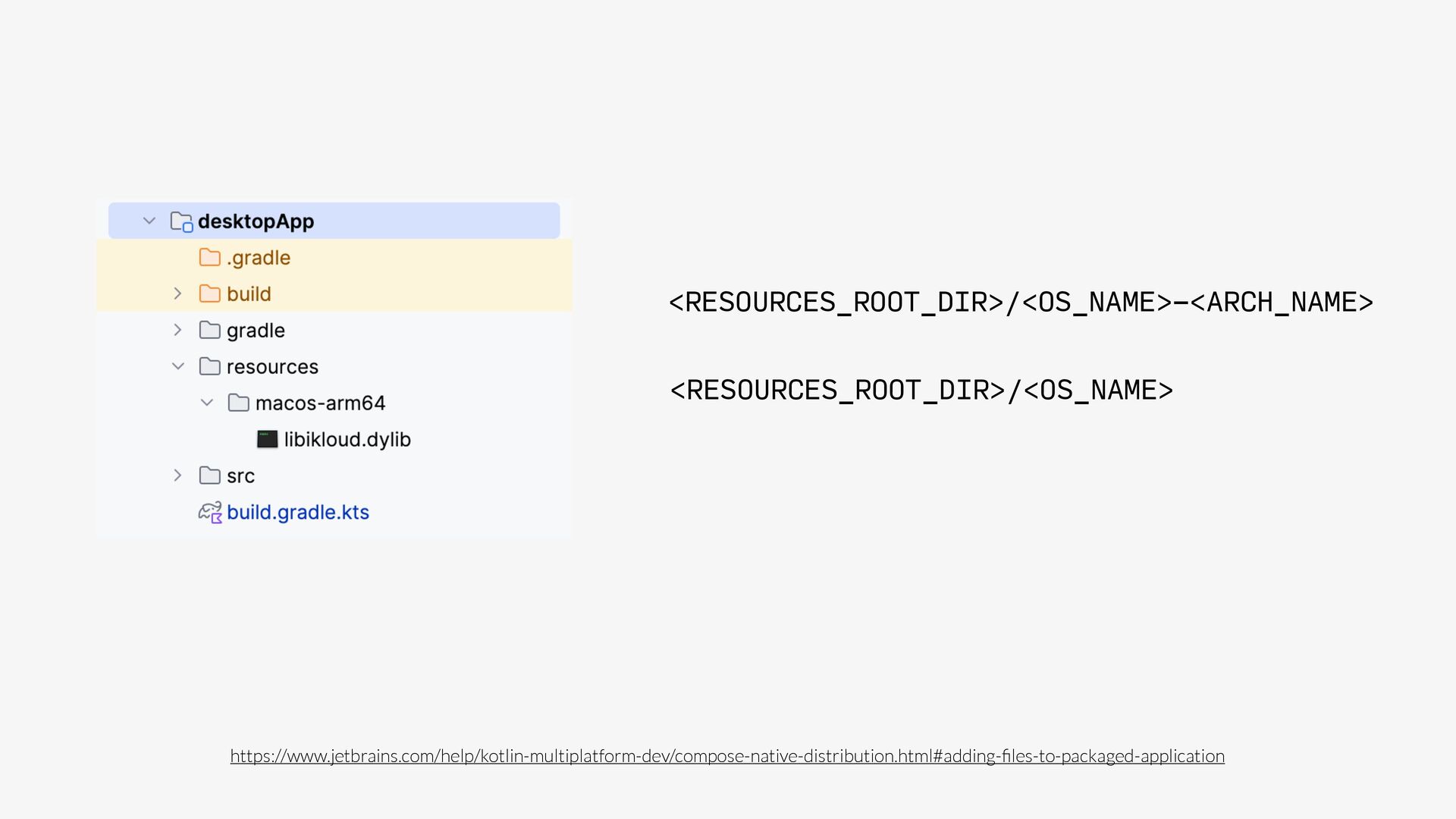
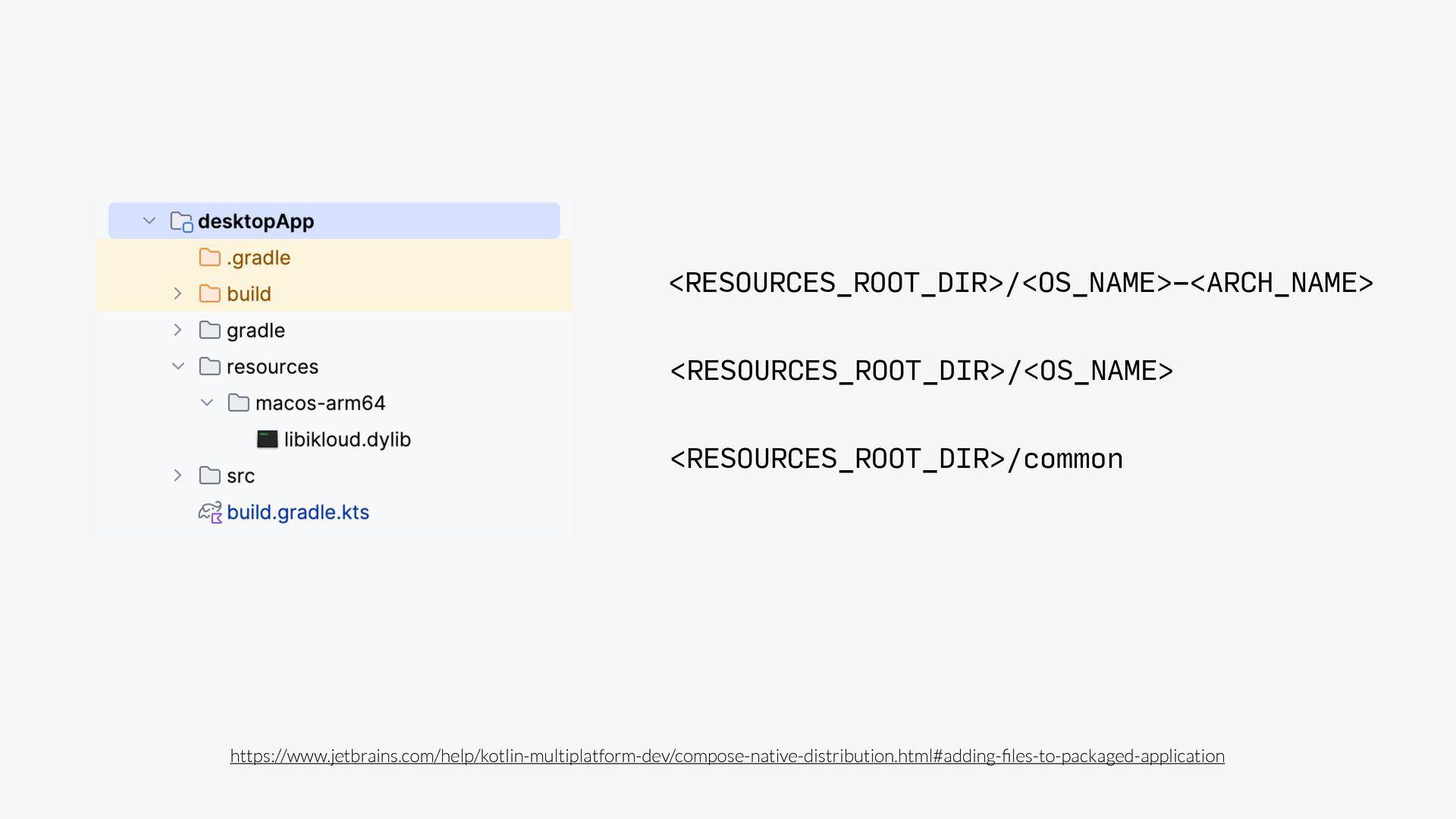
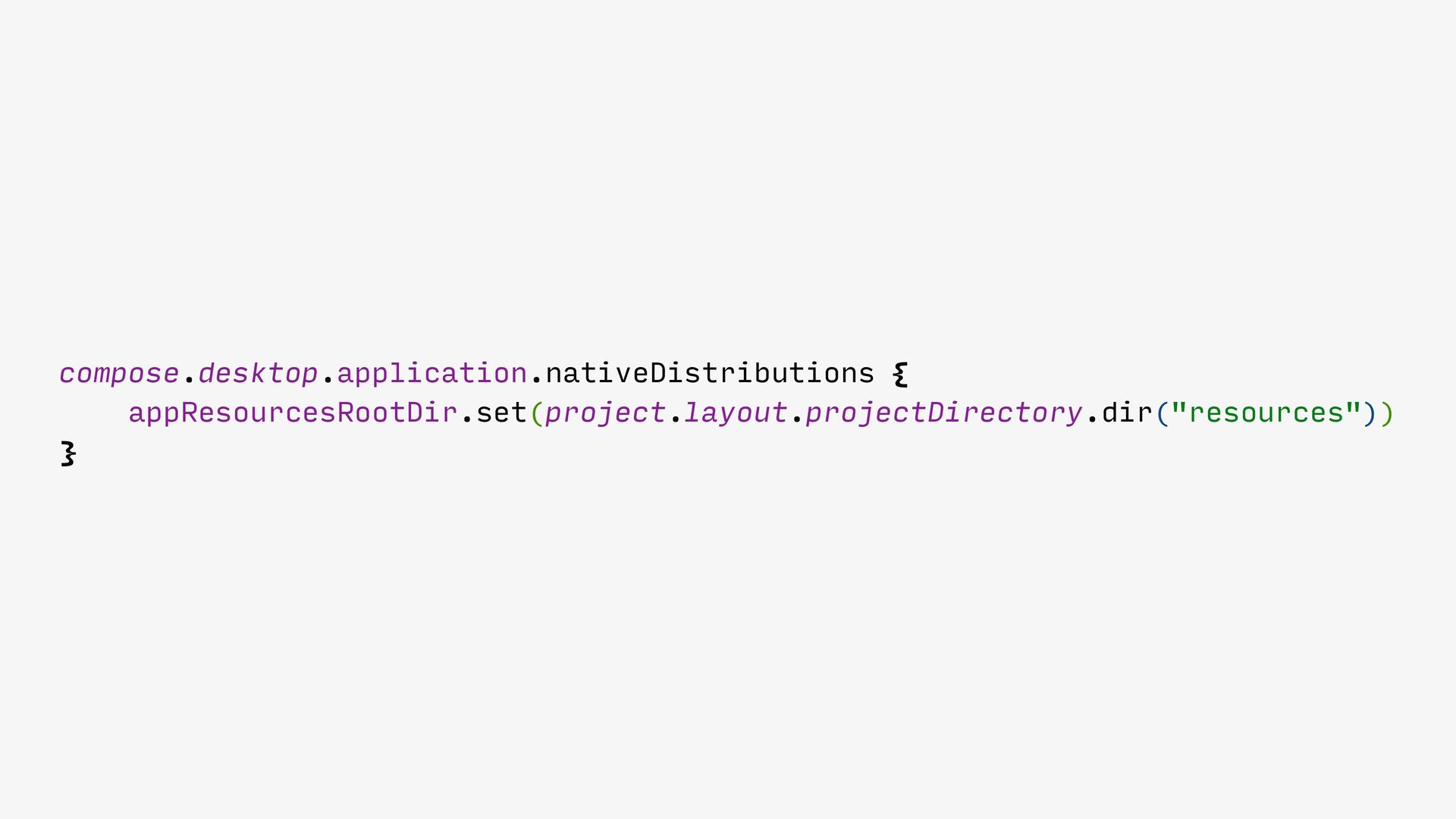
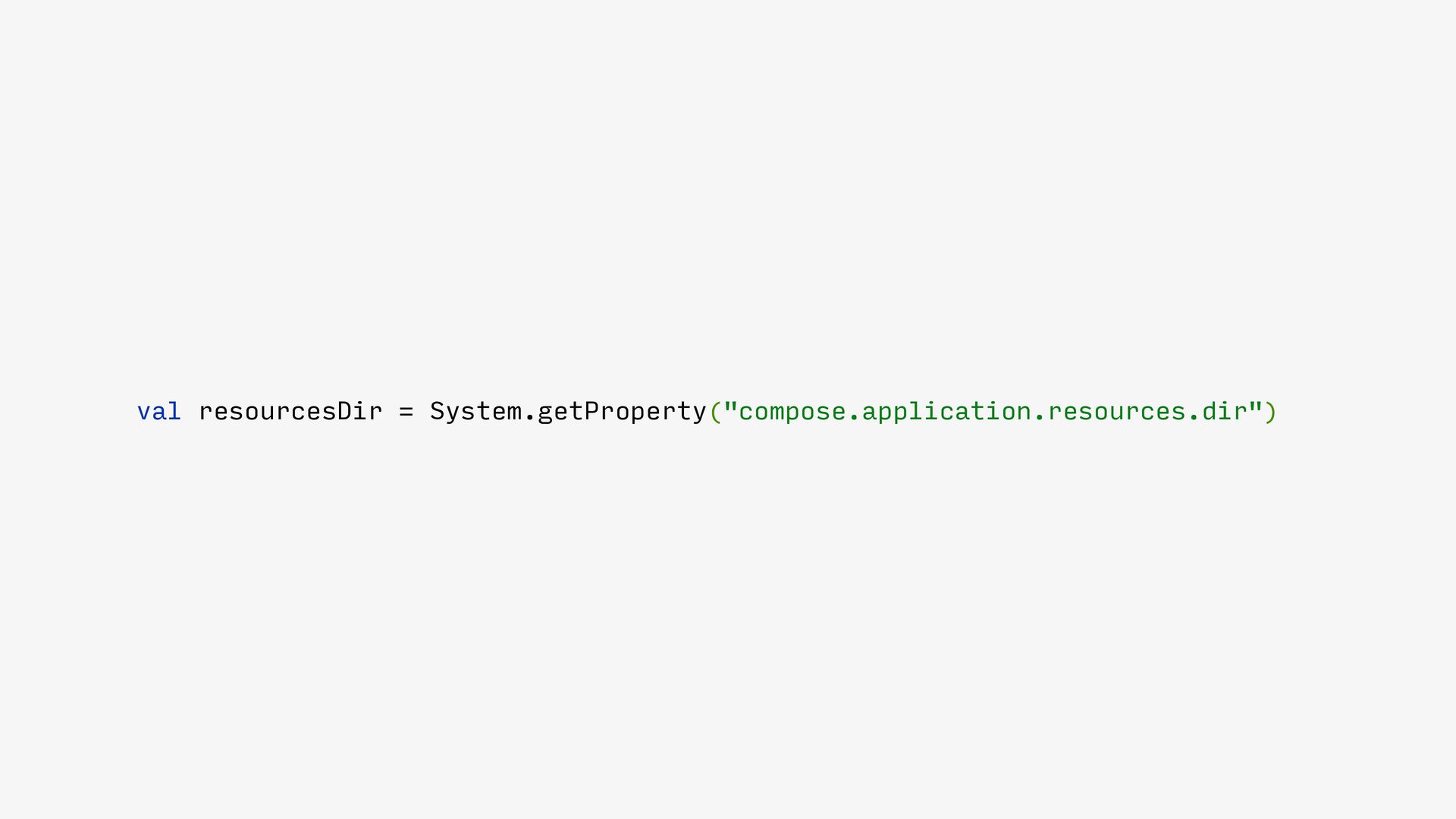
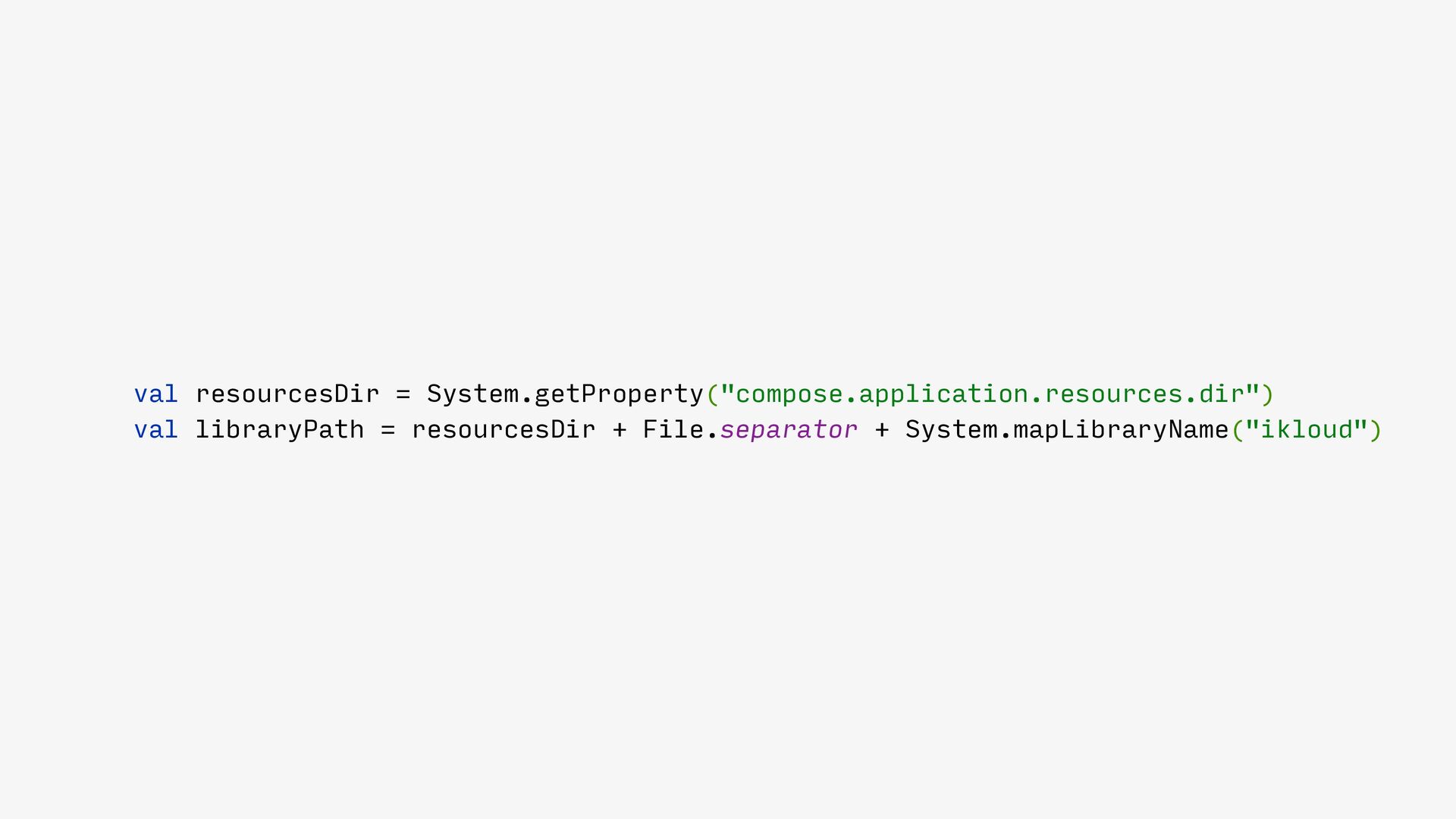
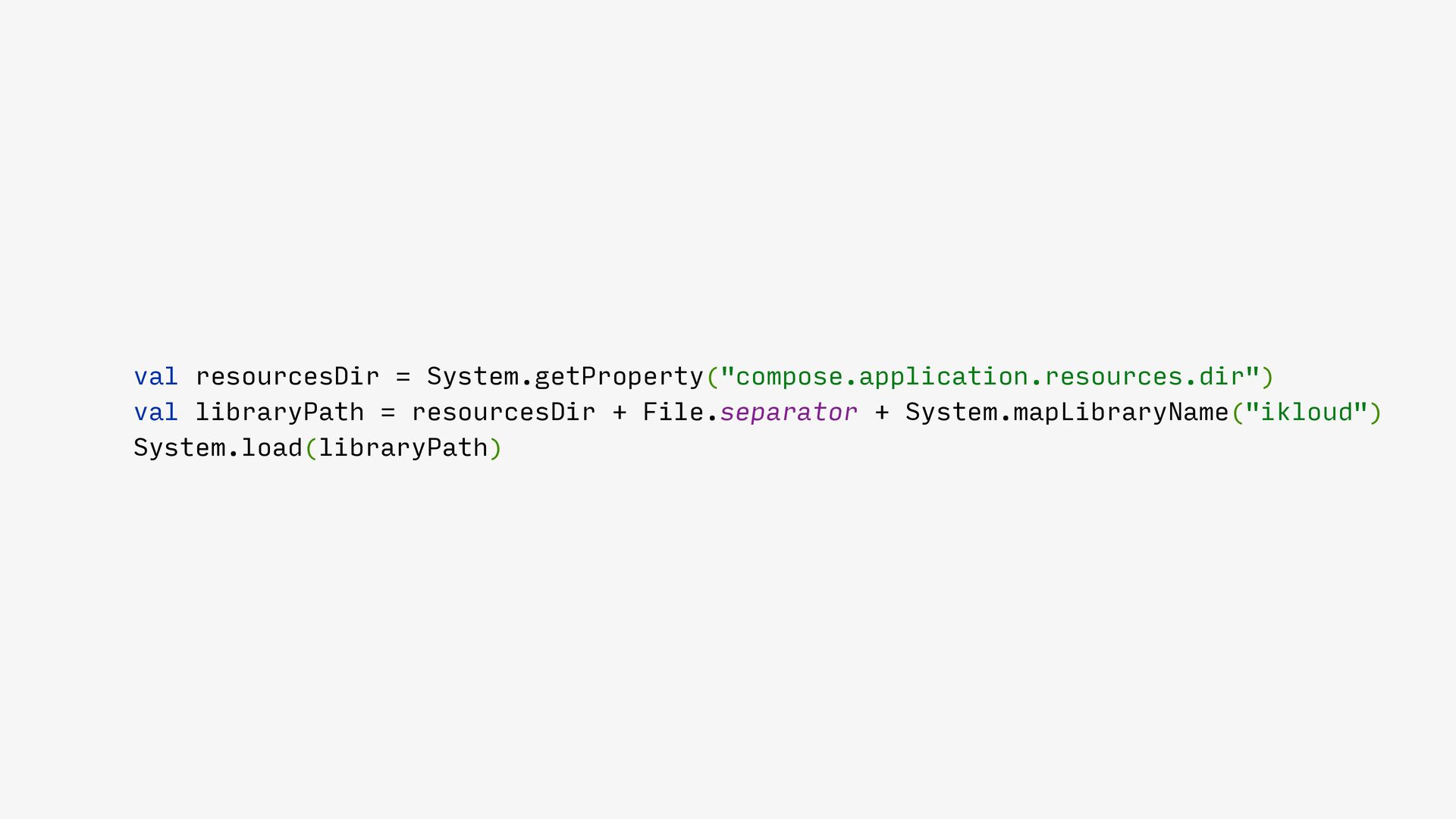
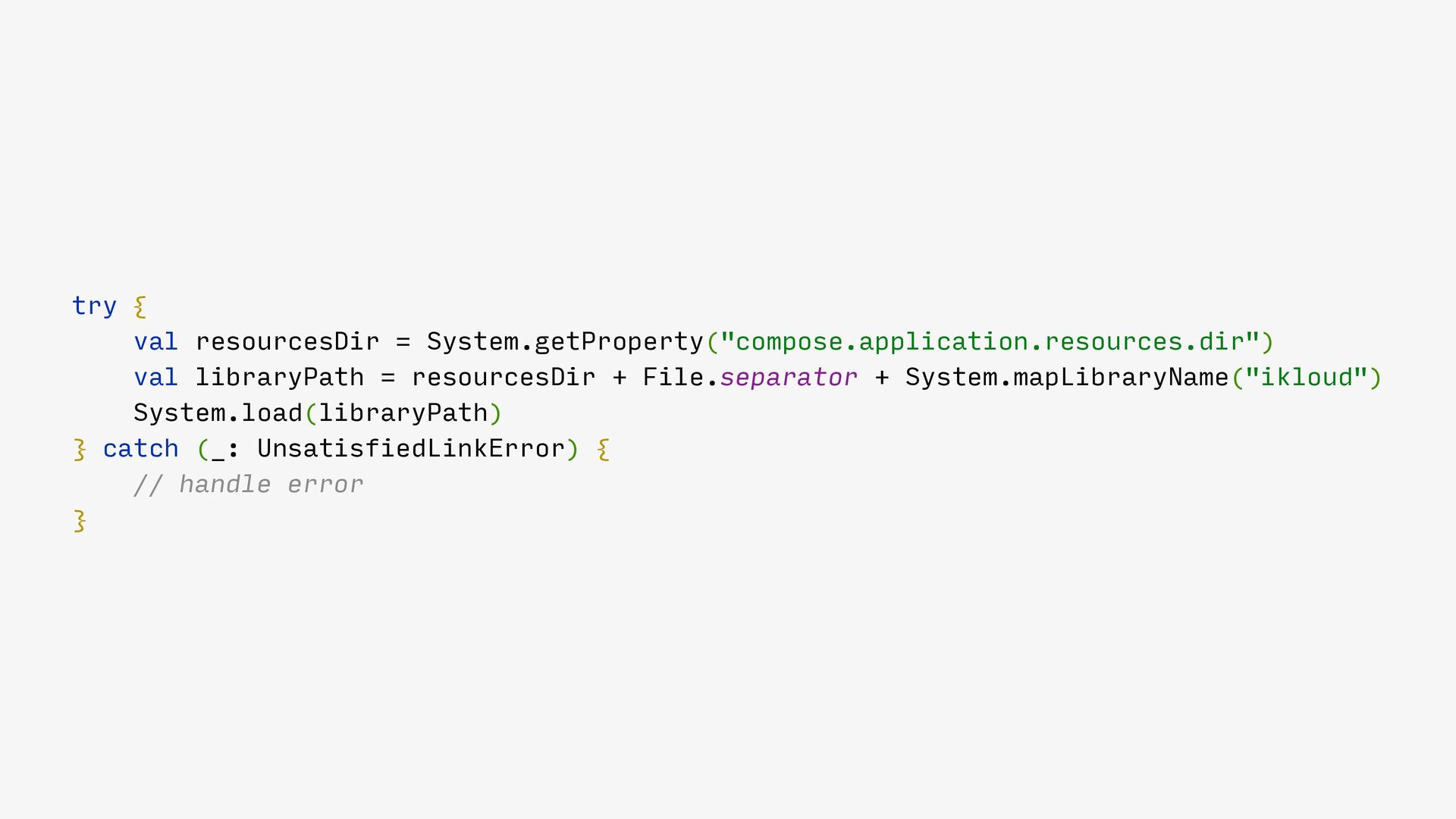
  23. try { val resourcesDir = System.getProperty("compose.application.resources.dir") val libraryPath = resourcesDir

    + File.separator + System.mapLibraryName("ikloud") System.load(libraryPath) } catch (_: UnsatisfiedLinkError) { // handle error }
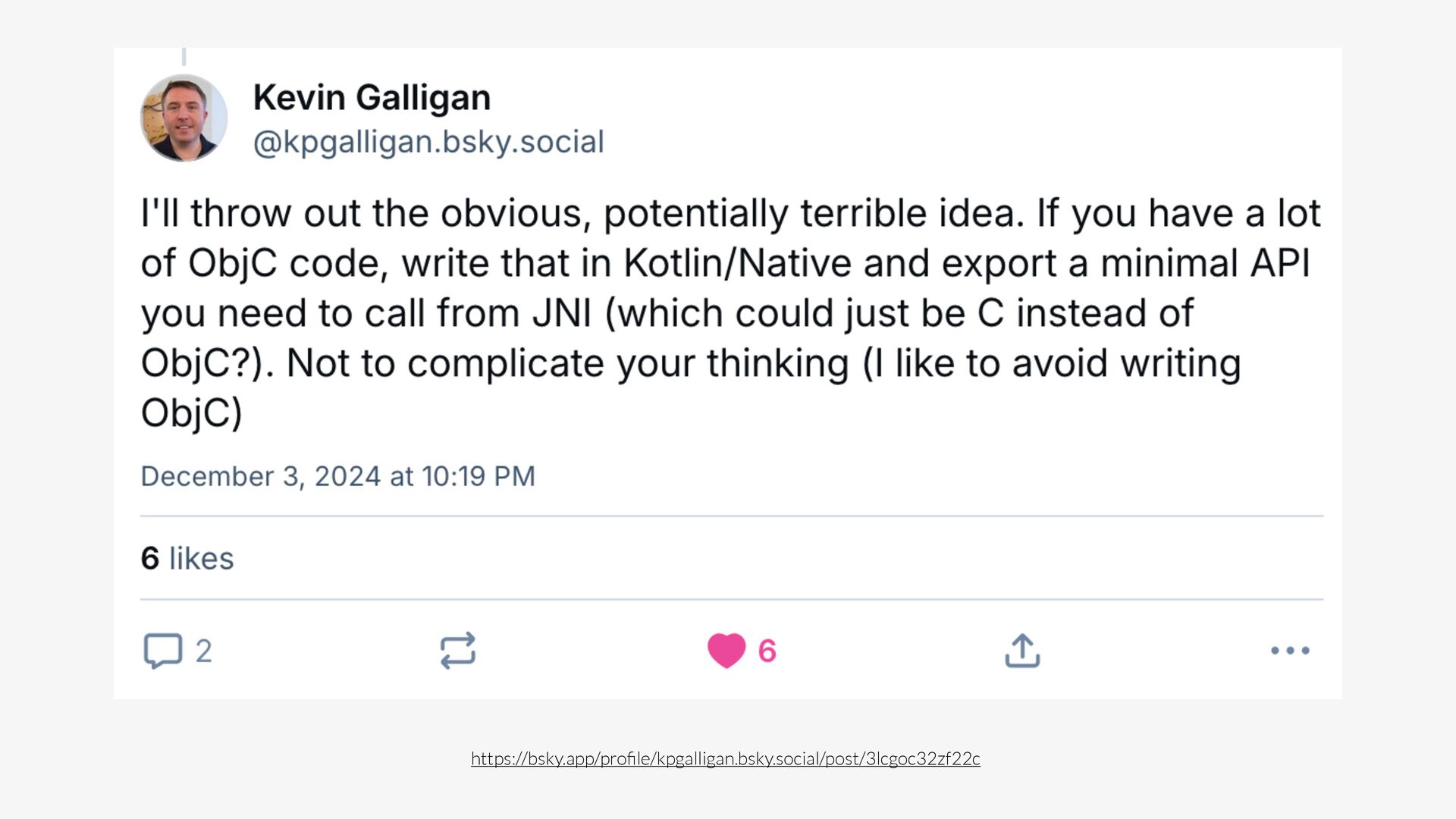
  24. Conclusions Some additional complexity Some learning curve Worth it to

    avoid Objective-C Keep the API surface as simple as possible

More Decks by Marco Gomiero

Other Decks in Programming