In one project, any number of participants can be involved! At the same time, each of them fulfills its role in promoting projects of a company or group of companies. The larger the project, the more difficult it is to manage the processes in it. We have been using Redmine for more than 3 years and this system has shown itself only on the good side - as productive, easy to use and configure, and very user friendly. HOW DO YOU MANAGE THE ORGANIZATION? POWERCODE
and issue tracking tool. It allows users to manage multiple projects and associated subprojects. It features per project wikis and forums, time tracking, and flexible, role-based access control. It includes a calendar and Gantt charts to aid visual representation of projects and their deadlines. Redmine integrates with various version control systems and includes a repository browser and diff viewer. POWERCODE
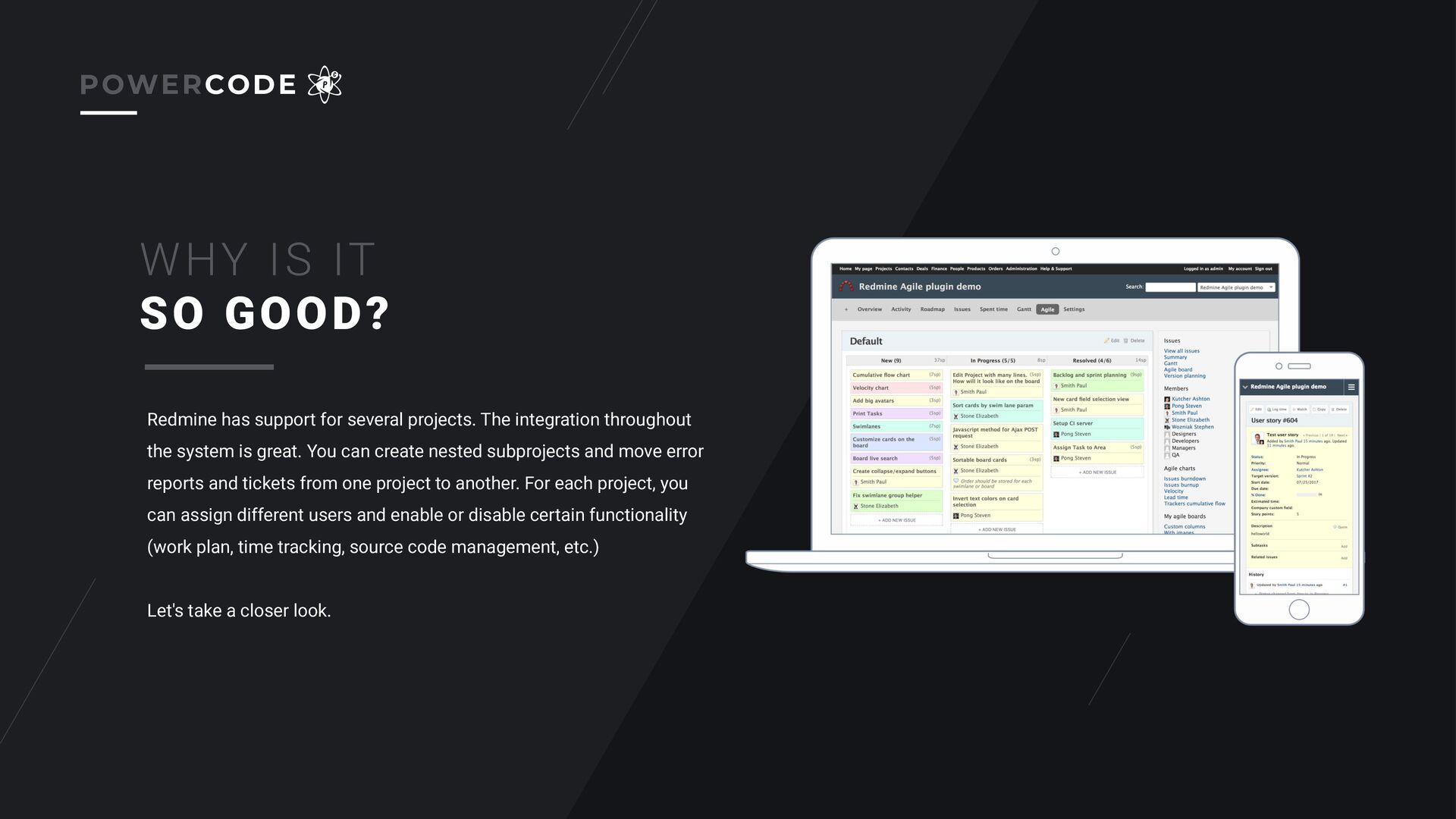
system is great. You can create nested subprojects and move error reports and tickets from one project to another. For each project, you can assign different users and enable or disable certain functionality (work plan, time tracking, source code management, etc.) Let's take a closer look. WHY IS IT SO GOOD? POWERCODE
due to: • Reflecting project work processes • Reflection of time costs in the context of projects and tasks • Reflecting the workload of employees for a month or period • Reflecting the layout of temporary resources POWERCODE
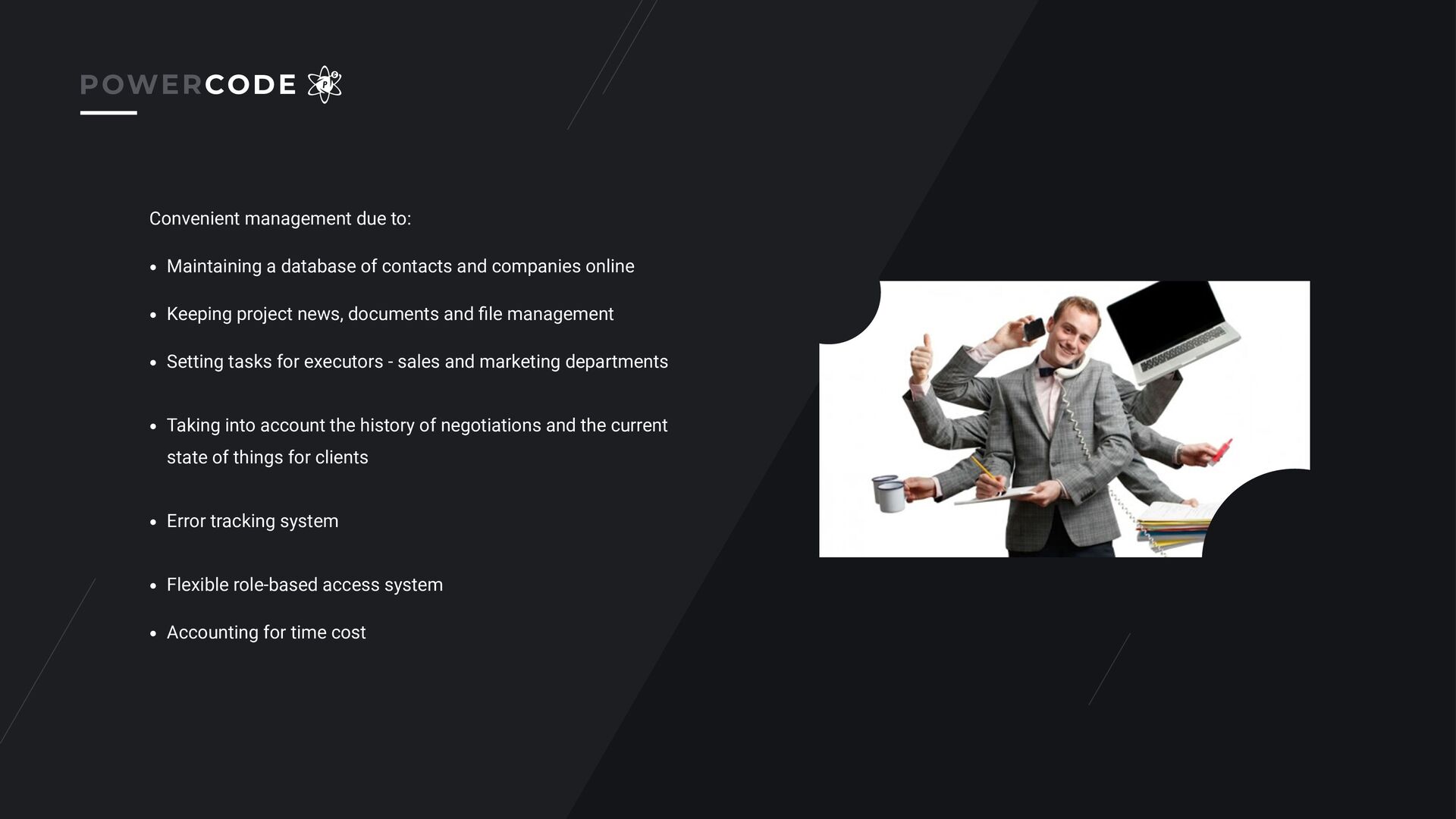
contacts and companies online • Keeping project news, documents and file management • Setting tasks for executors - sales and marketing departments • Taking into account the history of negotiations and the current state of things for clients • Error tracking system • Flexible role-based access system • Accounting for time cost
center for managing projects, programs and project portfolios in the company with flexible settings for the roles of participants - the same employee can play different roles in different projects Provides a uniform standard for project management in the organization Organizes teamwork Allows you to engage project participants in the process, provide a visual representation of the tasks, dates, milestones of the project Everyone knows what to do next and sees the goal
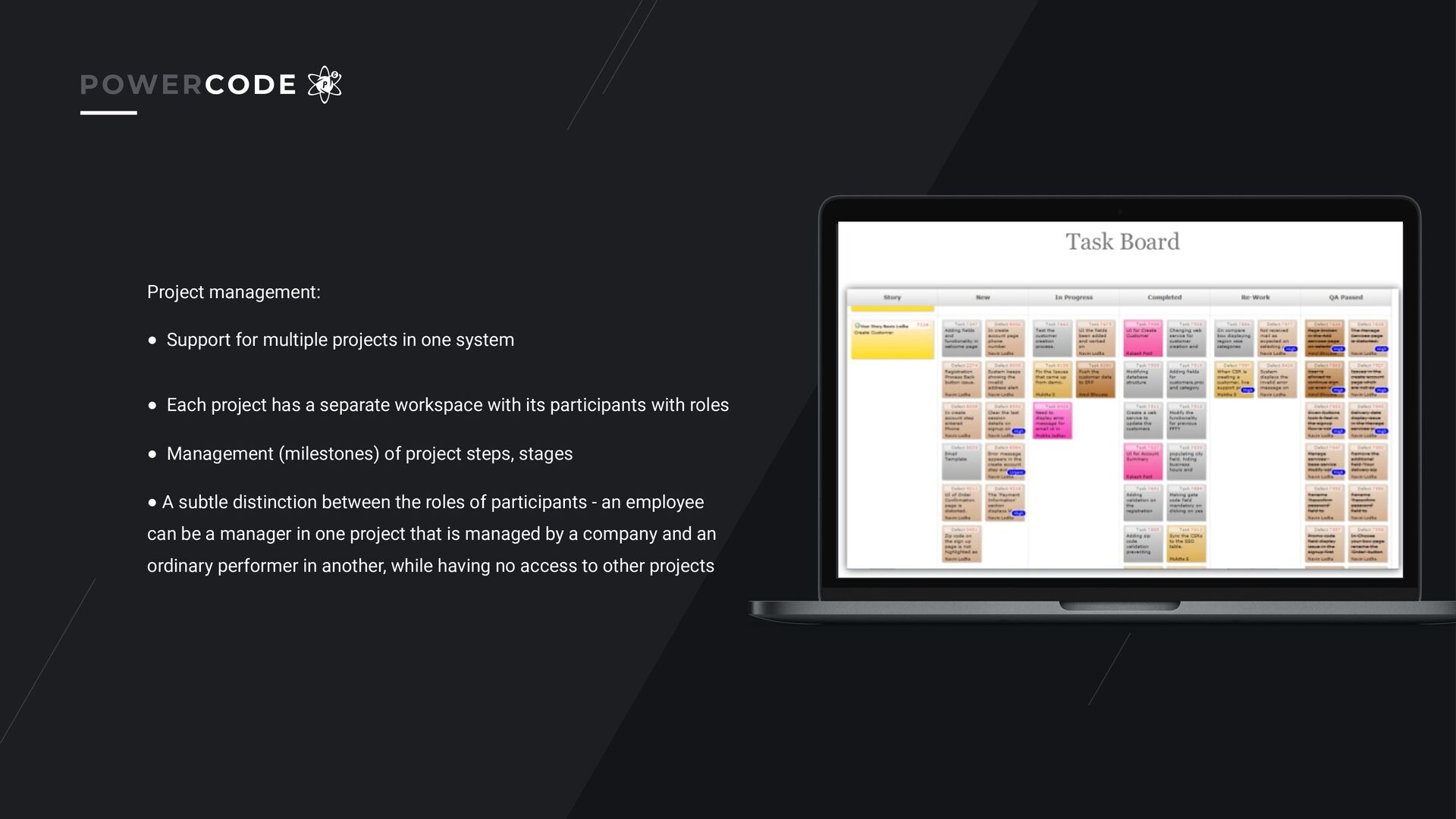
• Each project has a separate workspace with its participants with roles • Management (milestones) of project steps, stages • A subtle distinction between the roles of participants - an employee can be a manager in one project that is managed by a company and an ordinary performer in another, while having no access to other projects POWERCODE
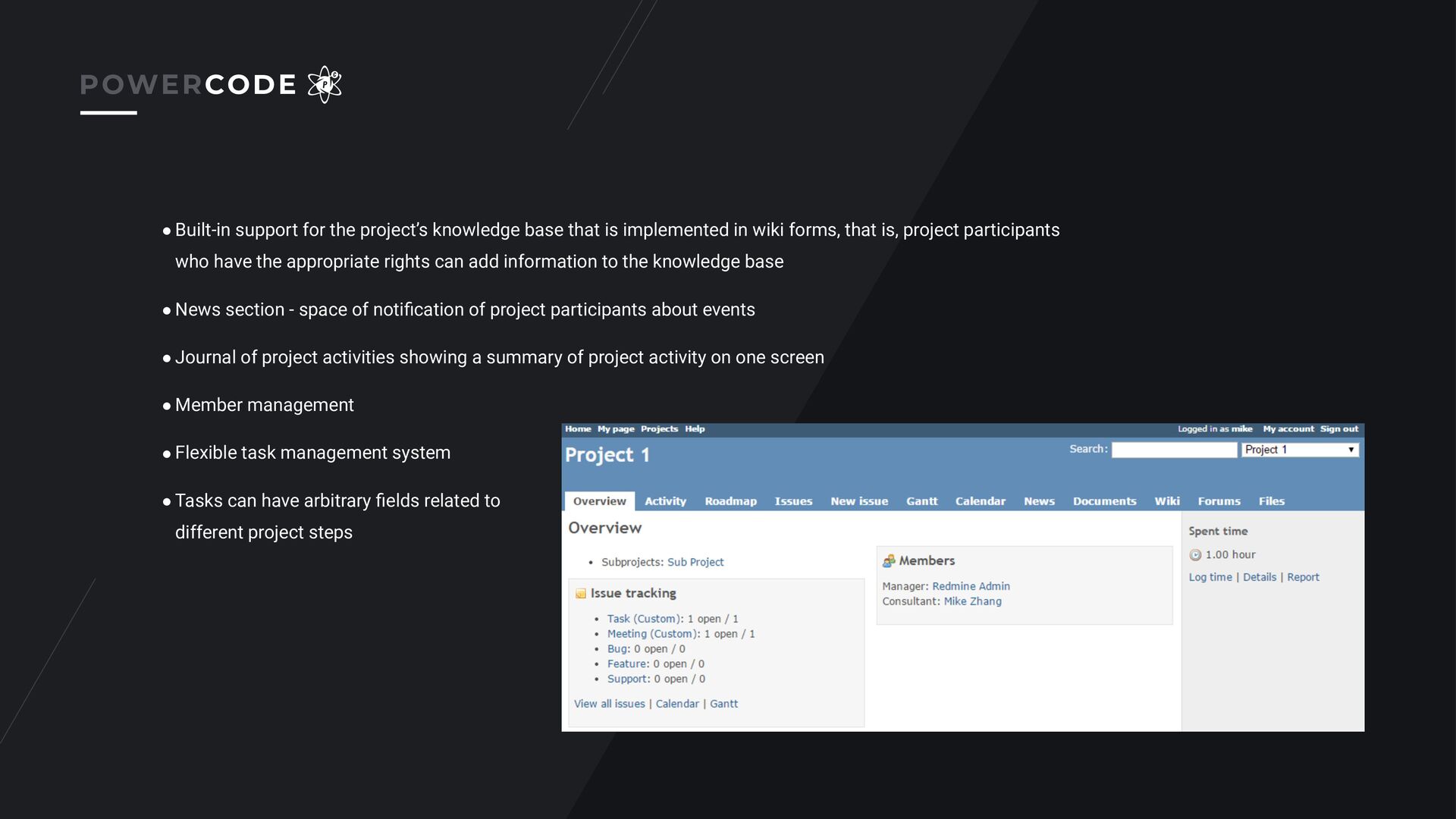
implemented in wiki forms, that is, project participants who have the appropriate rights can add information to the knowledge base • News section - space of notification of project participants about events • Journal of project activities showing a summary of project activity on one screen • Member management • Flexible task management system • Tasks can have arbitrary fields related to different project steps POWERCODE
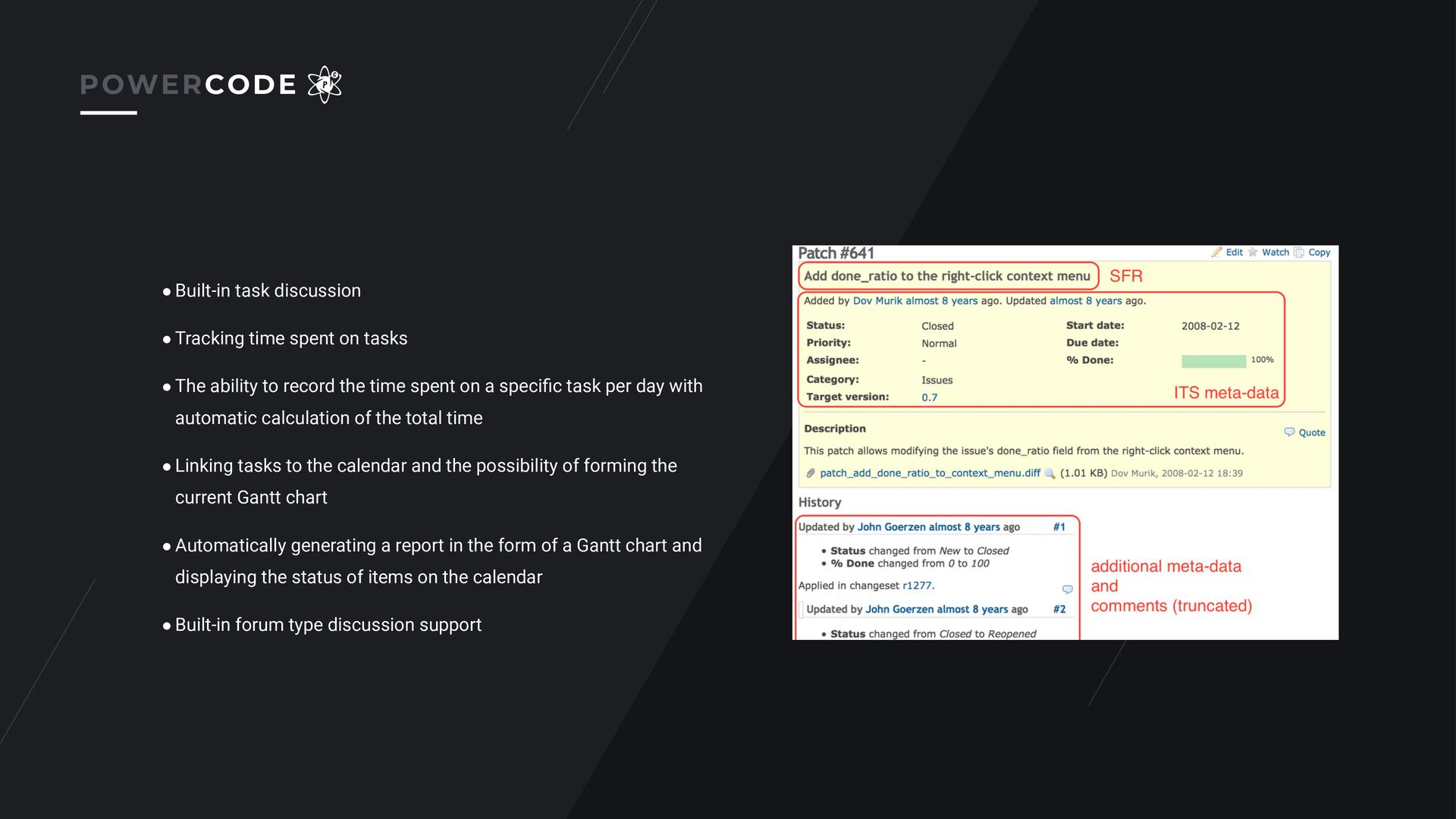
• The ability to record the time spent on a specific task per day with automatic calculation of the total time • Linking tasks to the calendar and the possibility of forming the current Gantt chart • Automatically generating a report in the form of a Gantt chart and displaying the status of items on the calendar • Built-in forum type discussion support POWERCODE
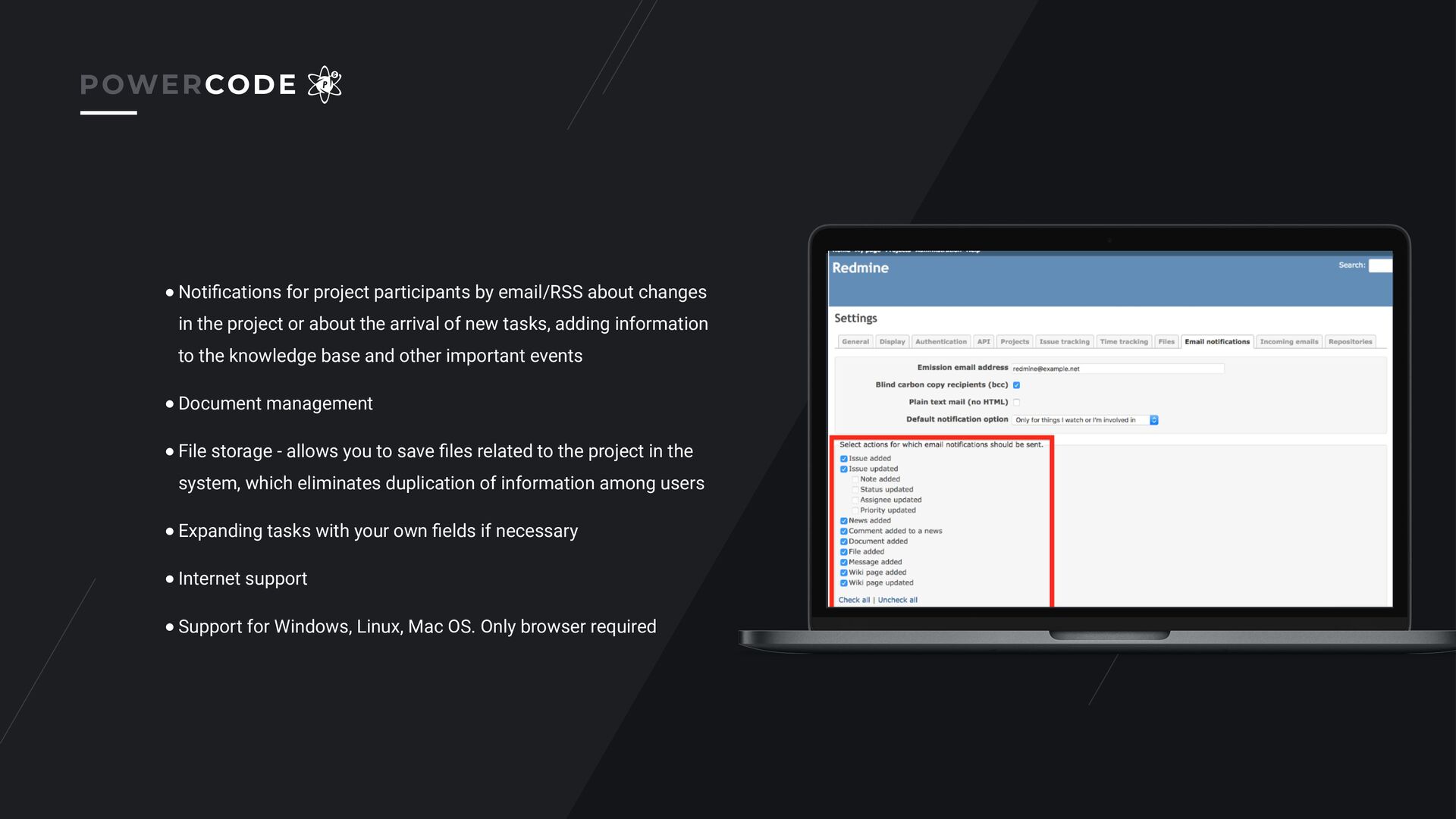
the project or about the arrival of new tasks, adding information to the knowledge base and other important events • Document management • File storage - allows you to save files related to the project in the system, which eliminates duplication of information among users • Expanding tasks with your own fields if necessary • Internet support • Support for Windows, Linux, Mac OS. Only browser required POWERCODE


 pwrcode
 sasukefinanciallab
 hubbleinc
 orroyalties
 kgmotors
 progmat
 shinu
shinu
 gw_recruit
 iwashi86
 synergymarketing
 persolcareer
 m3c
m3c
 hrm
hrm
 lfama
lfama
.png) helenjbeal
helenjbeal
 sferik
 katarinadahlin
 emna__ayadi
 bryan
bryan
 portentint
 addyosmani
 notwaldorf
 shpigford
 aleyda
 mza
mza


![OUR CONTACTS POWERCODE.CO.UK [email protected] POWERCODE](https://files.speakerdeck.com/presentations/18e2b13ff8c34a60a105a332e0c19b7b/slide_15.jpg)