Upgrade to Pro
— share decks privately, control downloads, hide ads and more …
Speaker Deck
Sign up for free
Menu
Search
Features
All features
Private URLs
Password Protection
Custom URLS
Scheduled publishing
Remove Branding
Restrict embedding
Deck Collections
Notes
Features
All features
Private URLs
Password Protection
Custom URLS
Scheduled publishing
Remove Branding
Restrict embedding
Deck Collections
Notes
Explore
Featured decks
Featured speakers
Programming
Technology
Storyboards
Explore
Featured decks
Featured speakers
Programming
Technology
Storyboards
Pricing
Search
Sign in
Sign up for free
ゲーム制作道 part.1
Search
suzakutakumi
May 12, 2021
Programming
260
0
Share
Embed
Copy iframe code
Copy JS code
Copy link
Start on current slide
ゲーム制作道 part.1
とあるゲームを制作するために、アンケートが必要で、そのアンケートを取るためのWebサイトを作る環境を構築した話。
suzakutakumi
May 12, 2021
More Decks by suzakutakumi
See All by suzakutakumi
ピクロス作成の中間発表
suzakutakumi
0
110
しゅみろん
suzakutakumi
0
200
trap-search
suzakutakumi
1
68
Pyramid Makerの作成
suzakutakumi
0
72
マークダウンパーサーの自作
suzakutakumi
0
140
絵文字ジェネレータボットの作成
suzakutakumi
0
170
send_discord
suzakutakumi
0
74
独自ドメインについて
suzakutakumi
0
67
ESP32とAlexaを用いたエアコン制御
suzakutakumi
0
1.4k
Other Decks in Programming
See All in Programming
Augmenting AI with the Power of Jakarta EE
ivargrimstad
0
450
Atomic Design, Enforced: Scaling Mobile Design Systems (next.app devCon / droidCon Berlin 2026)
steliosf
PRO
0
190
私なりのハーネスエンジニアリング ~独自の言語処理系の開発を通して~
seosoft
0
110
AmebaブログはKMPから卒業します
kmars0605
0
270
AIで開発が速くなった先で、開発チームは何を目指すか
shihochan
1
1.8k
Python Lambdaにおけるテストしやすい設計とAI支援の活用 / Designing Testable Python Lambda Functions with AI
kitano_yuichi
1
220
ActionController meets Protocol Buffers
sorah
1
730
残高管理から台帳サービスへの進化
artoy
1
220
dotNET_vulnclicker_intro.pdf
deka_morita
0
150
【加筆修正版】Laravel のアプリケーションをどこにデプロイするか #phpcon_ehime
akase244
0
160
Modernizing iOS Apps
seyfoyun
0
120
クラウドゲーミングのパフォーマンス最適化に挑む / Cloud Gaming Performance Tuning
vivion
0
290
Featured
See All Featured
Performance Is Good for Brains [We Love Speed 2024]
tammyeverts
12
1.9k
How to Get Subject Matter Experts Bought In and Actively Contributing to SEO & PR Initiatives.
livdayseo
0
230
Practical Orchestrator
shlominoach
192
12k
Breaking role norms: Why Content Design is so much more than writing copy - Taylor Woolridge
uxyall
1
470
Context Engineering - Making Every Token Count
addyosmani
9
1.2k
VelocityConf: Rendering Performance Case Studies
addyosmani
331
25k
How to Grow Your eCommerce with AI & Automation
katarinadahlin
PRO
2
330
Bridging the Design Gap: How Collaborative Modelling removes blockers to flow between stakeholders and teams @FastFlow conf
baasie
0
740
The Illustrated Children's Guide to Kubernetes
chrisshort
51
53k
Designing for Performance
lara
612
70k
Leveraging Curiosity to Care for An Aging Population
cassininazir
1
540
JAMstack: Web Apps at Ludicrous Speed - All Things Open 2022
reverentgeek
1
650
Transcript
ゲーム制作道 part.1 2021/5/12 Zli×ビズリーチ合同LT
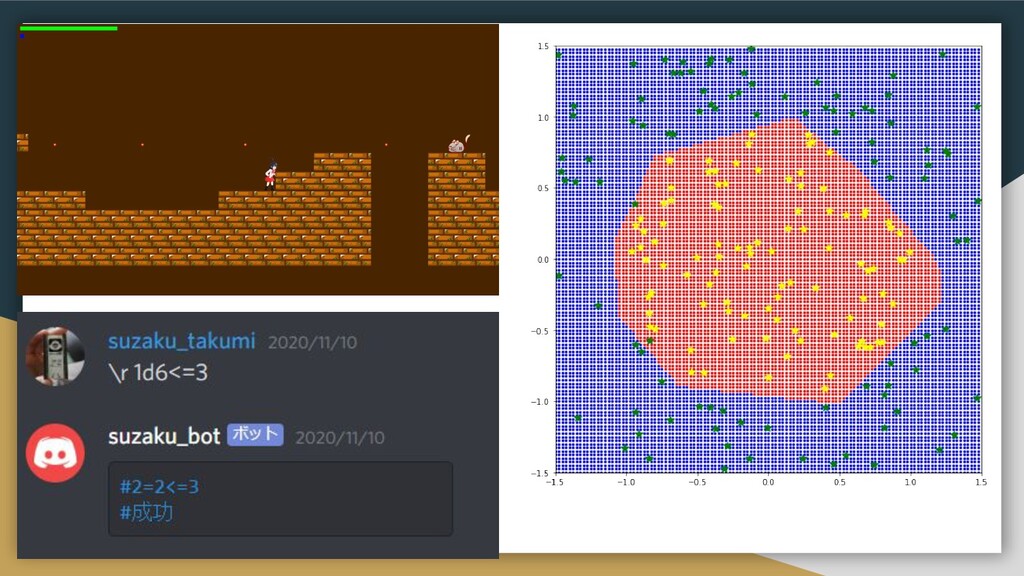
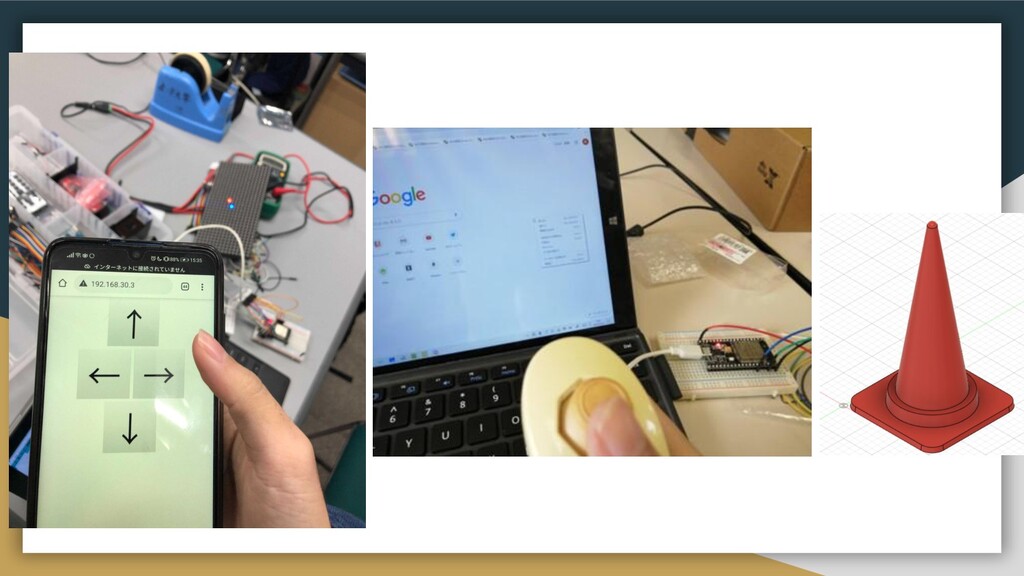
自己紹介 HN:朱雀 匠(本名:鈴木 拓眞) Twitter: @suzakutakumi3
None
None
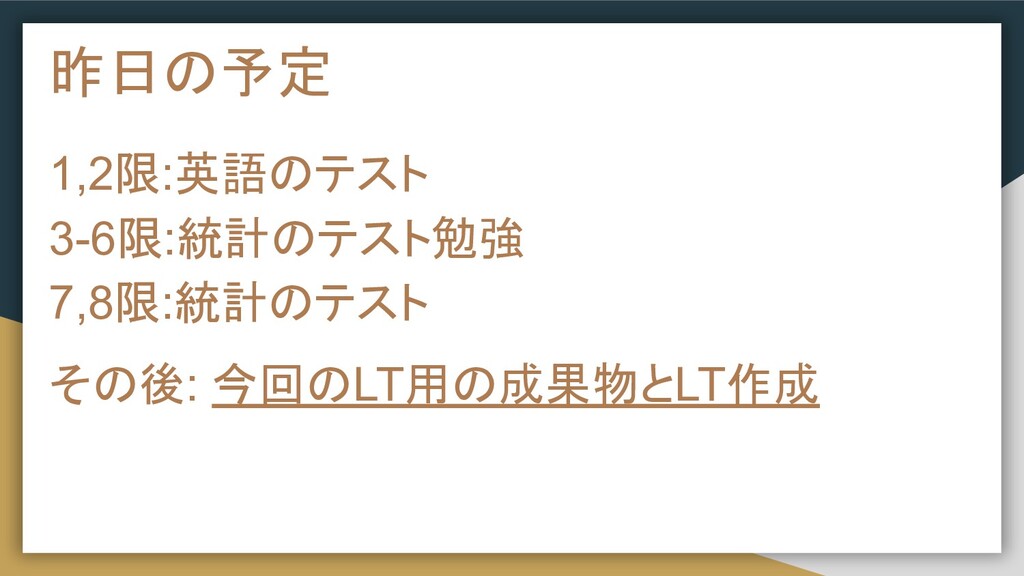
昨日の予定 1,2限:英語のテスト 3-6限:統計のテスト勉強 7,8限:統計のテスト その後: 今回のLT用の成果物とLT作成
何作ろうかな? 「***と勝負」的なゲームを作りたい!
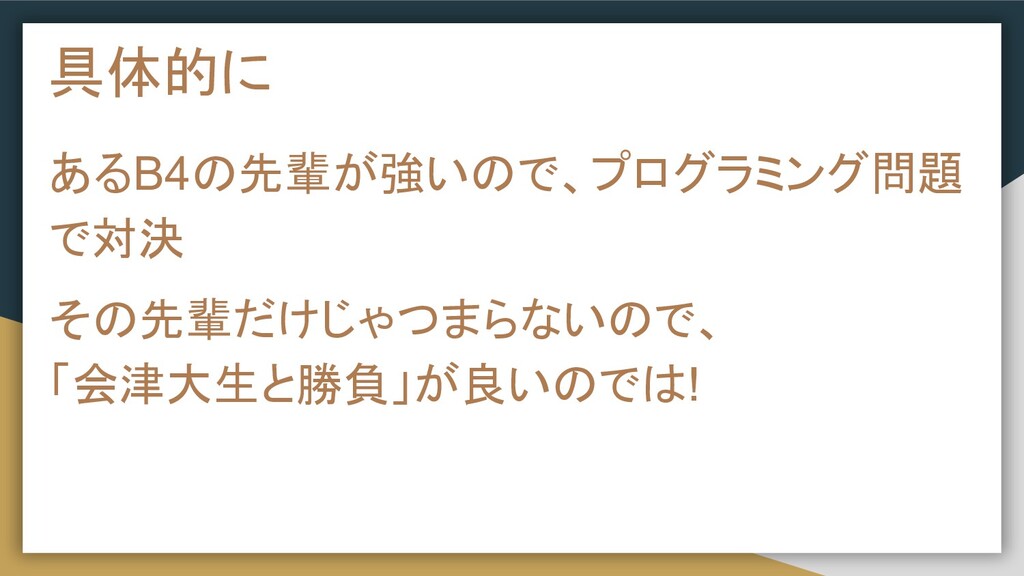
具体的に あるB4の先輩が強いので、プログラミング問題 で対決 その先輩だけじゃつまらないので、 「会津大生と勝負」が良いのでは!
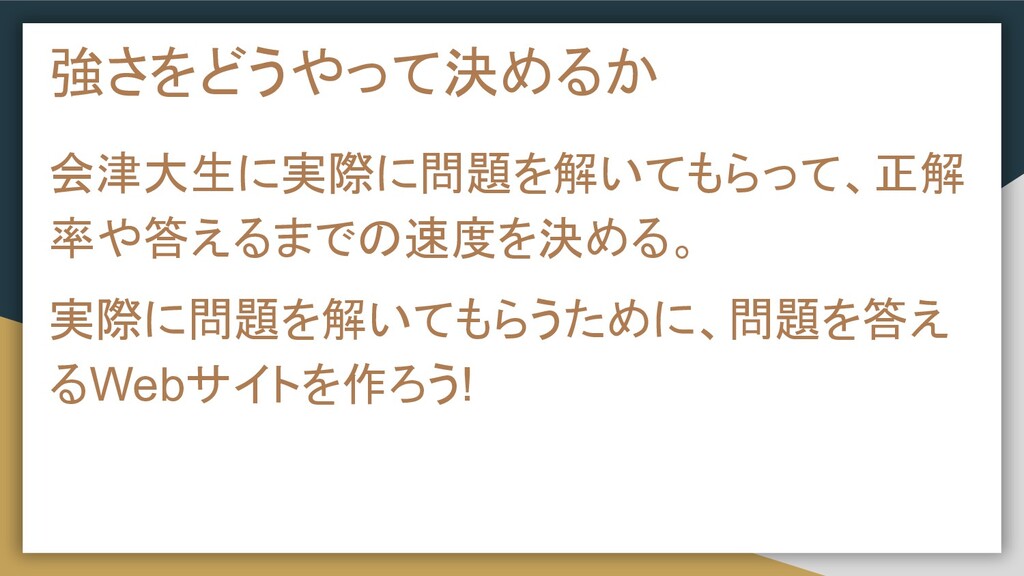
強さをどうやって決めるか 会津大生に実際に問題を解いてもらって、正解 率や答えるまでの速度を決める。 実際に問題を解いてもらうために、問題を答え るWebサイトを作ろう!
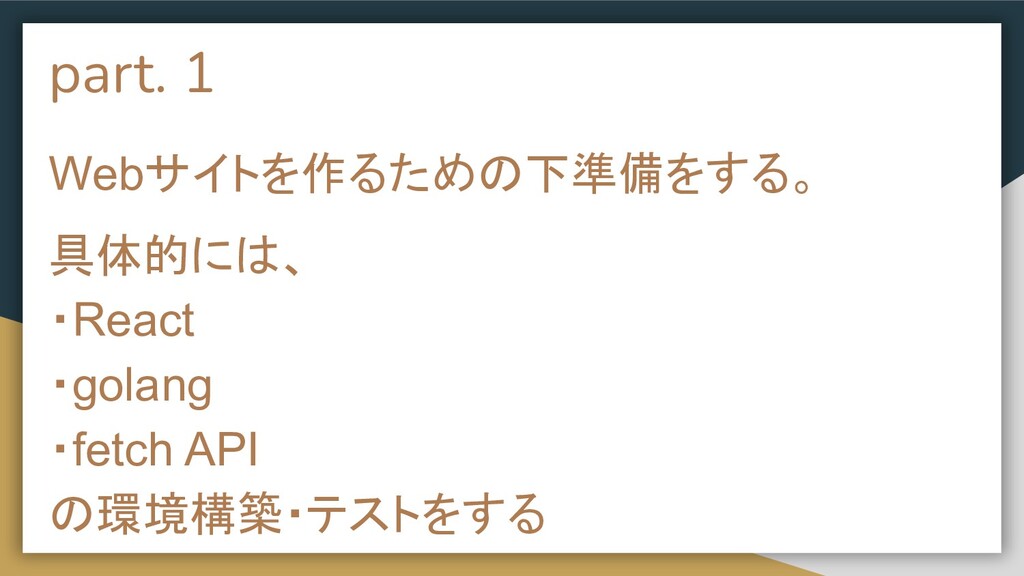
part. 1 Webサイトを作るための下準備をする。 具体的には、 ・React ・golang ・fetch API の環境構築・テストをする
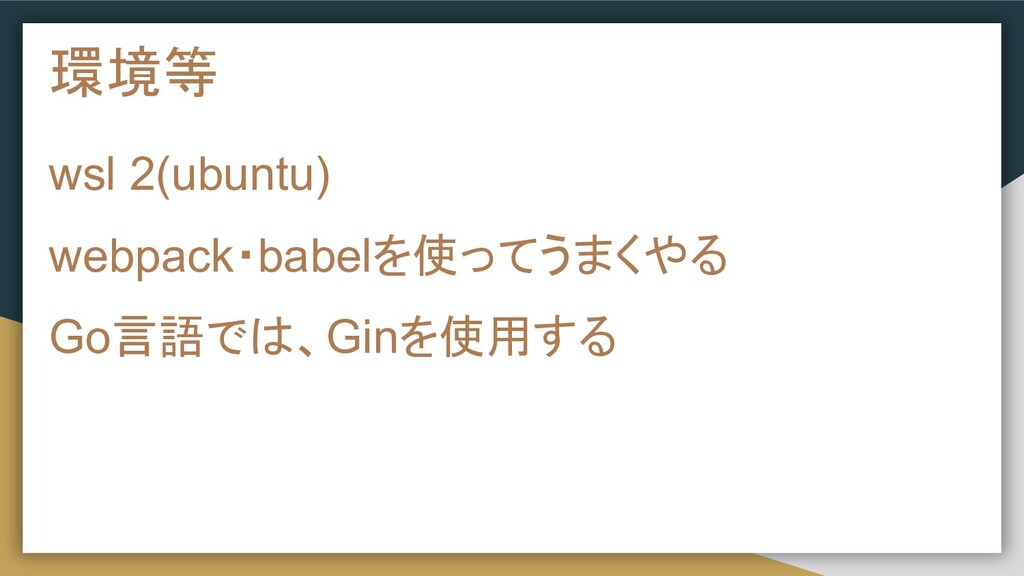
環境等 wsl 2(ubuntu) webpack・babelを使ってうまくやる Go言語では、Ginを使用する
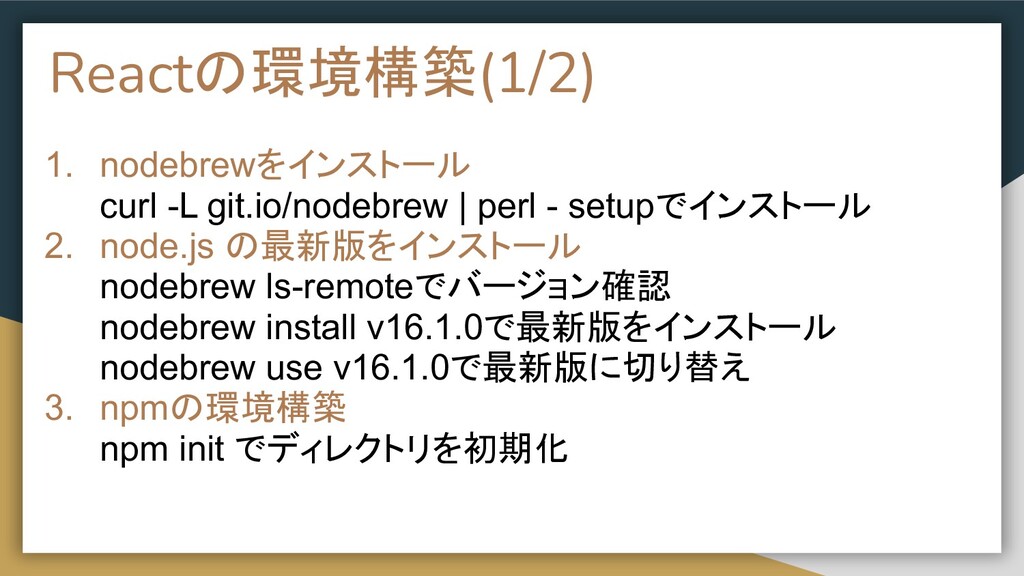
Reactの環境構築(1/2) 1. nodebrewをインストール curl -L git.io/nodebrew | perl - setupでインストール
2. node.js の最新版をインストール nodebrew ls-remoteでバージョン確認 nodebrew install v16.1.0で最新版をインストール nodebrew use v16.1.0で最新版に切り替え 3. npmの環境構築 npm init でディレクトリを初期化
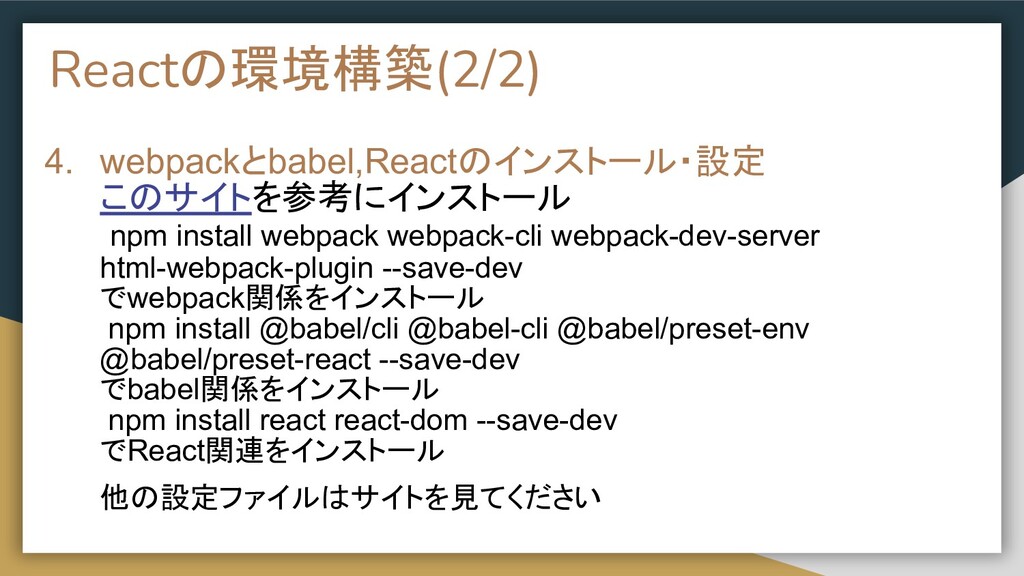
Reactの環境構築(2/2) 4. webpackとbabel,Reactのインストール・設定 このサイトを参考にインストール npm install webpack webpack-cli webpack-dev-server html-webpack-plugin
--save-dev でwebpack関係をインストール npm install @babel/cli @babel-cli @babel/preset-env @babel/preset-react --save-dev でbabel関係をインストール npm install react react-dom --save-dev でReact関連をインストール 他の設定ファイルはサイトを見てください
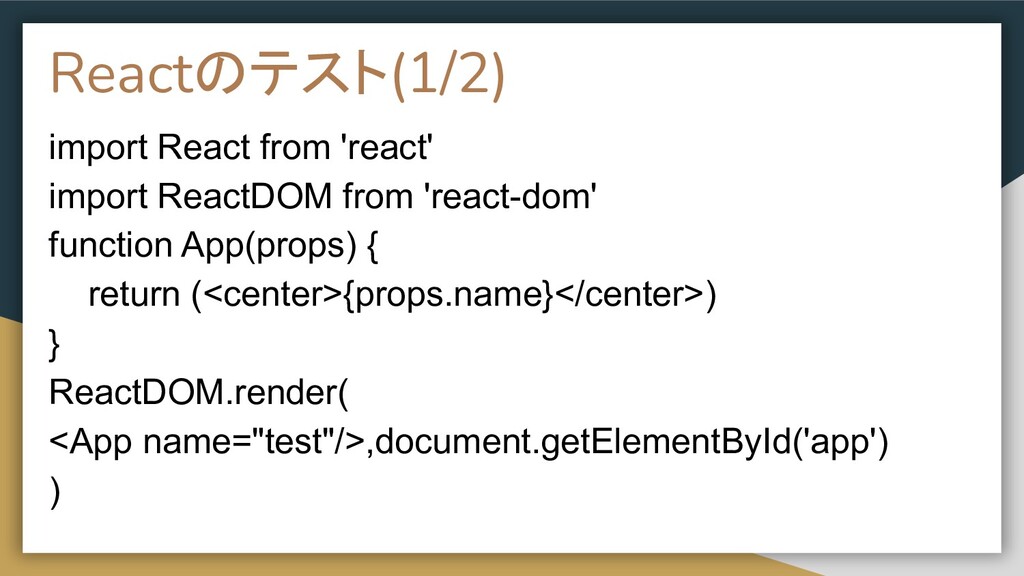
Reactのテスト(1/2) import React from 'react' import ReactDOM from 'react-dom' function
App(props) { return (<center>{props.name}</center>) } ReactDOM.render( <App name="test"/>,document.getElementById('app') )
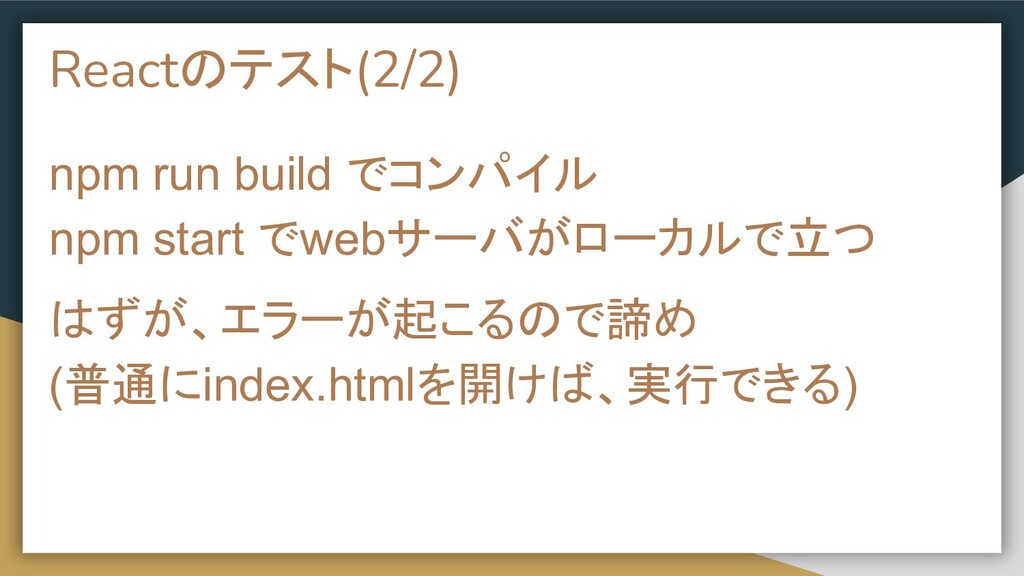
Reactのテスト(2/2) npm run build でコンパイル npm start でwebサーバがローカルで立つ はずが、エラーが起こるので諦め (普通にindex.htmlを開けば、実行できる)
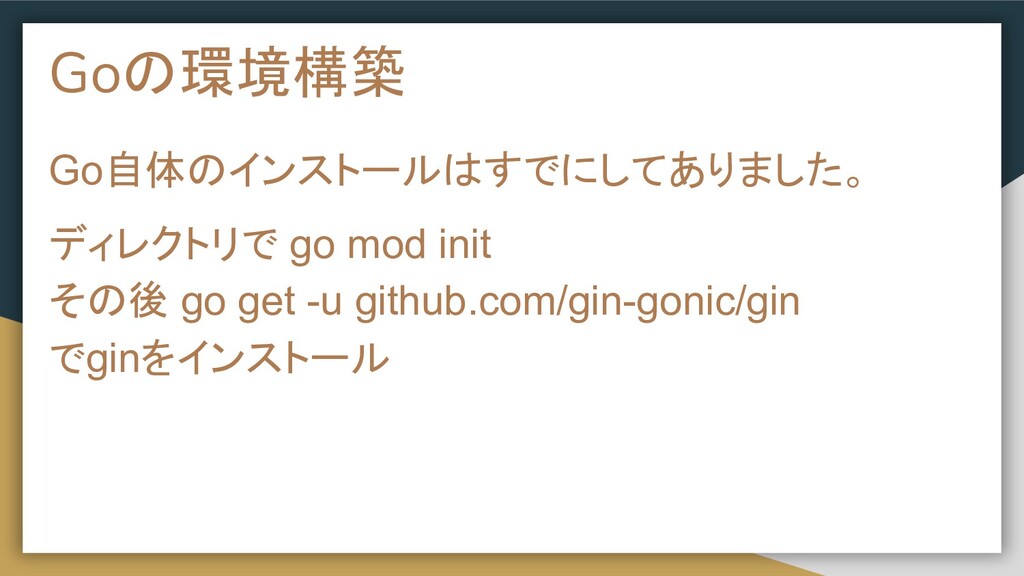
Goの環境構築 Go自体のインストールはすでにしてありました。 ディレクトリで go mod init その後 go get -u
github.com/gin-gonic/gin でginをインストール
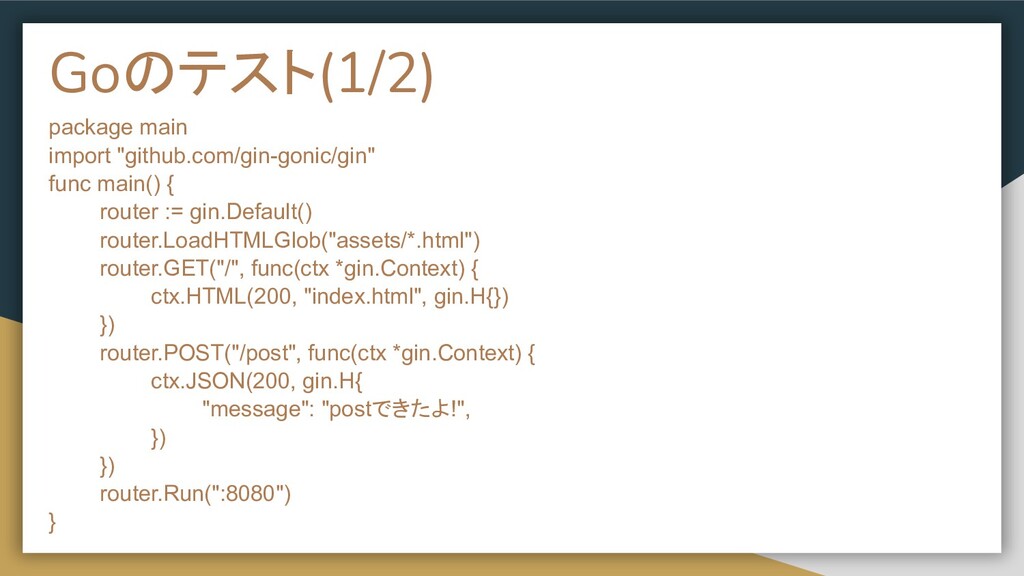
Goのテスト(1/2) package main import "github.com/gin-gonic/gin" func main() { router :=
gin.Default() router.LoadHTMLGlob("assets/*.html") router.GET("/", func(ctx *gin.Context) { ctx.HTML(200, "index.html", gin.H{}) }) router.POST("/post", func(ctx *gin.Context) { ctx.JSON(200, gin.H{ "message": "postできたよ!", }) }) router.Run(":8080") }
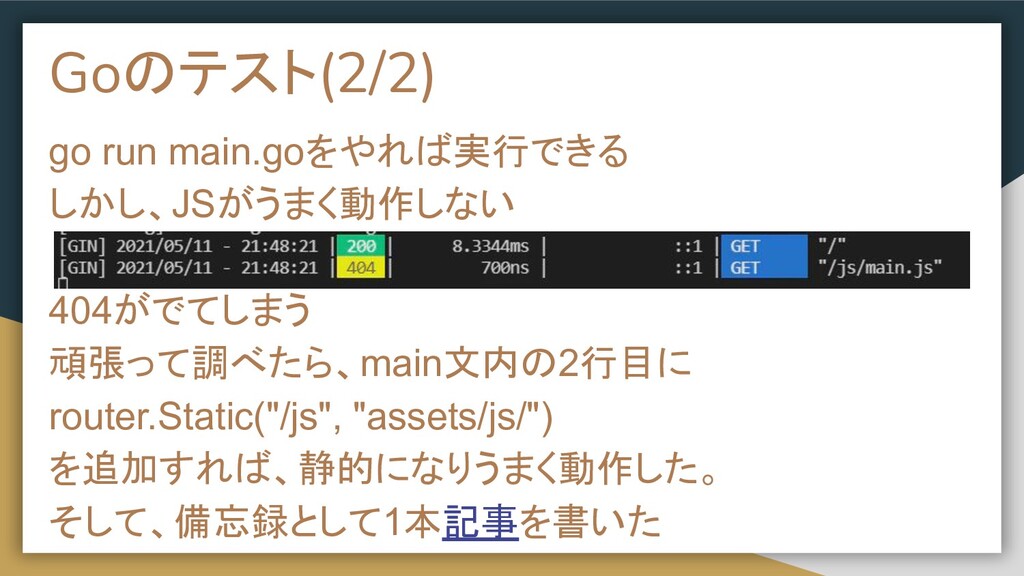
Goのテスト(2/2) go run main.goをやれば実行できる しかし、JSがうまく動作しない 404がでてしまう 頑張って調べたら、main文内の2行目に router.Static("/js", "assets/js/") を追加すれば、静的になりうまく動作した。
そして、備忘録として1本記事を書いた
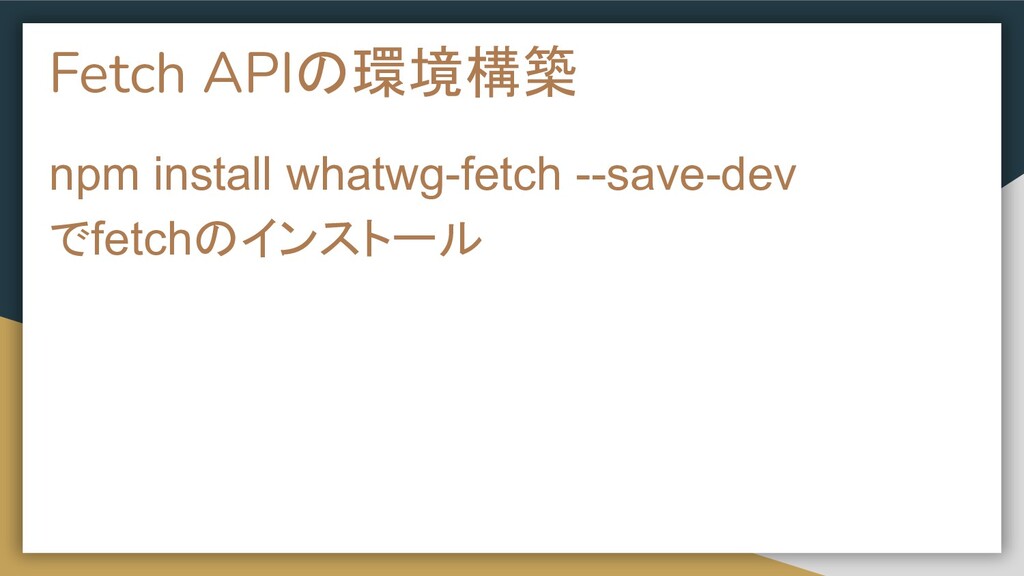
Fetch APIの環境構築 npm install whatwg-fetch --save-dev でfetchのインストール
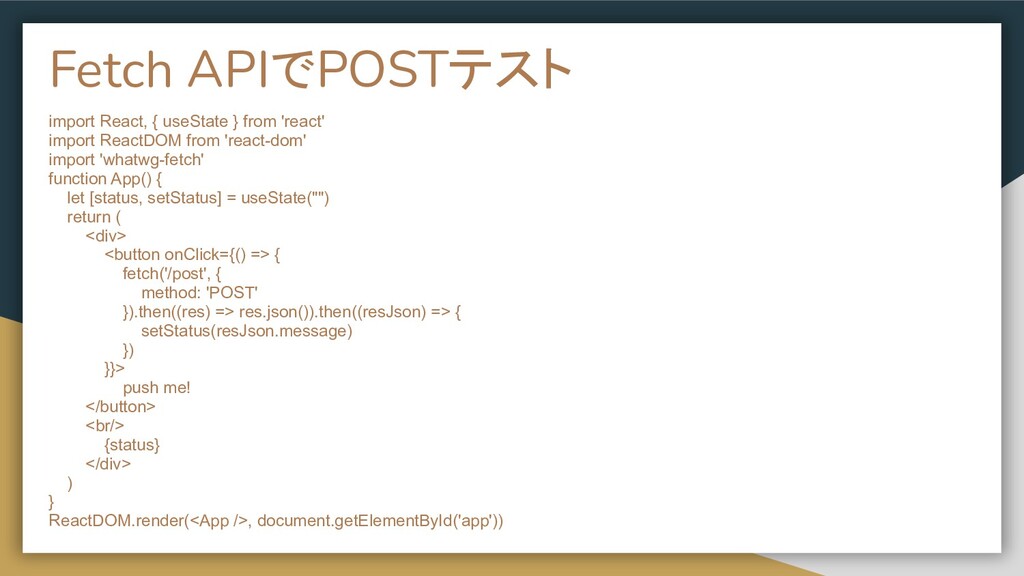
Fetch APIでPOSTテスト import React, { useState } from 'react' import
ReactDOM from 'react-dom' import 'whatwg-fetch' function App() { let [status, setStatus] = useState("") return ( <div> <button onClick={() => { fetch('/post', { method: 'POST' }).then((res) => res.json()).then((resJson) => { setStatus(resJson.message) }) }}> push me! </button> <br/> {status} </div> ) } ReactDOM.render(<App />, document.getElementById('app'))
POSTテスト
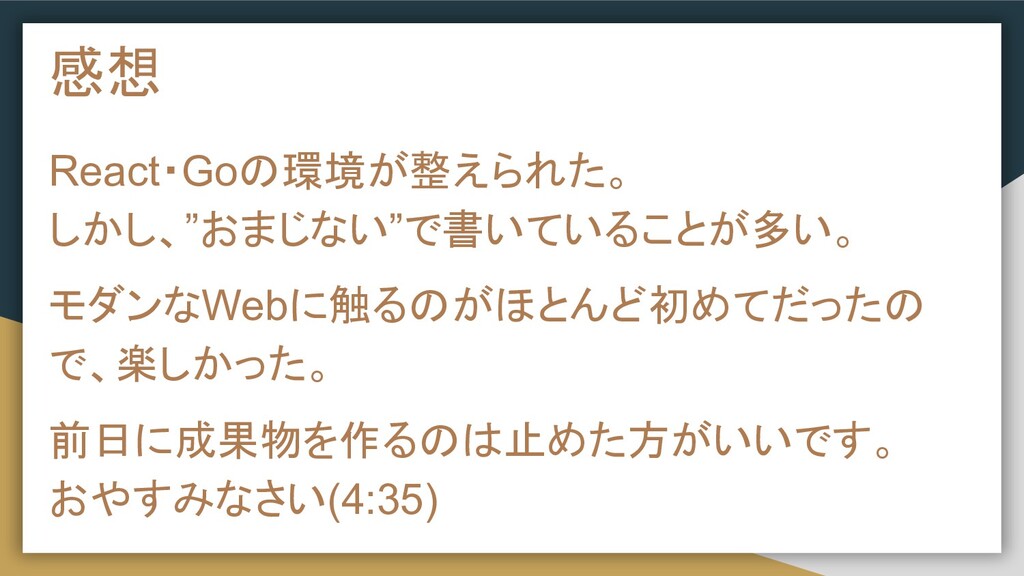
感想 React・Goの環境が整えられた。 しかし、”おまじない”で書いていることが多い。 モダンなWebに触るのがほとんど初めてだったの で、楽しかった。 前日に成果物を作るのは止めた方がいいです。 おやすみなさい(4:35)
関連リンク GitHubのリポジトリ:github.com/suzakutakumi/open-quiz 書いた記事: qiita.com/suzakutakumi3/items/123460ba5d24a8210228


 suzakutakumi
 ivargrimstad
 steliosf
 seosoft
 kmars0605
 shihochan
 kitano_yuichi
 sorah
sorah
 artoy
artoy
 deka_morita
 akase244
 seyfoyun
 vivion
 tammyeverts
 livdayseo
 shlominoach
 uxyall
 addyosmani
 katarinadahlin
 baasie
 chrisshort
 lara
lara
 cassininazir
 reverentgeek