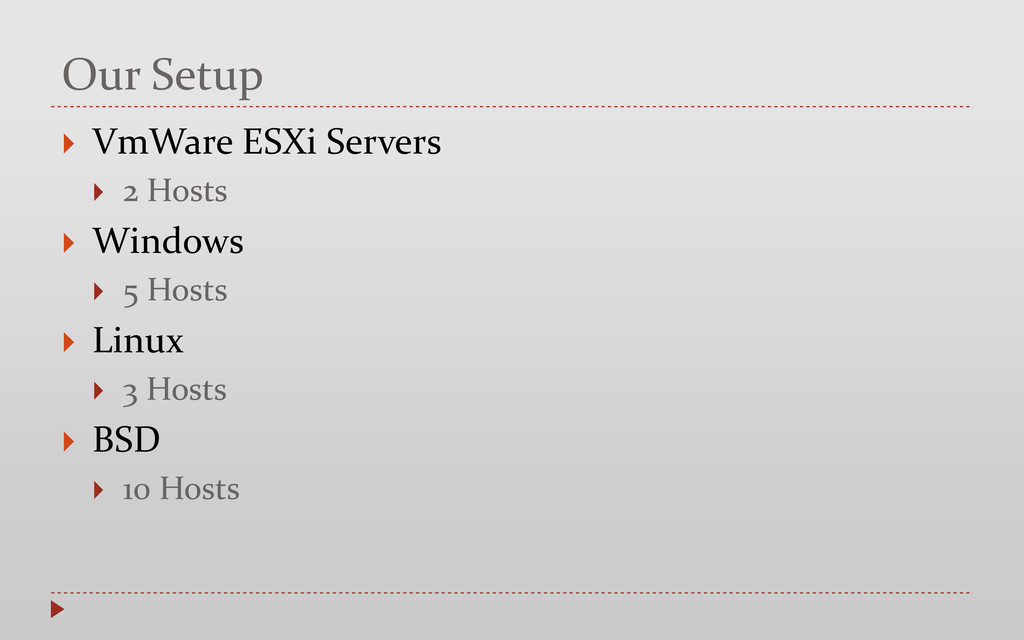
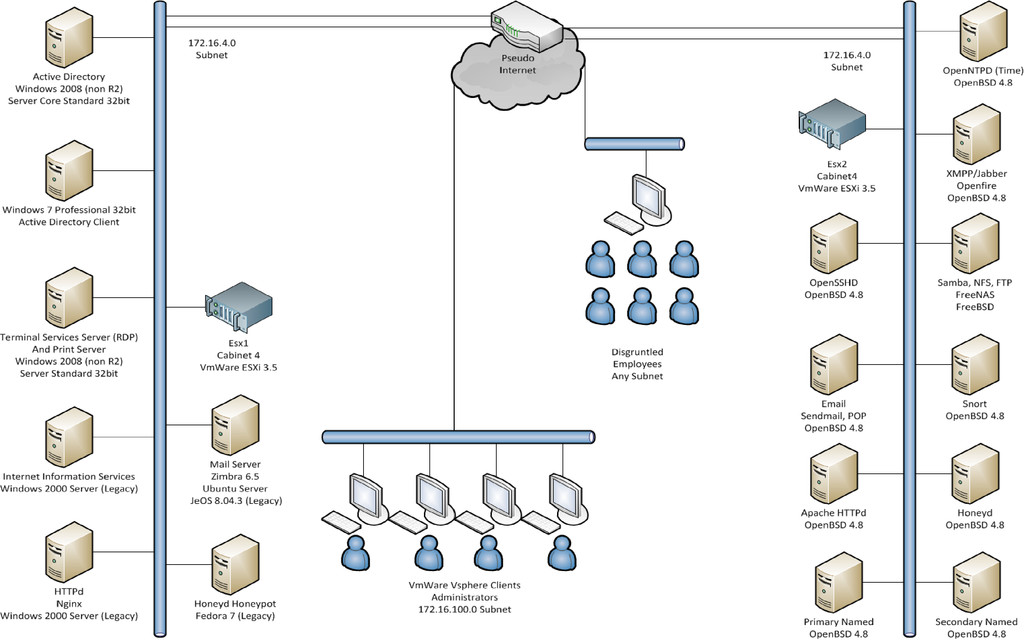
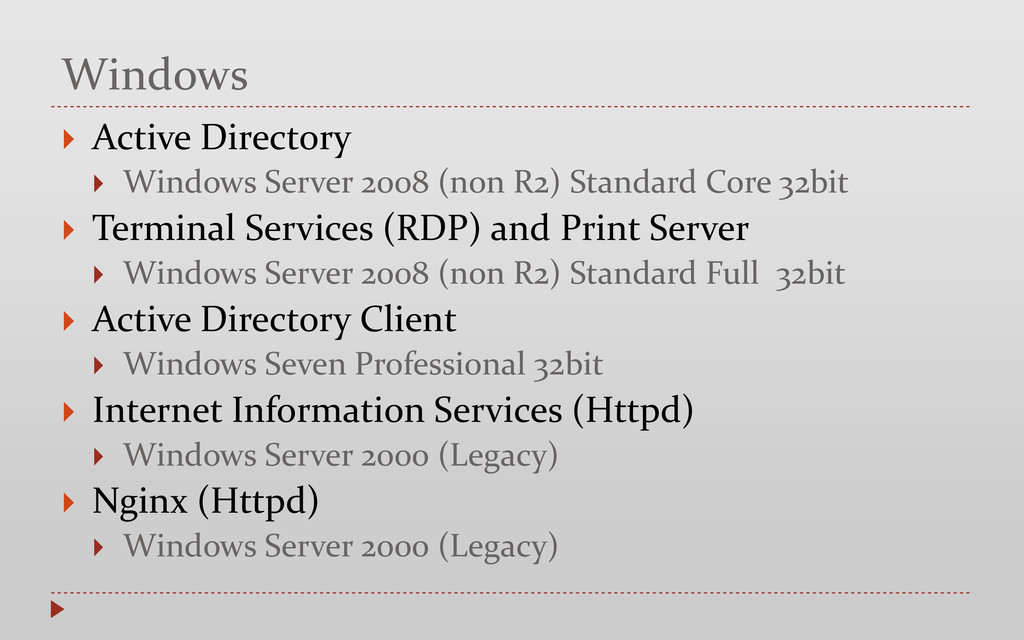
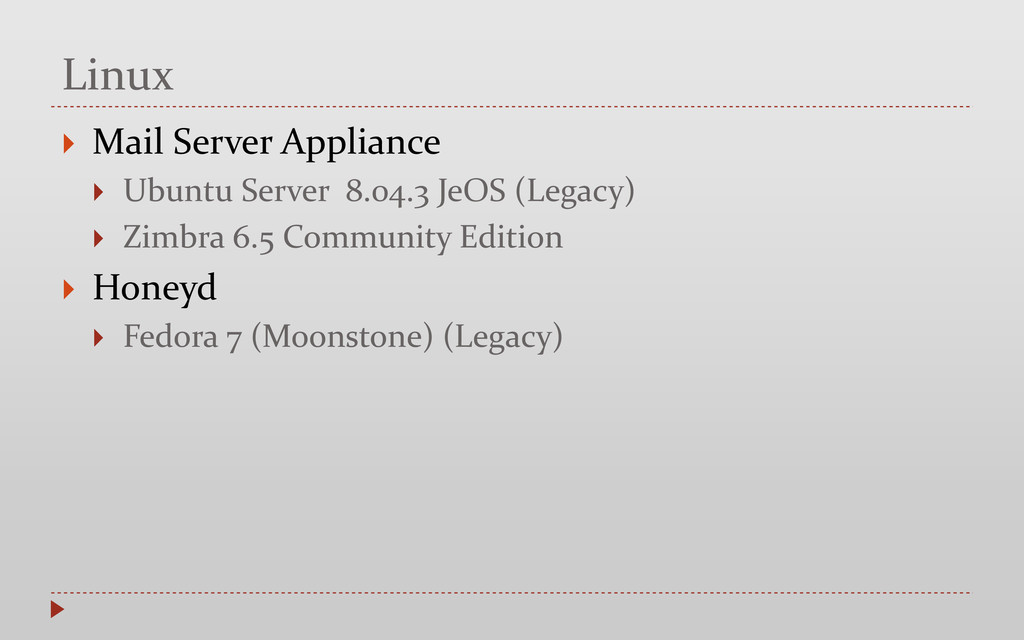
Standard Core 32bit Terminal Services (RDP) and Print Server Windows Server 2008 (non R2) Standard Full 32bit Active Directory Client Windows Seven Professional 32bit Internet Information Services (Httpd) Windows Server 2000 (Legacy) Nginx (Httpd) Windows Server 2000 (Legacy)
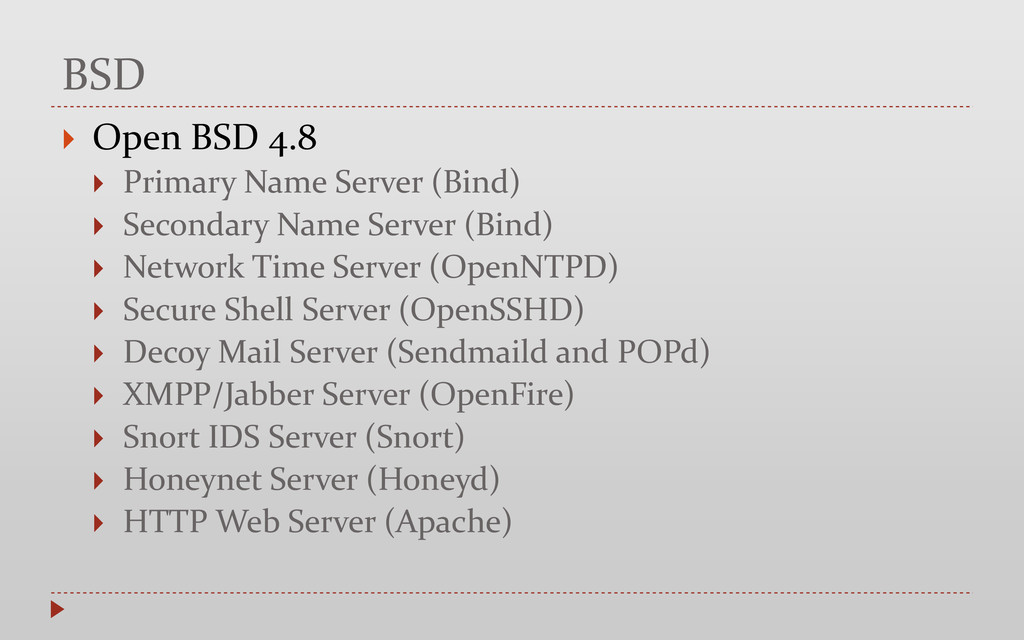
Secondary Name Server (Bind) Network Time Server (OpenNTPD) Secure Shell Server (OpenSSHD) Decoy Mail Server (Sendmaild and POPd) XMPP/Jabber Server (OpenFire) Snort IDS Server (Snort) Honeynet Server (Honeyd) HTTP Web Server (Apache)
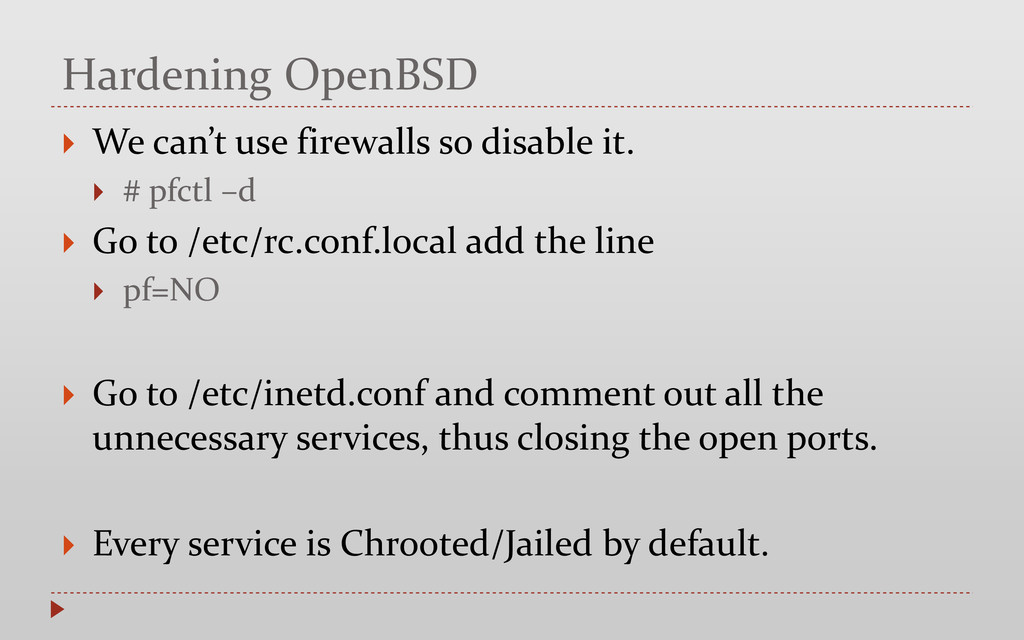
# pfctl –d Go to /etc/rc.conf.local add the line pf=NO Go to /etc/inetd.conf and comment out all the unnecessary services, thus closing the open ports. Every service is Chrooted/Jailed by default.
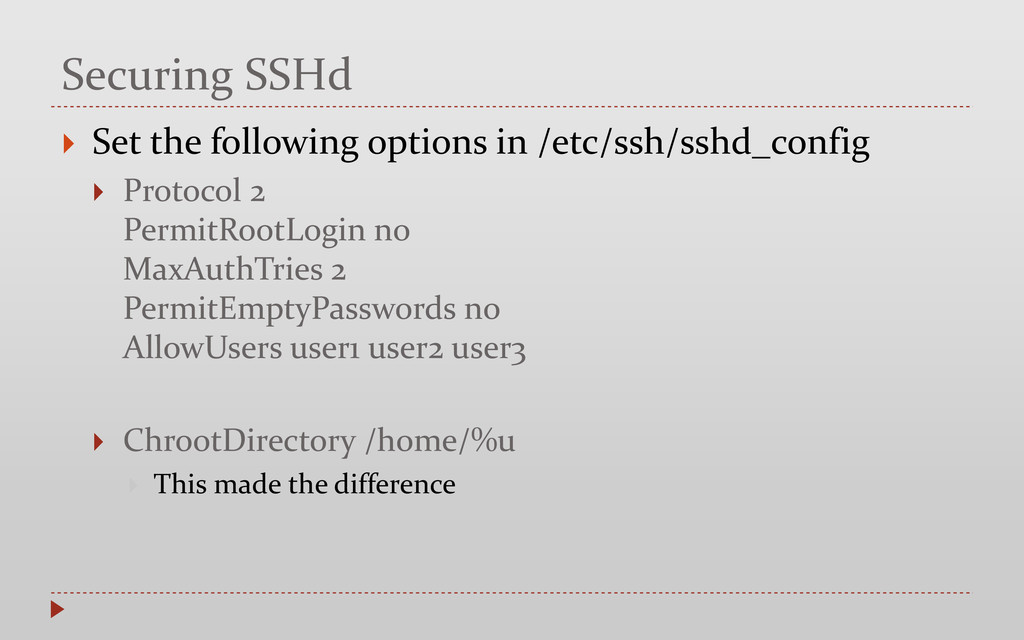
Protocol 2 PermitRootLogin no MaxAuthTries 2 PermitEmptyPasswords no AllowUsers user1 user2 user3 ChrootDirectory /home/%u This made the difference
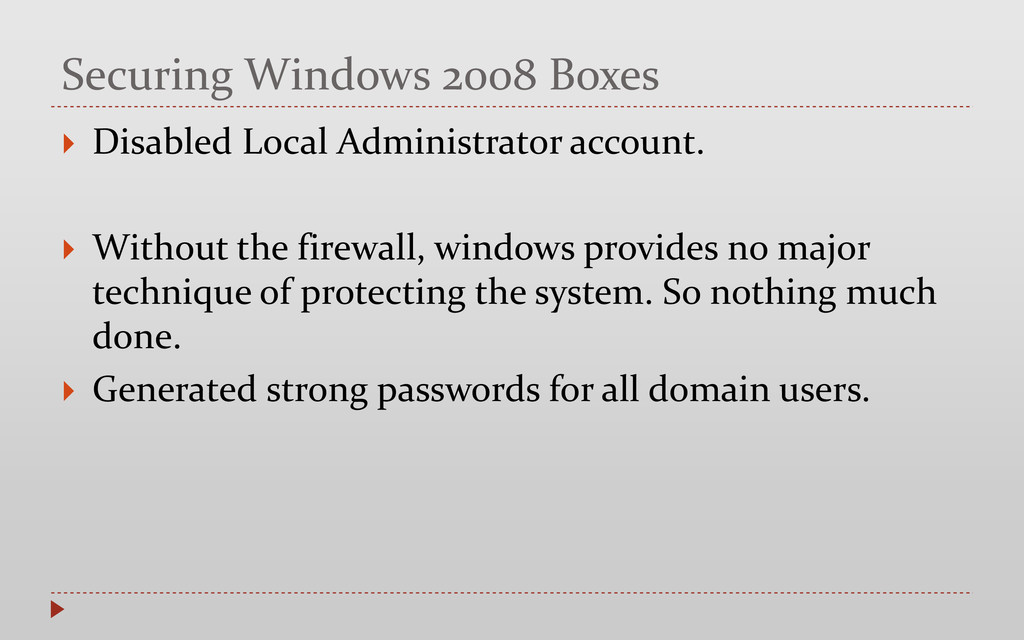
Without the firewall, windows provides no major technique of protecting the system. So nothing much done. Generated strong passwords for all domain users.
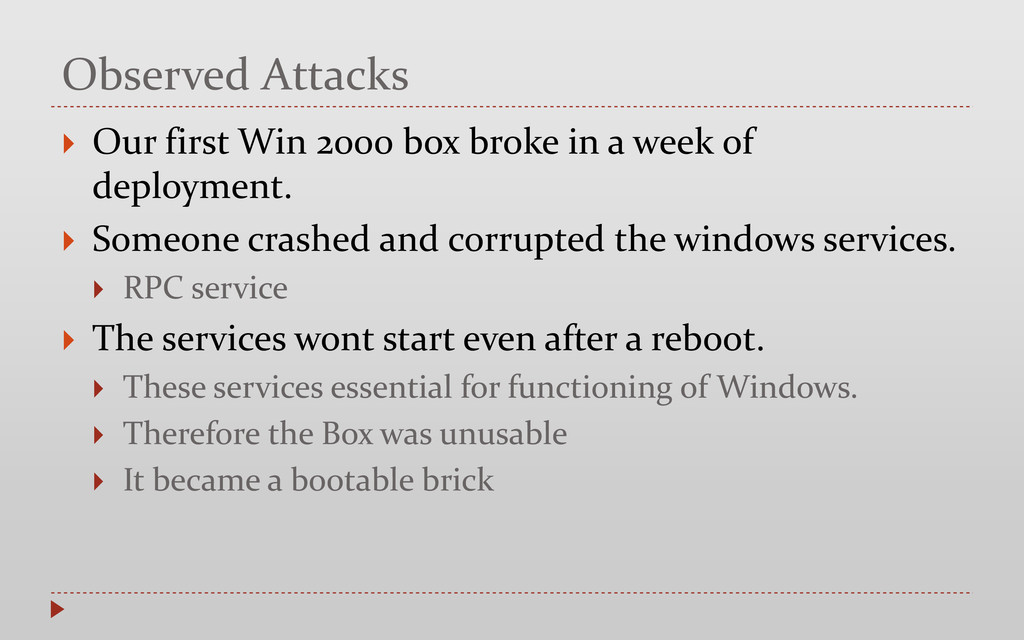
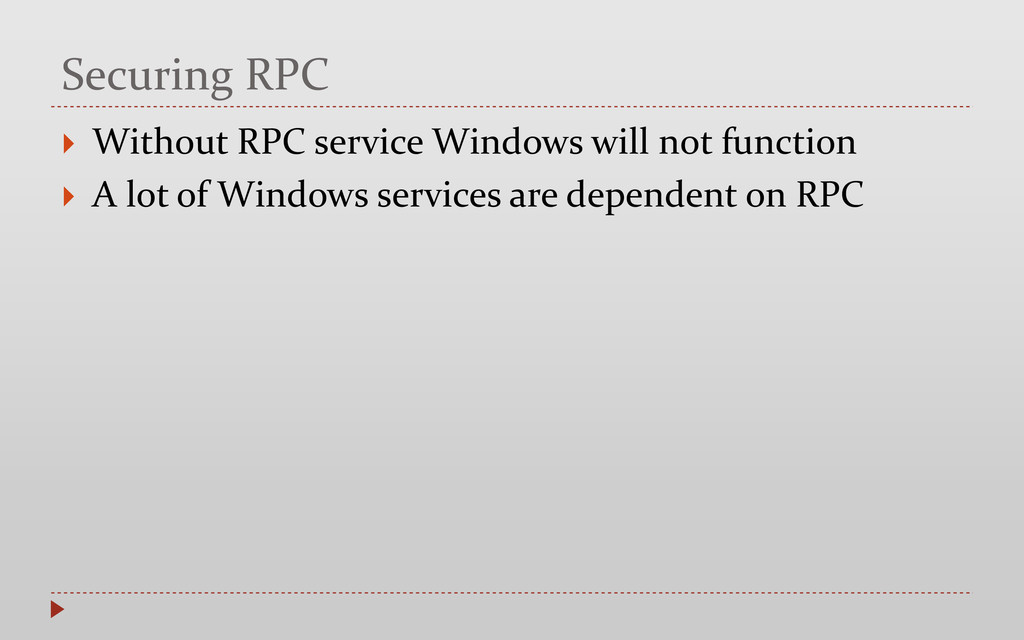
a week of deployment. Someone crashed and corrupted the windows services. RPC service The services wont start even after a reboot. These services essential for functioning of Windows. Therefore the Box was unusable It became a bootable brick
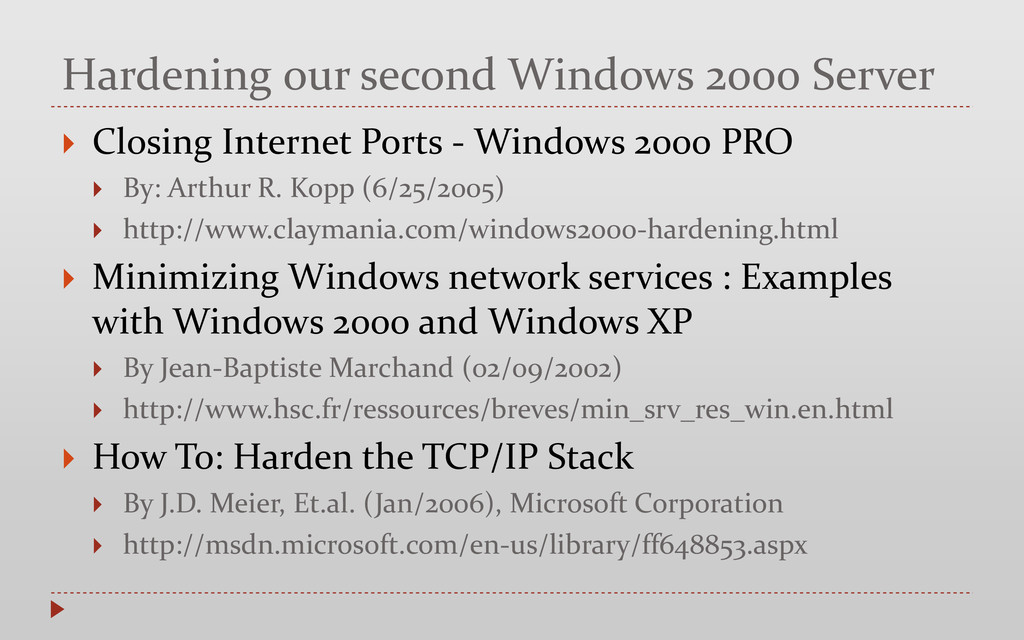
- Windows 2000 PRO By: Arthur R. Kopp (6/25/2005) http://www.claymania.com/windows2000-hardening.html Minimizing Windows network services : Examples with Windows 2000 and Windows XP By Jean-Baptiste Marchand (02/09/2002) http://www.hsc.fr/ressources/breves/min_srv_res_win.en.html How To: Harden the TCP/IP Stack By J.D. Meier, Et.al. (Jan/2006), Microsoft Corporation http://msdn.microsoft.com/en-us/library/ff648853.aspx
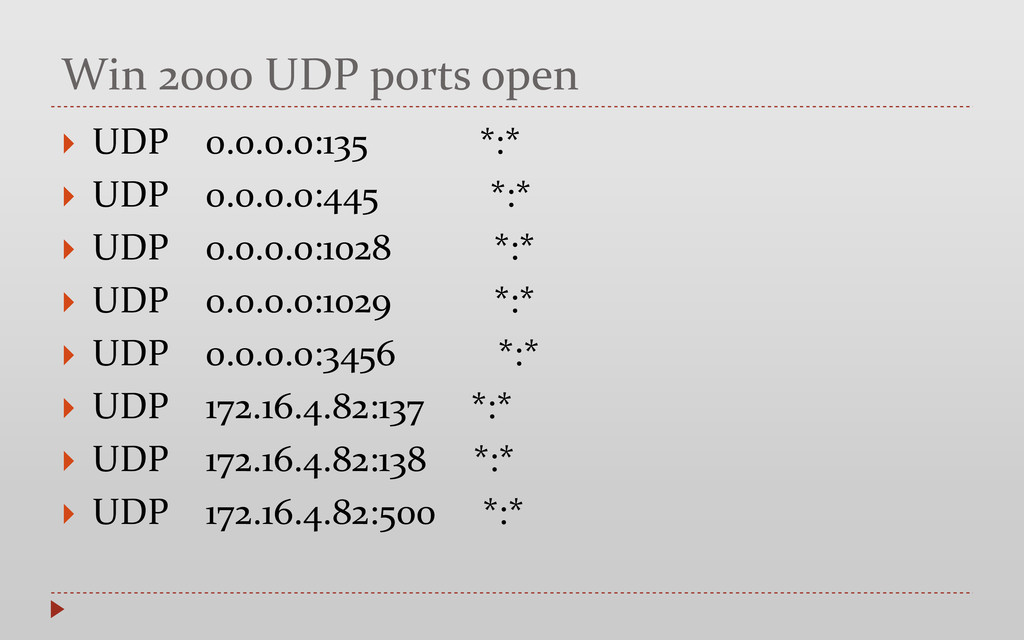
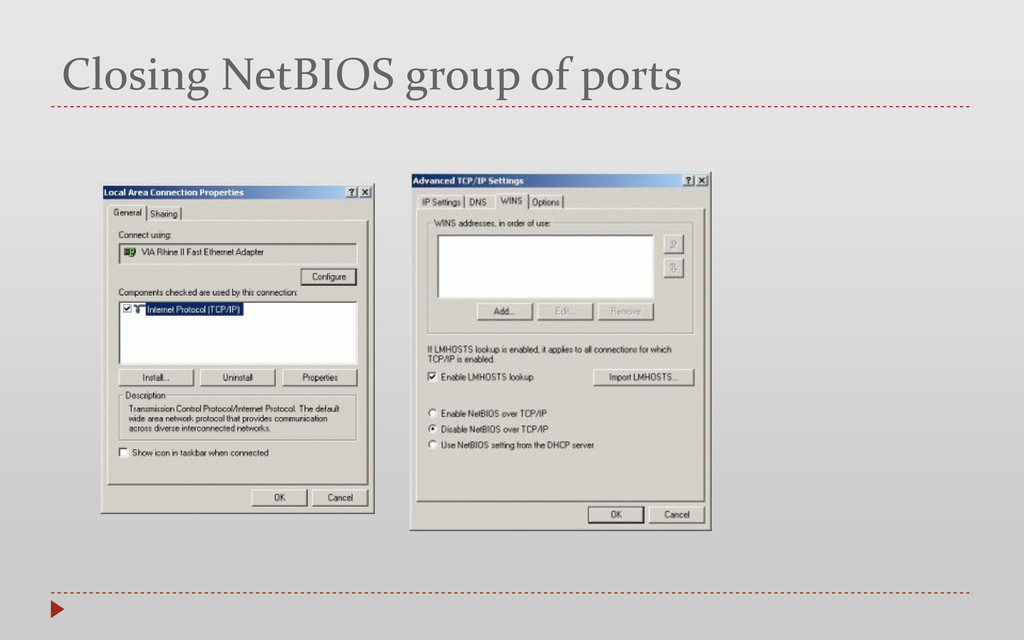
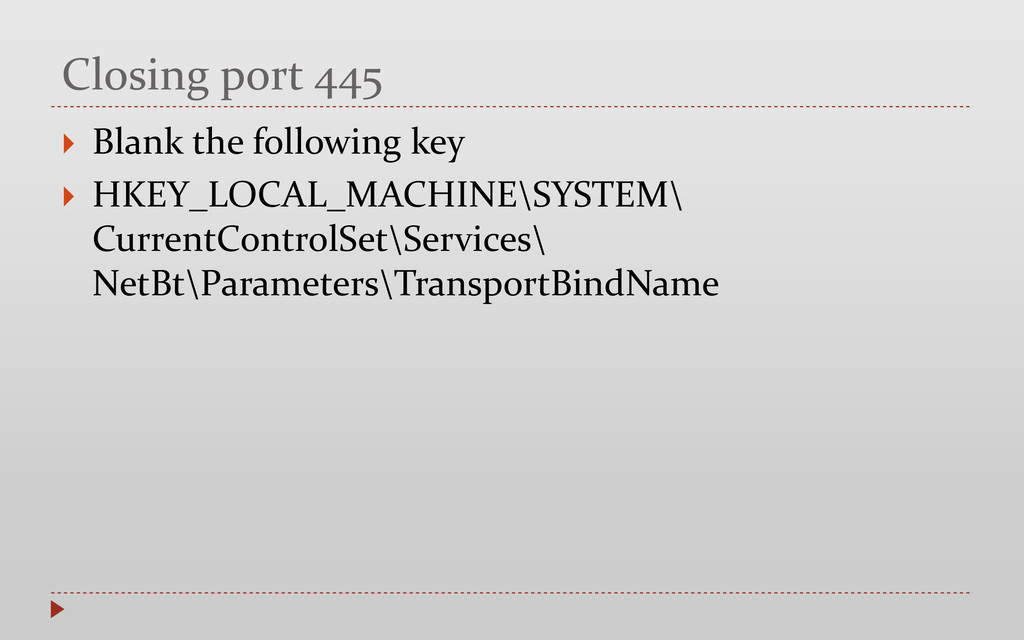
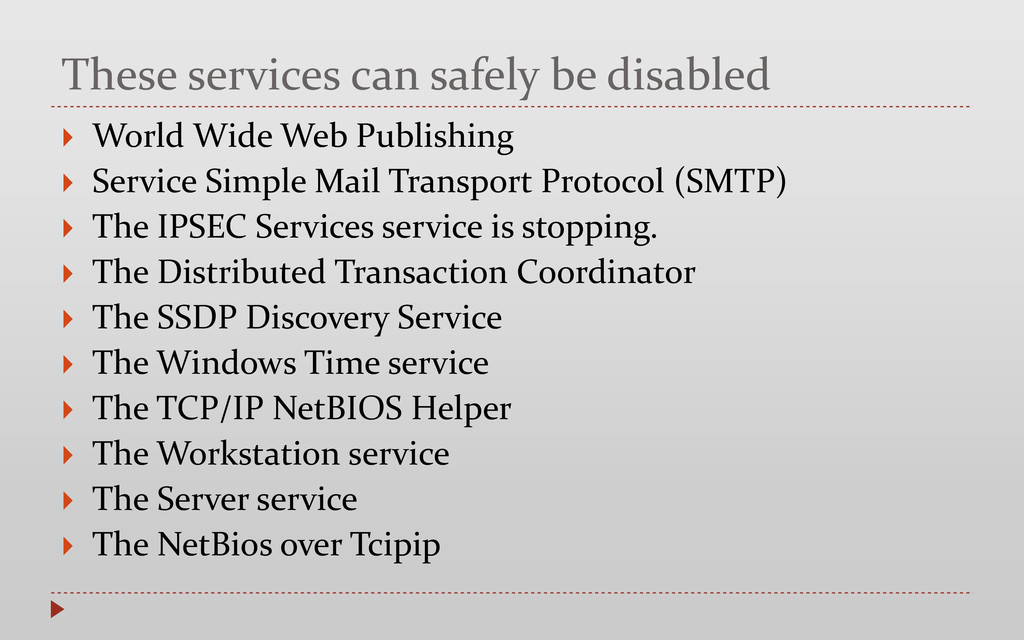
Publishing Service Simple Mail Transport Protocol (SMTP) The IPSEC Services service is stopping. The Distributed Transaction Coordinator The SSDP Discovery Service The Windows Time service The TCP/IP NetBIOS Helper The Workstation service The Server service The NetBios over Tcipip
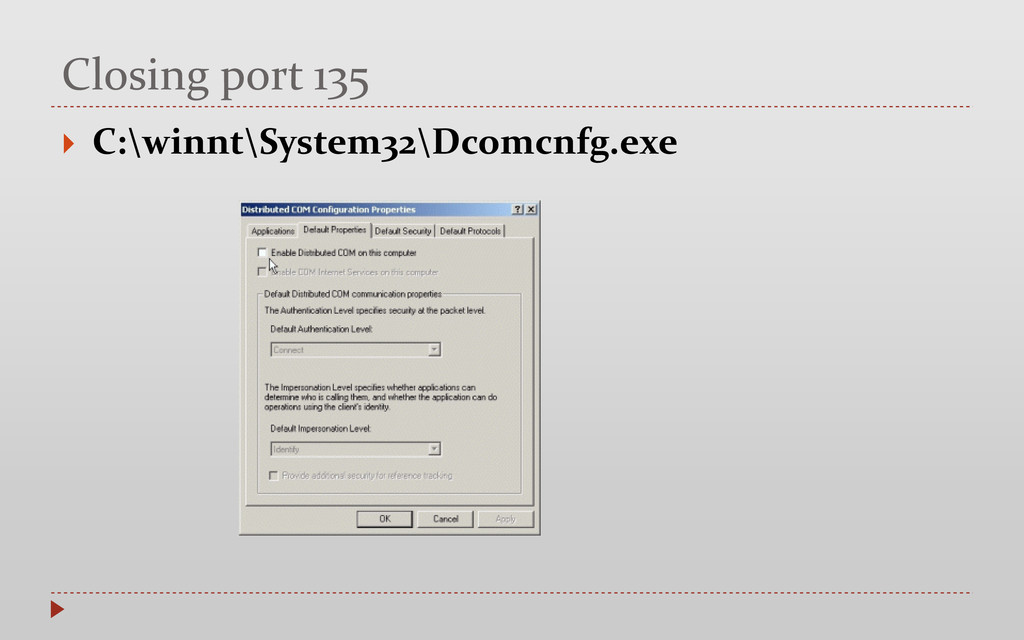
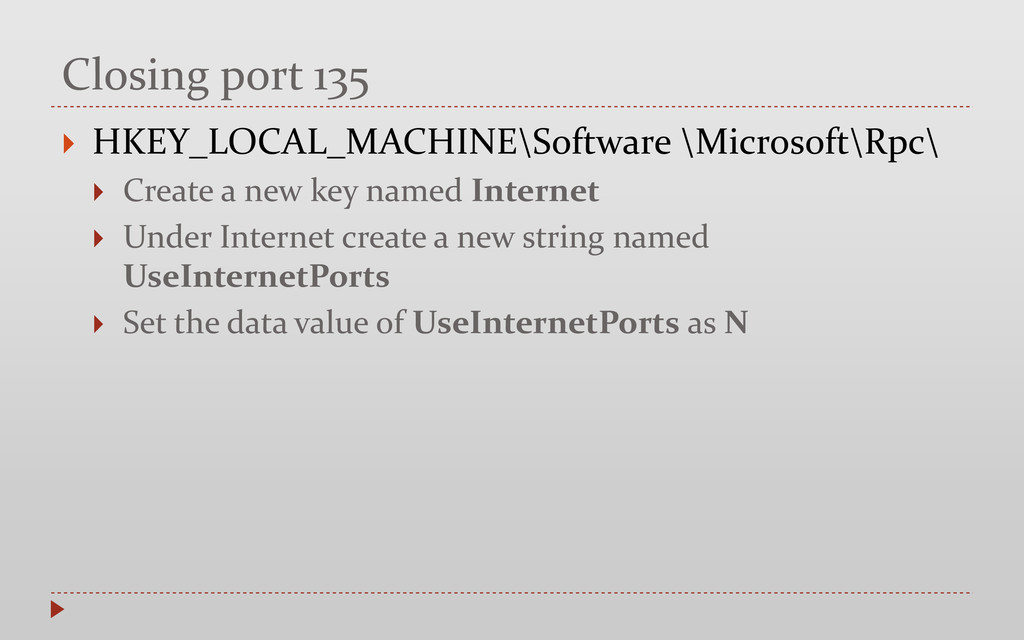
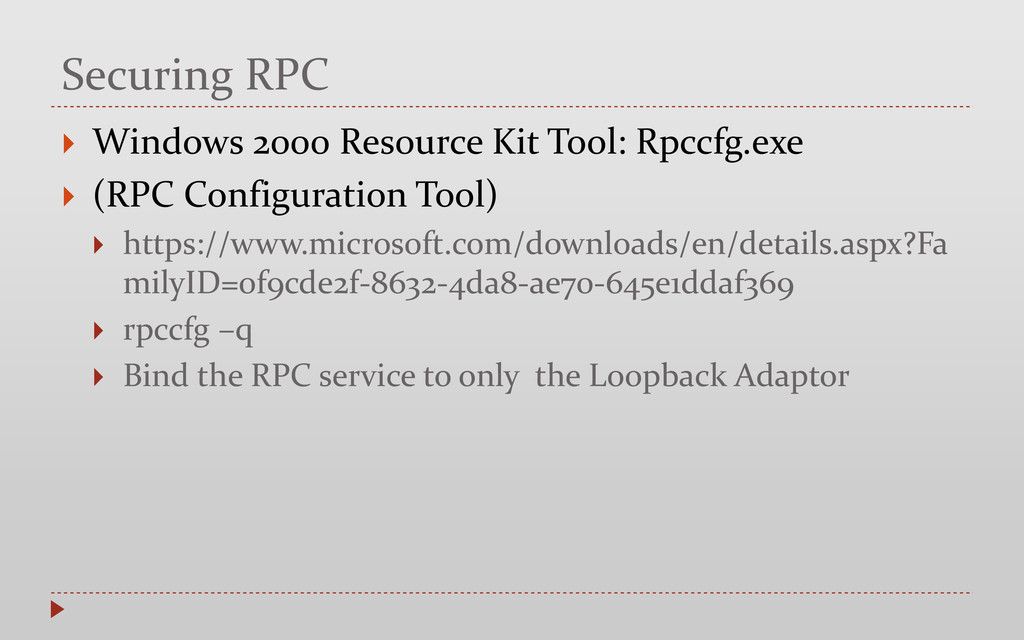
(RPC Configuration Tool) https://www.microsoft.com/downloads/en/details.aspx?Fa milyID=0f9cde2f-8632-4da8-ae70-645e1ddaf369 rpccfg –q Bind the RPC service to only the Loopback Adaptor
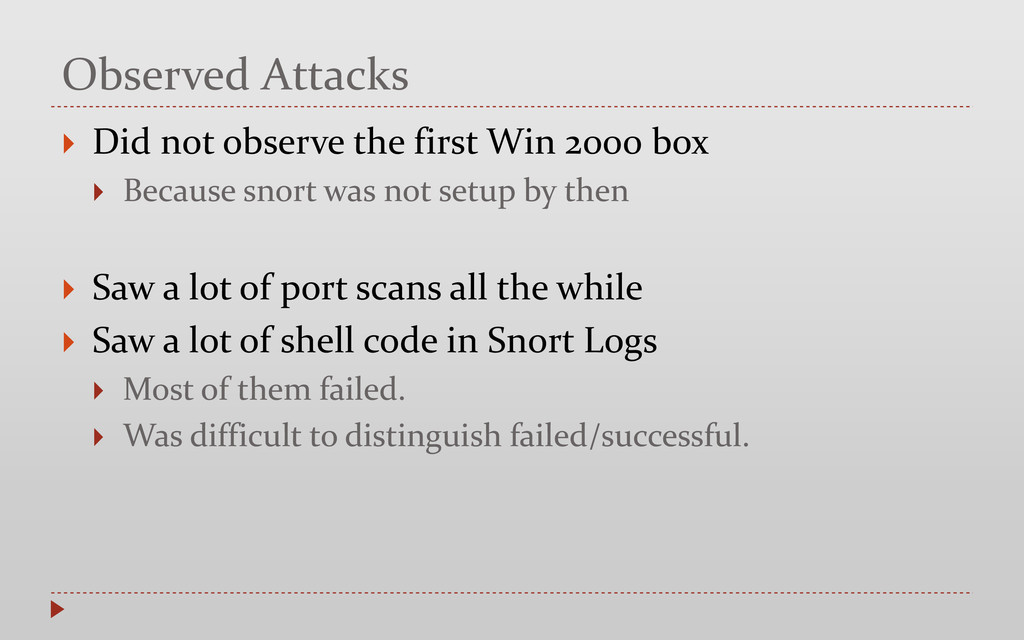
box Because snort was not setup by then Saw a lot of port scans all the while Saw a lot of shell code in Snort Logs Most of them failed. Was difficult to distinguish failed/successful.
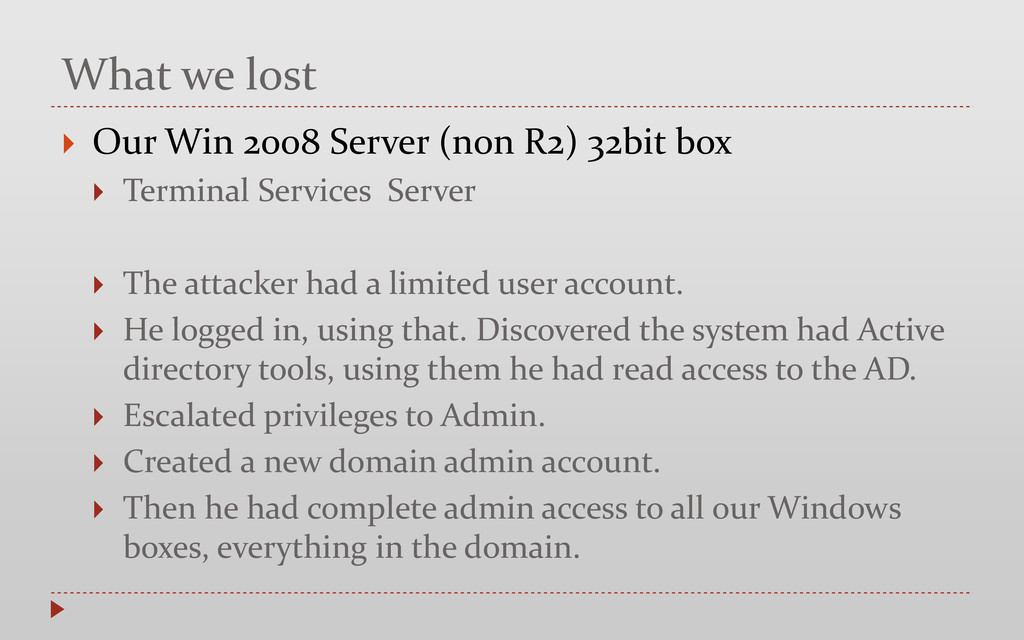
32bit box Terminal Services Server The attacker had a limited user account. He logged in, using that. Discovered the system had Active directory tools, using them he had read access to the AD. Escalated privileges to Admin. Created a new domain admin account. Then he had complete admin access to all our Windows boxes, everything in the domain.
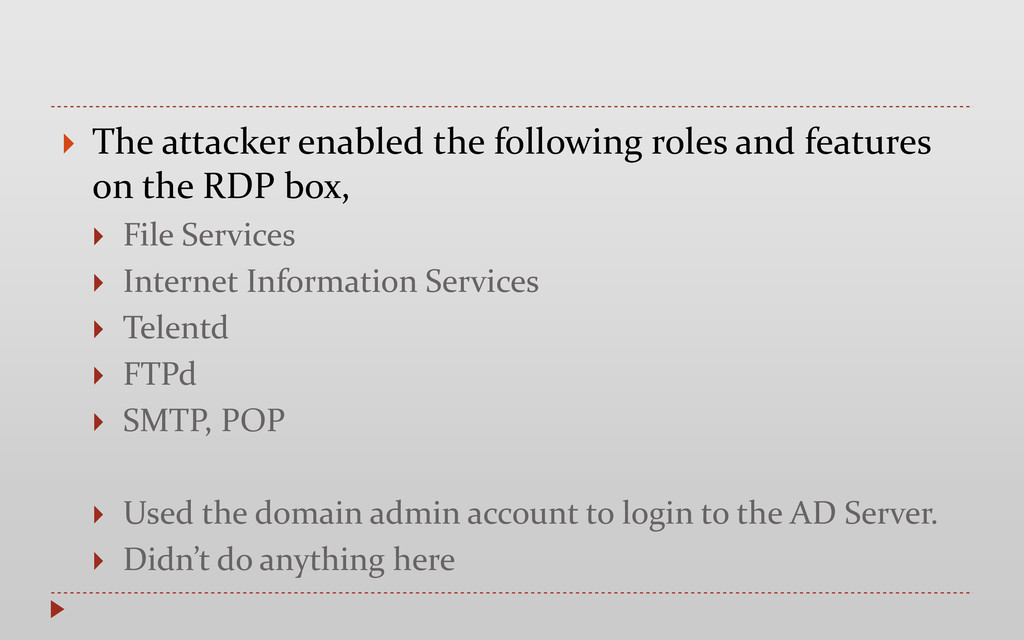
the RDP box, File Services Internet Information Services Telentd FTPd SMTP, POP Used the domain admin account to login to the AD Server. Didn’t do anything here


 vg
 jackojacko_
 staka121
 riyaamemiya
 ryoskdara_
 a_suenami
 tkito
 say_no_w
 amarelo_n24
 knwoop
 butadora
 minorun365
 gokken
 ianozsvald
 inesmontani
 swwweet
 jlugia
 uxyall
 jct
 paigeccino
 aleyda
 bluesmoon
 pauljervisheath
 mongodb
 soudai