Upgrade to Pro — share decks privately, control downloads, hide ads and more …

On-Device AI for Humanity: Building Smarter, Sa...

Sponsored · Your Podcast. Everywhere. Effortlessly. Share. Educate. Inspire. Entertain. You do you. We'll handle the rest.

On-Device AI for Humanity: Building Smarter, Safer, and More Private Mobile Intelligence

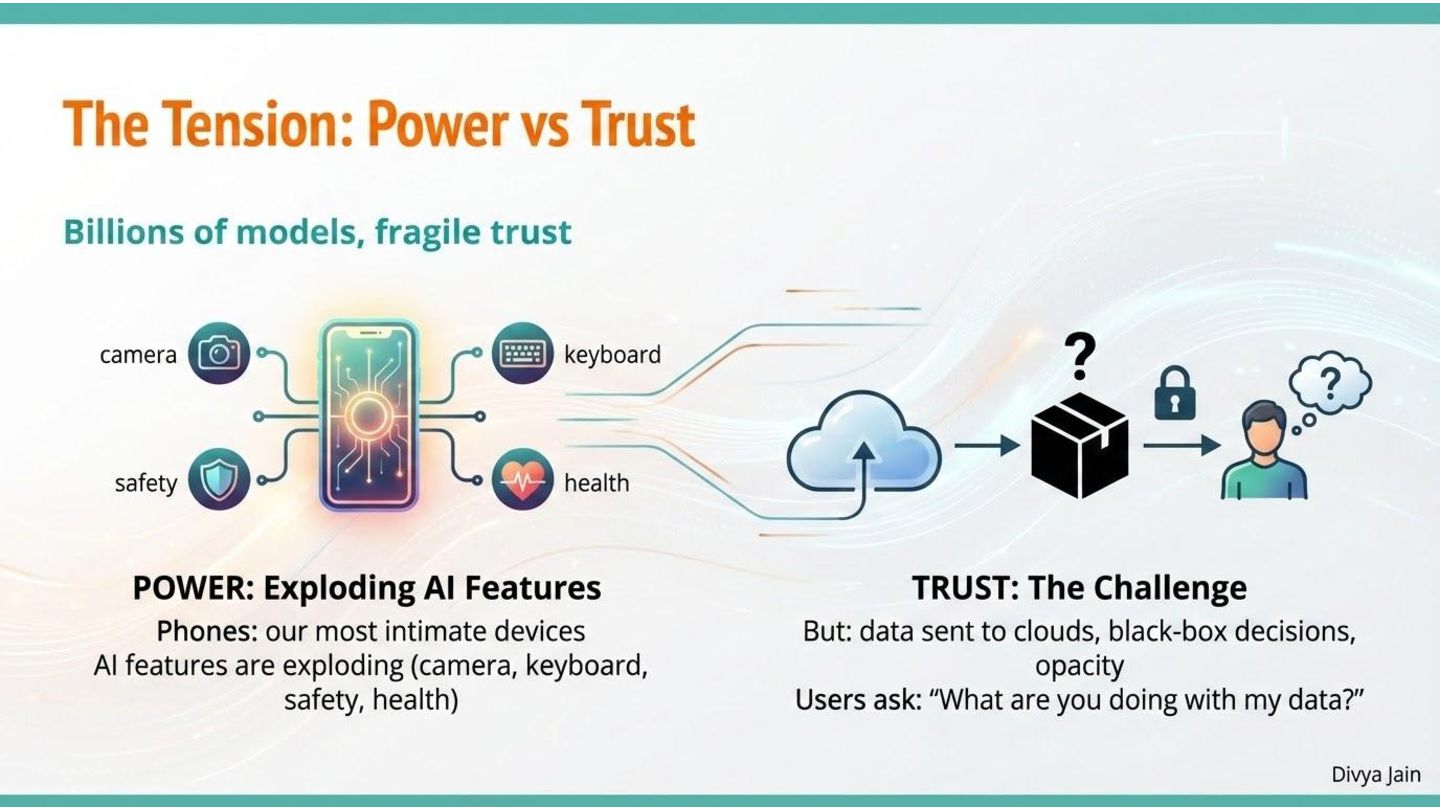
Trying to answer a simple question with huge consequences: if billions of people are already carrying AI in their pockets, who is that intelligence really serving - cloud platforms, or the people holding those phones?
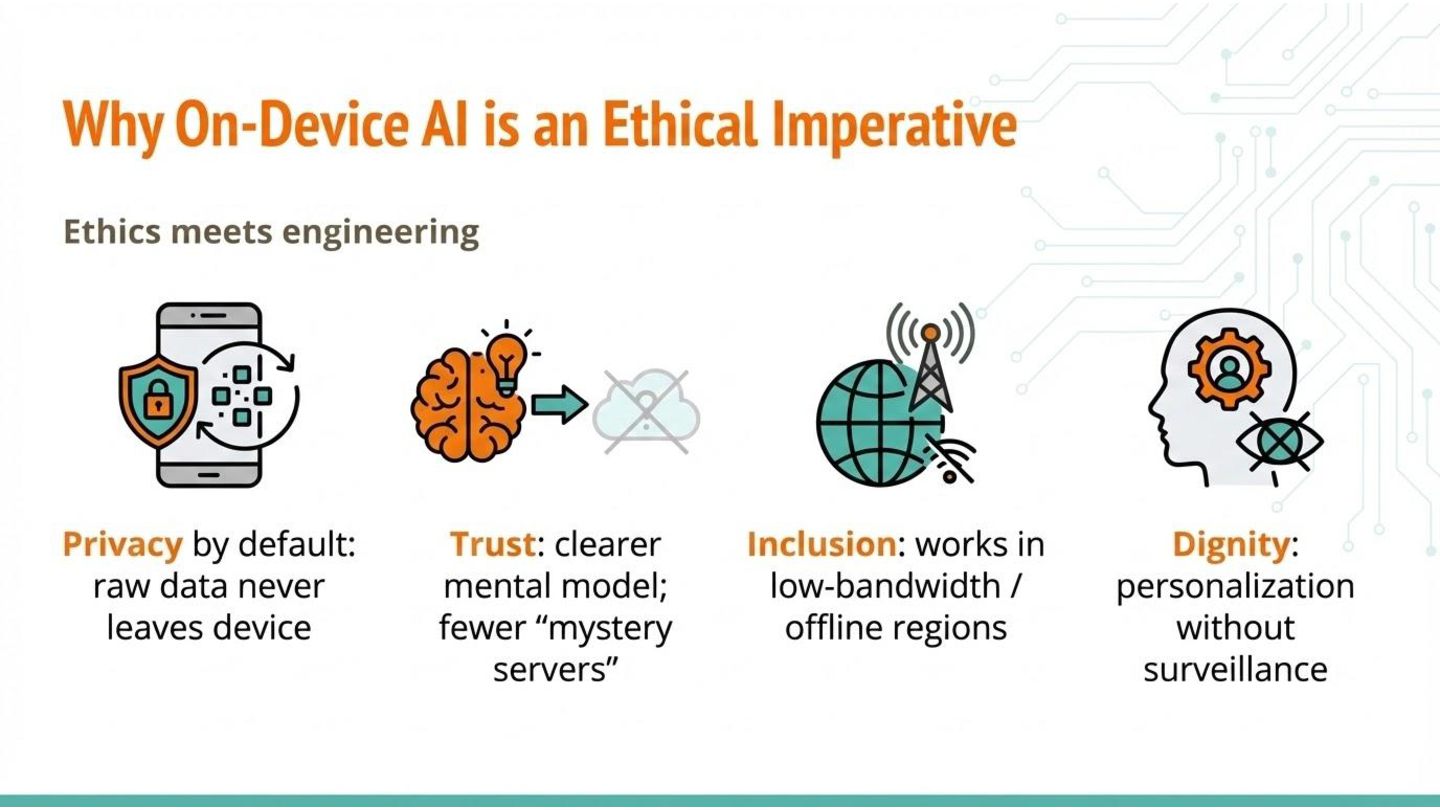
We’ll explore why on-device AI isn’t just a performance optimization; it’s an ethical choice that affects privacy, trust, access, and cost at global scale.

Avatar for Divya Jain

Divya Jain

March 16, 2026
Tweet

More Decks by Divya Jain

Other Decks in Technology

Transcript

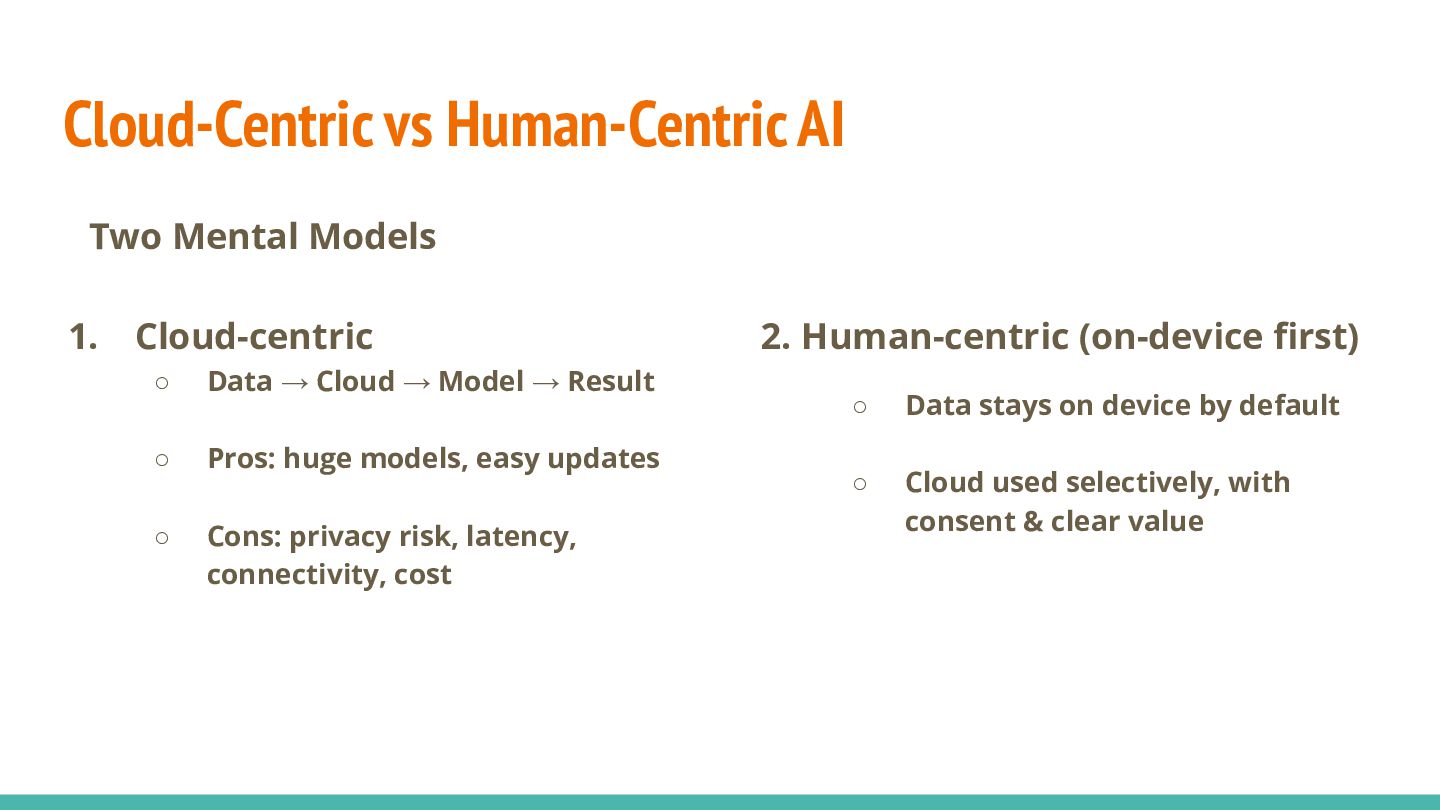
  1. Cloud-Centric vs Human-Centric AI 1. Cloud-centric ◦ Data → Cloud

    → Model → Result ◦ Pros: huge models, easy updates ◦ Cons: privacy risk, latency, connectivity, cost 2. Human-centric (on-device first) ◦ Data stays on device by default ◦ Cloud used selectively, with consent & clear value Two Mental Models
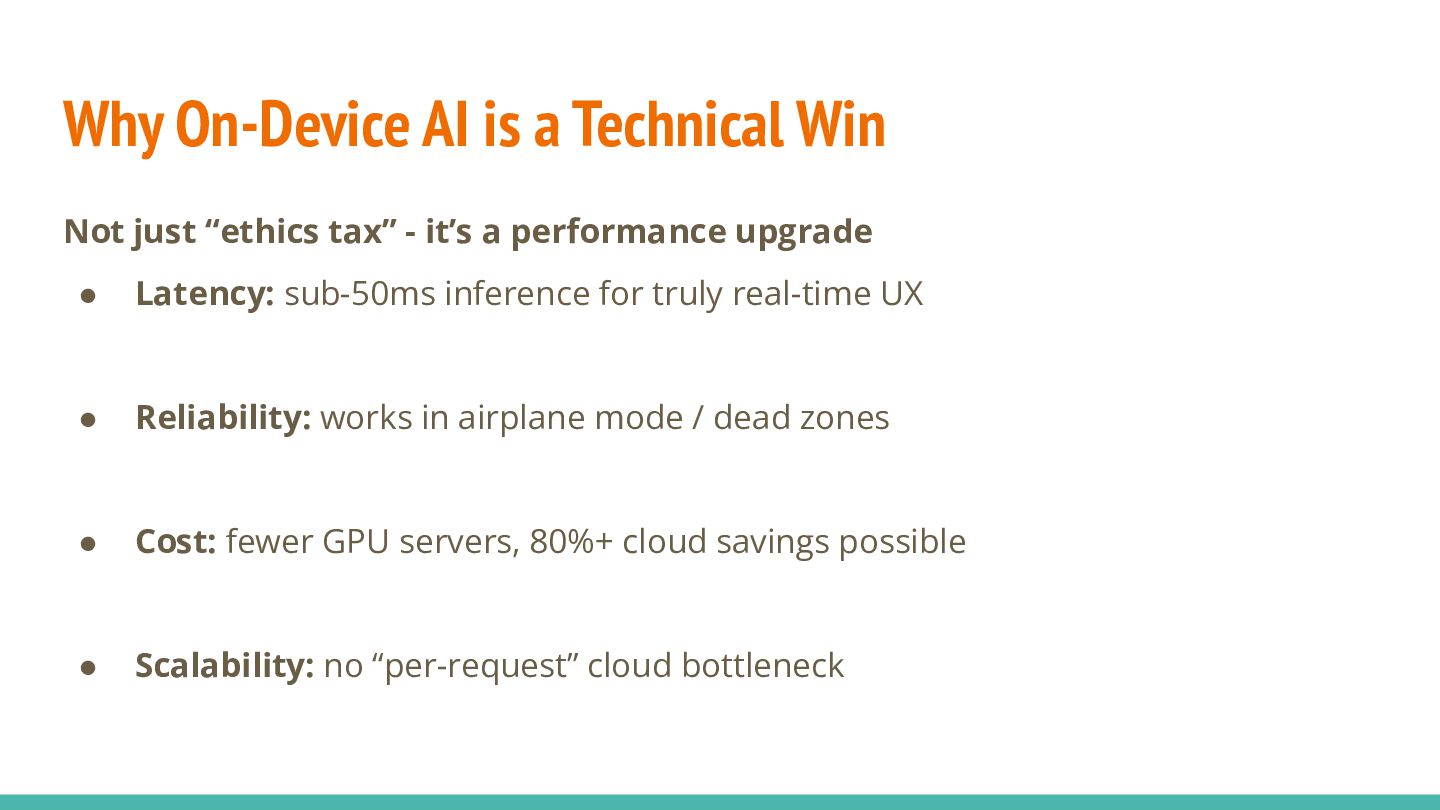
  2. Why On-Device AI is a Technical Win Not just “ethics

    tax” - it’s a performance upgrade • Latency: sub-50ms inference for truly real-time UX • Reliability: works in airplane mode / dead zones • Cost: fewer GPU servers, 80%+ cloud savings possible • Scalability: no “per-request” cloud bottleneck
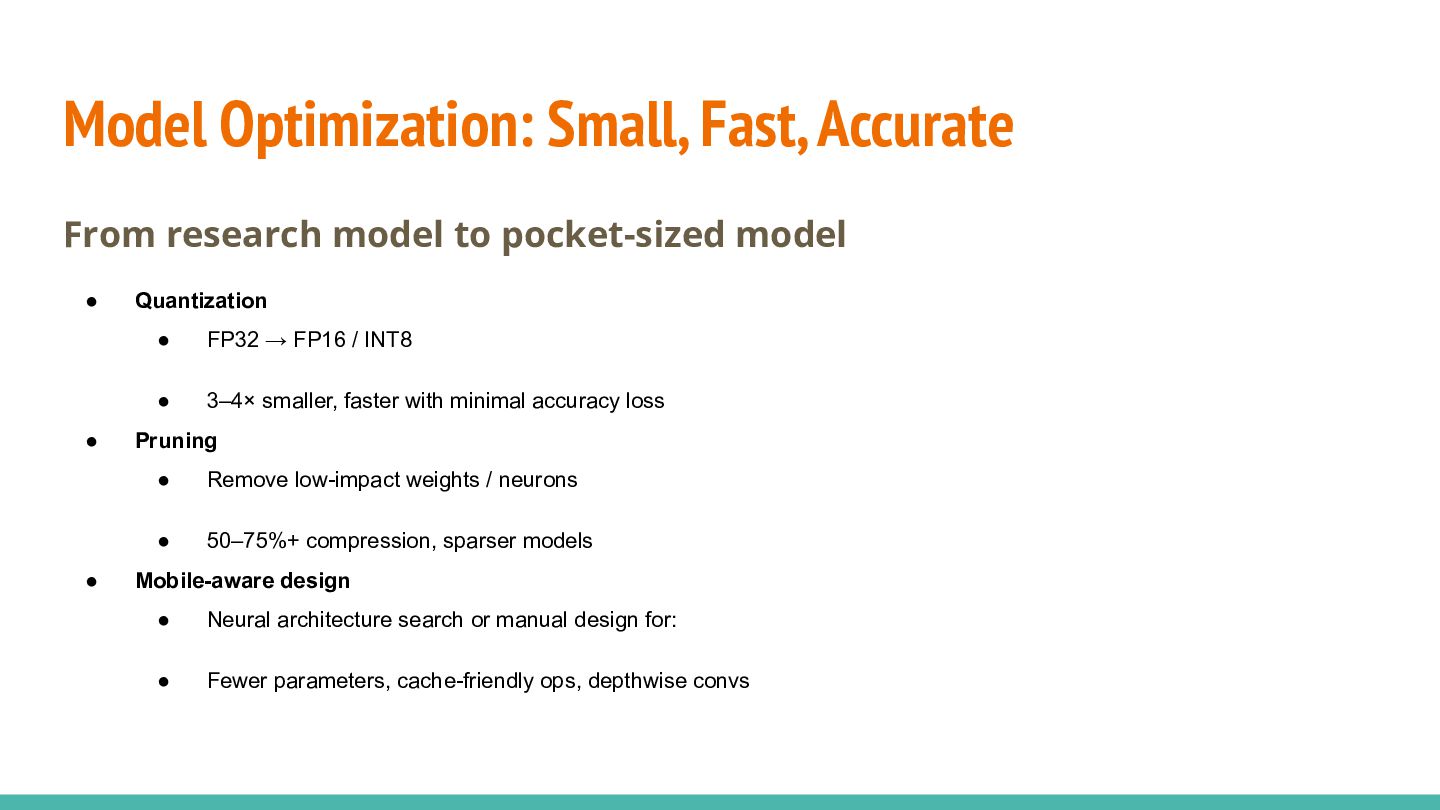
  3. Model Optimization: Small, Fast, Accurate From research model to pocket-sized

    model • Quantization • FP32 → FP16 / INT8 • 3–4× smaller, faster with minimal accuracy loss • Pruning • Remove low-impact weights / neurons • 50–75%+ compression, sparser models • Mobile-aware design • Neural architecture search or manual design for: • Fewer parameters, cache-friendly ops, depthwise convs
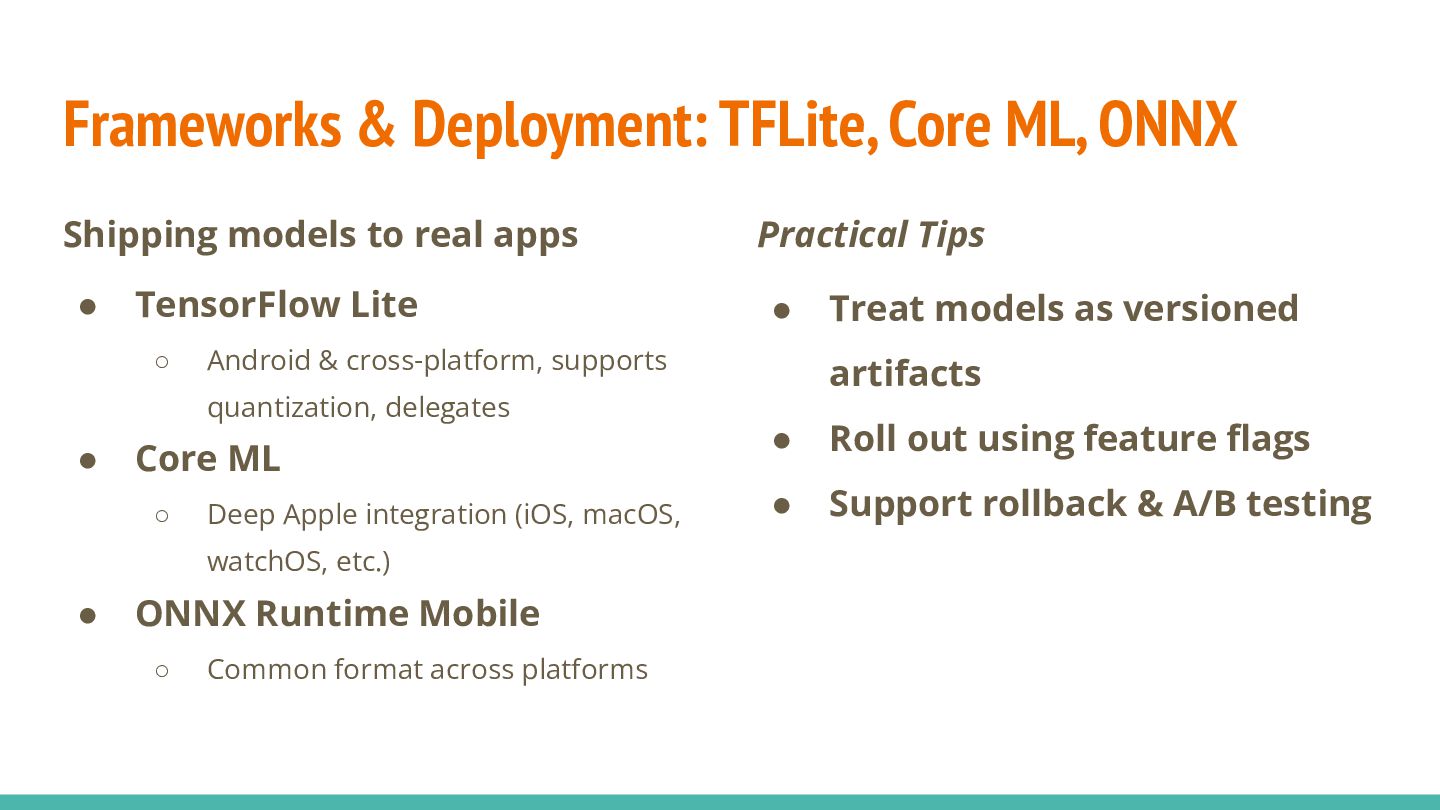
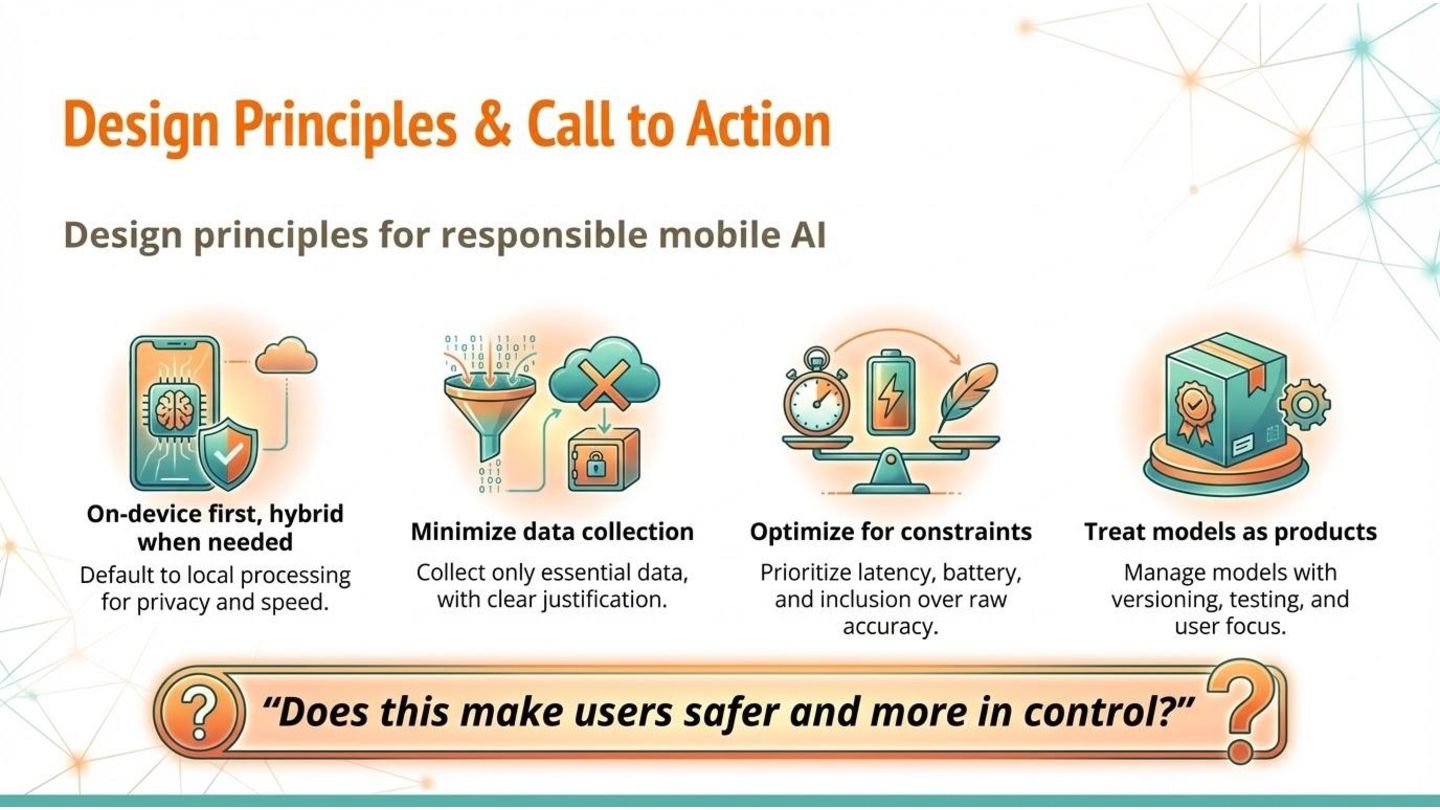
  4. Frameworks & Deployment: TFLite, Core ML, ONNX Shipping models to

    real apps • TensorFlow Lite ◦ Android & cross-platform, supports quantization, delegates • Core ML ◦ Deep Apple integration (iOS, macOS, watchOS, etc.) • ONNX Runtime Mobile ◦ Common format across platforms Practical Tips • Treat models as versioned artifacts • Roll out using feature flags • Support rollback & A/B testing
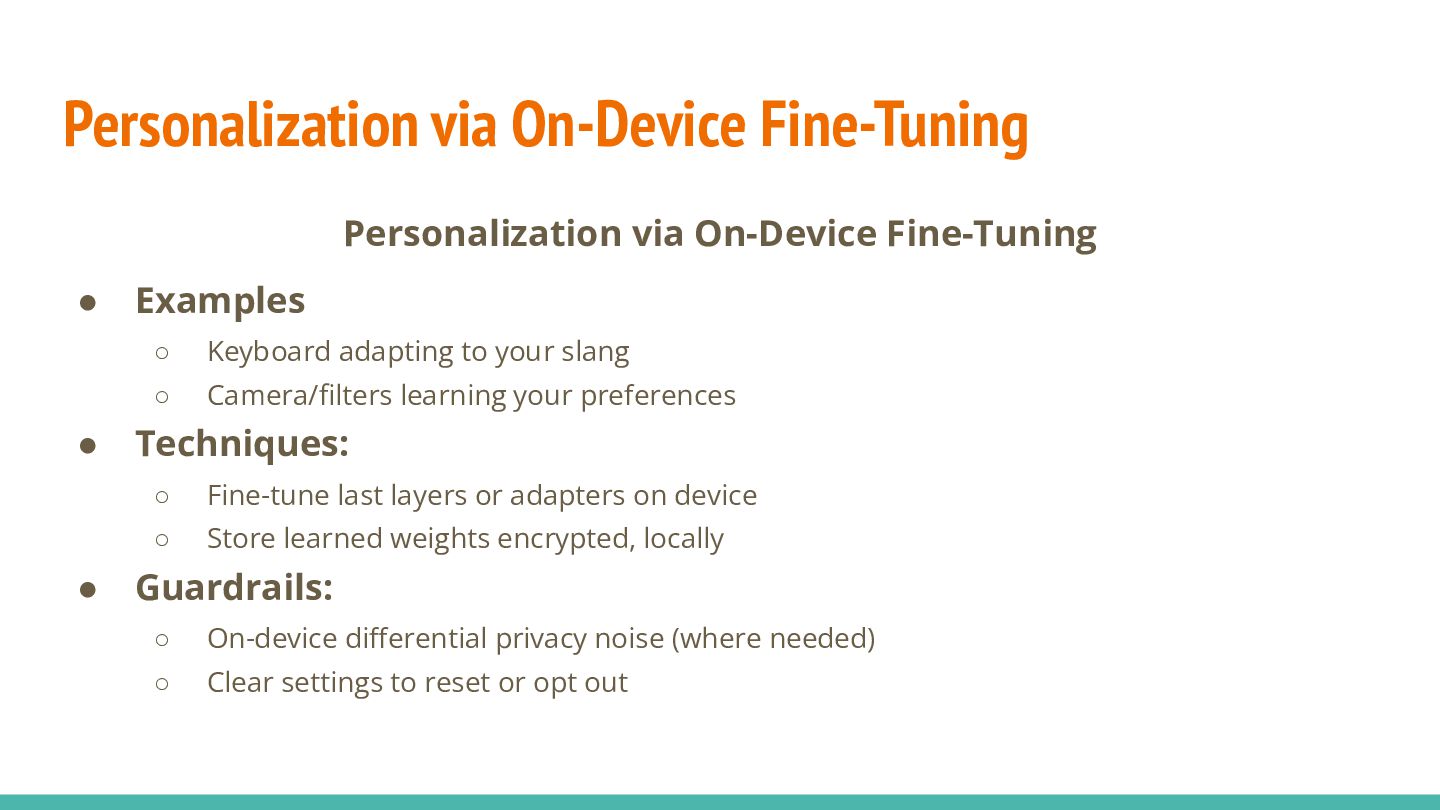
  5. Personalization via On-Device Fine-Tuning Personalization via On-Device Fine-Tuning • Examples

    ◦ Keyboard adapting to your slang ◦ Camera/filters learning your preferences • Techniques: ◦ Fine-tune last layers or adapters on device ◦ Store learned weights encrypted, locally • Guardrails: ◦ On-device differential privacy noise (where needed) ◦ Clear settings to reset or opt out
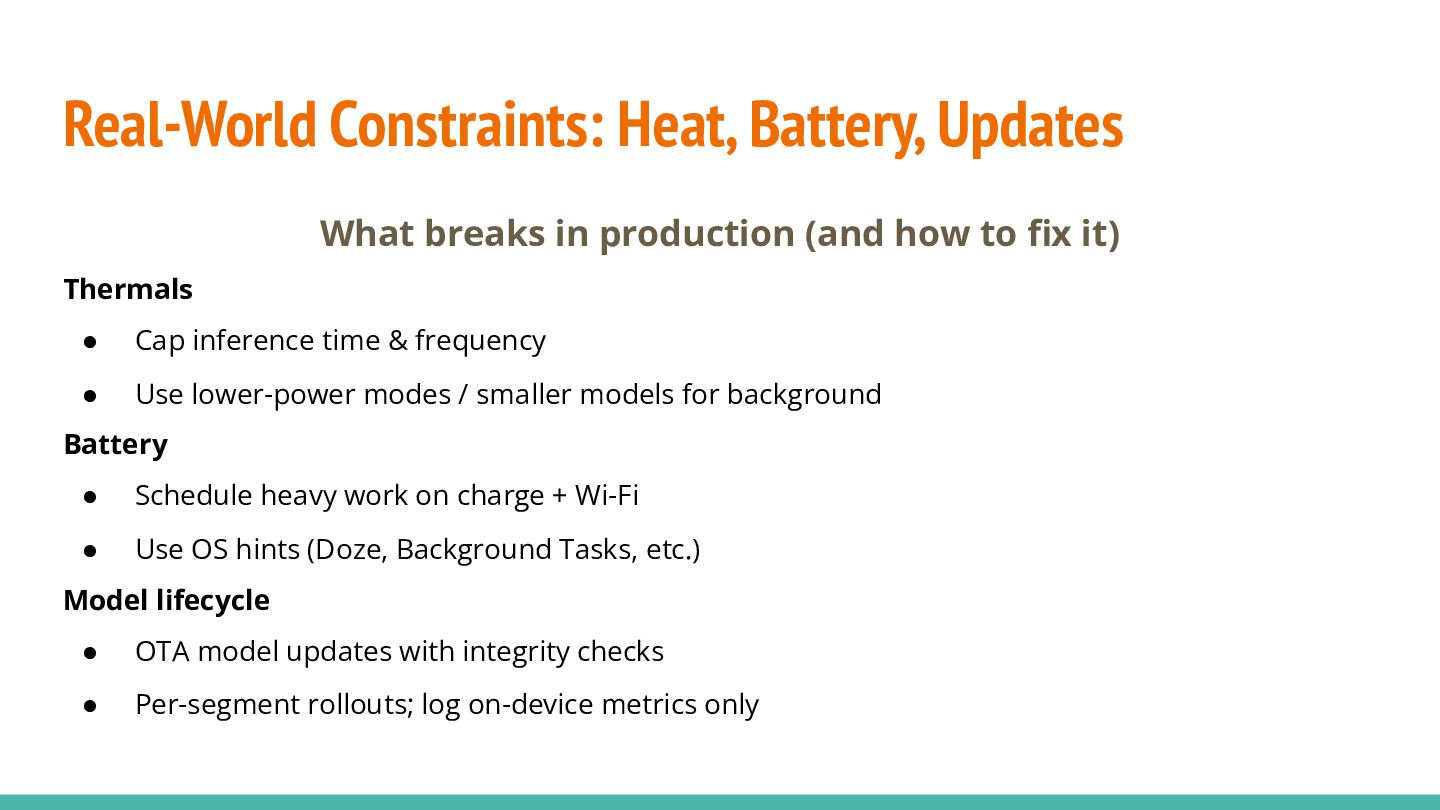
  6. Real-World Constraints: Heat, Battery, Updates What breaks in production (and

    how to fix it) Thermals • Cap inference time & frequency • Use lower-power modes / smaller models for background Battery • Schedule heavy work on charge + Wi-Fi • Use OS hints (Doze, Background Tasks, etc.) Model lifecycle • OTA model updates with integrity checks • Per-segment rollouts; log on-device metrics only